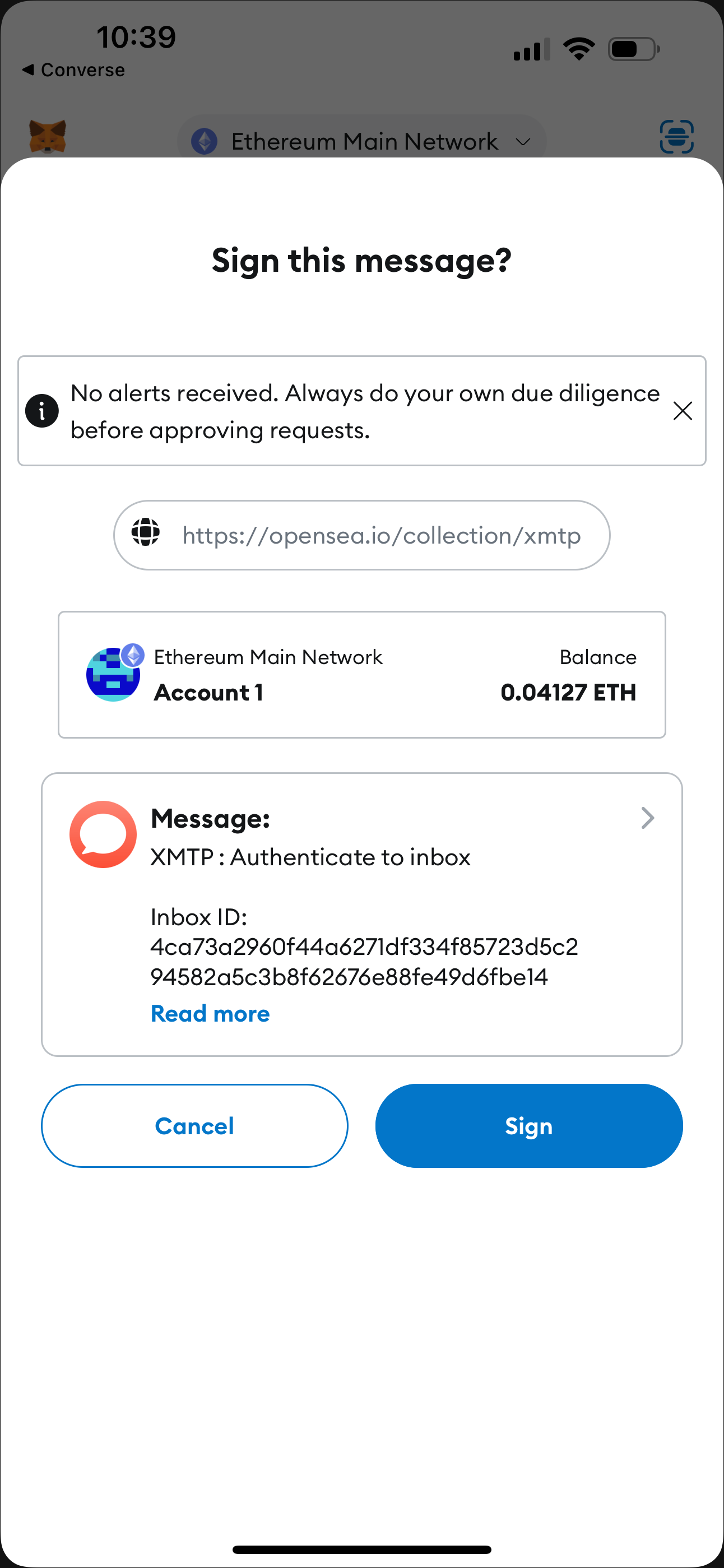
 ### Sign to add another address to your inbox
You can add another wallet address to your inbox at any time. For example, you might have started using an app with one wallet address and now want to use the app with an additional wallet address.
If you decide to add another wallet address to your inbox, a **Sign this message?** window displays to request that you sign an **XMTP : Authenticate to inbox** message. Specifically, the message requests that you sign a **Link address to inbox** message. For example:
```text
- Link address to inbox
(Address: ${ASSOCIATED_ADDRESS})
```
Sign with the wallet address you want to add to grant it access to the inbox. You can now use your inbox to exchange messages using the wallet address you just added.
### Sign to remove address from your inbox
You can remove a wallet address from your inbox at any time.
If you decide to remove a wallet address from your inbox, a **Sign this message?** window displays to request that you sign an **XMTP : Authenticate to inbox** message. Specifically, the message requests that you sign an **Unlink address from inbox** message. For example:
```text
- Unlink address from inbox
(Address: ${ASSOCIATED_ADDRESS})
```
Sign with the wallet address you want to remove to unlink it from your inbox. You can no longer access your inbox using the wallet address you removed.
### Sign to change inbox recovery address
The first time you used an app installation built with XMTP v3, the wallet address you used to create an inbox is automatically set as the inbox recovery address. You can change the recovery address to a different wallet address at any time.
If you decide to change the recovery address, a **Sign this message?** window displays to request that you sign an **XMTP : Authenticate to inbox** message. Specifically, the message requests that you sign a **Change inbox recovery address** message. For example:
```text
- Change inbox recovery address
(Address: ${NEW_RECOVERY_ADDRESS})
```
Sign with the wallet address you want to set as the recovery address to change the recovery address.
## Topics with XMTP
This document describes the concept of **topics** on the XMTP network. Topics are used to address and route [envelopes](/protocol/envelope-types), forming the backbone of the XMTP pub/sub messaging system.
While XMTP SDKs manage topic subscriptions automatically, understanding them can be helpful for protocol-level development, debugging, and building services like push notification servers.
### Topic naming convention
XMTP topics follow a standardized format that indicates the protocol version, message type, and a unique identifier. The general structure is:
`/xmtp/mls/1/{topic-type}-{identifier}/proto`
* `/xmtp/mls/1/`: The protocol namespace, indicating XMTP with MLS, version 1.
* `{topic-type}`: A single letter representing the purpose of the topic (for example, `g` for group, `w` for welcome).
* `{identifier}`: A unique ID for the specific conversation or installation.
* `/proto`: The payload serialization format.
### Core topics in XMTP
XMTP uses two primary topic types for delivering messages.
#### Group message topic
The group message topic is used to send and receive messages within a specific conversation (both 1:1 DMs and group chats). Each conversation has its own unique topic.
* **Format**: `/xmtp/mls/1/g-$conversationId/proto`
* **Envelope**: [Group message envelope](/protocol/envelope-types#group-message-envelope)
* **Purpose**: Carries all ongoing communication for a conversation, including [application messages](/protocol/envelope-types#application-messages) (text, reactions, etc.) and [commit messages](/protocol/envelope-types#commit-messages) that modify the group state.
* **Usage**: When an app wants to receive messages for a conversation, it subscribes to this topic. The `conversation.topic` property in the SDKs provides this value.
> \*\*Note on [DM stitching](/chat-apps/push-notifs/understand-push-notifs#understand-dm-stitching-and-push-notifications): For direct messages, multiple underlying conversations might be "stitched" together in the UI. For push notifications to be reliable, an app must subscribe to the group message topic for each of these underlying conversations.
#### Welcome message topic
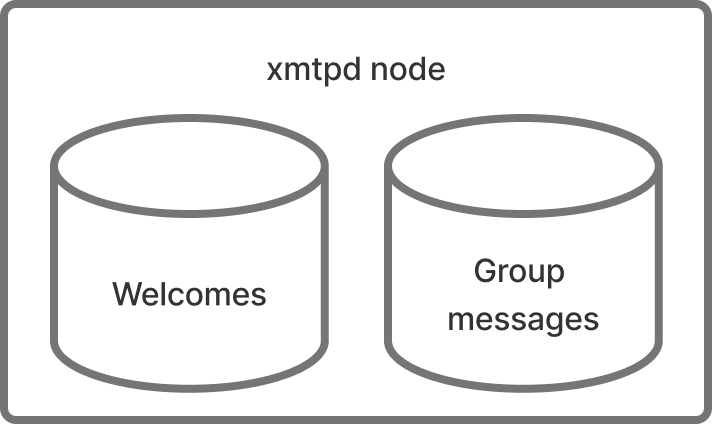
The welcome message topic is used to deliver a `Welcome` message to a new member of a group. This message bootstraps the new member, providing them with the group's state so they can participate.
* **Format**: `/xmtp/mls/1/w-$installationId/proto`
* **Envelope**: [Welcome message envelope](/protocol/envelope-types#welcome-message-envelope)
* **Purpose**: To notify a specific app installation that it has been added to a new conversation.
* **Usage**: A push notification server subscribes to an installation's welcome topic to be notified when that installation is invited to a new group chat or DM. The SDKs provide this via methods like `client.welcomeTopic()`.
### How other envelopes are handled
Not all envelope types are broadcast on persistent pub/sub topics.
* **[Key package envelopes](/protocol/envelope-types#key-package-envelope)**: These are not sent over a topic. Instead, they are published to a network-level store where they can be retrieved by other clients who need to start a conversation or add a new member to a group.
* **[Identity update envelopes](/protocol/envelope-types#identity-update-envelope)**: These are also not sent over a topic. They are stored permanently on the XMTP network to ensure the continuity and verifiability of a user's identity across their devices.
## XMTP Improvement Proposals (XIPs)
An XIP is a design document that proposes a new feature or improvement for XMTP or its processes or environment.
XIPs intend to be the primary mechanisms for:
* Proposing new features
* Collecting community technical input on an issue
* Documenting the design decisions that have gone into XMTP
For these reasons, XIPs are a great way to learn about XMTP's newest features and participate in shaping the evolution of the protocol.
To review the latest XIPs, see [Improvement Proposals](https://community.xmtp.org/c/xips/xip-drafts/53).
To learn more about XIPs and how to participate in the process, including authoring an XIP of your own, see [XIP purpose, process, and guidelines](https://github.com/xmtp/XIPs/blob/main/XIPs/xip-0-purpose-process.md).
## FAQ about the XMTP network
### Is the XMTP network decentralized?
A testnet of the decentralized XMTP network was launched in early December 2024.
All of the nodes in the `dev` and `production` XMTP network environments are still operated by [XMTP Labs](https://xmtplabs.com/) (the company) and powered by [xmtp-node-go](https://github.com/xmtp/xmtp-node-go).
These nodes in the `dev` and `production` XMTP network environments operate in US jurisdiction in compliance with Office of Foreign Assets Control (OFAC) sanctions and Committee on Foreign Investment in the United States (CFIUS) export compliance regulations. Accordingly, IP-based geoblocking is in place for the following countries/territories:
* Cuba
* Iran
* North Korea
* Syria
* The Crimea, Donetsk People's Republic, and Luhansk People's Republic regions of Ukraine
### Is XMTP a blockchain?
The Testnet of the decentralized XMTP network includes two distributed systems:
* The XMTP Broadcast Network
* The XMTP App Chain, which is an L3 blockchain securing all metadata that require strict ordering.
To learn more, see [Decentralizing XMTP](https://xmtp.org/decentralization).
The `dev` and `production` XMTP network environments do not use a blockchain. Nodes in these networks run software to store and transfer messages between blockchain accounts. For secure and reliable delivery of messages, the nodes participate in a consensus mechanism.
### Will I be able to run my own XMTP node?
At this time, not everyone will be able to run an XMTP node in the production decentralized XMTP network.
To learn more, see [XIP-54: XMTP network node operator qualification criteria](https://community.xmtp.org/t/xip-54-xmtp-network-node-operator-qualification-criteria/868).
### Does XMTP have a token?
XMTP does not currently have a token. Disregard any information regarding airdrops or token sales. If and when an official token is introduced, announcements will be made exclusively through XMTP's official channels.
## XMTP Testnet nodes
For real-time statuses of nodes in the XMTP Testnet, see [XMTP Node Status](https://status.testnet.xmtp-partners.xyz/).
The following table lists nodes participating in the XMTP Testnet:
| | Node operator | Node address |
| -- | --------------------------- | --------------------------------------------- |
| 1 | Artifact Capital | xmtp.artifact.systems:443 |
| 2 | Crystal One | xmtp.node-op.com:443 |
| 3 | Emerald Onion | xmtp.disobey.net:443 |
| 4 | Encapsulate | lb.validator.xmtp.testnet.encapsulate.xyz:443 |
| 5 | Ethereum Name Service (ENS) | grpc.ens-xmtp.com:443 |
| 6 | Laminated Labs | xmtp.validators.laminatedlabs.net:443 |
| 7 | Next.id | xmtp.nextnext.id:443 |
| 8 | Nodle | xmtpd.nodleprotocol.io:443 |
| 9 | XMTP Labs | grpc.testnet.xmtp.network:443 |
| 10 | XMTP Labs | grpc2.testnet.xmtp.network:443 |
Here is a map of these node locations:
### Sign to add another address to your inbox
You can add another wallet address to your inbox at any time. For example, you might have started using an app with one wallet address and now want to use the app with an additional wallet address.
If you decide to add another wallet address to your inbox, a **Sign this message?** window displays to request that you sign an **XMTP : Authenticate to inbox** message. Specifically, the message requests that you sign a **Link address to inbox** message. For example:
```text
- Link address to inbox
(Address: ${ASSOCIATED_ADDRESS})
```
Sign with the wallet address you want to add to grant it access to the inbox. You can now use your inbox to exchange messages using the wallet address you just added.
### Sign to remove address from your inbox
You can remove a wallet address from your inbox at any time.
If you decide to remove a wallet address from your inbox, a **Sign this message?** window displays to request that you sign an **XMTP : Authenticate to inbox** message. Specifically, the message requests that you sign an **Unlink address from inbox** message. For example:
```text
- Unlink address from inbox
(Address: ${ASSOCIATED_ADDRESS})
```
Sign with the wallet address you want to remove to unlink it from your inbox. You can no longer access your inbox using the wallet address you removed.
### Sign to change inbox recovery address
The first time you used an app installation built with XMTP v3, the wallet address you used to create an inbox is automatically set as the inbox recovery address. You can change the recovery address to a different wallet address at any time.
If you decide to change the recovery address, a **Sign this message?** window displays to request that you sign an **XMTP : Authenticate to inbox** message. Specifically, the message requests that you sign a **Change inbox recovery address** message. For example:
```text
- Change inbox recovery address
(Address: ${NEW_RECOVERY_ADDRESS})
```
Sign with the wallet address you want to set as the recovery address to change the recovery address.
## Topics with XMTP
This document describes the concept of **topics** on the XMTP network. Topics are used to address and route [envelopes](/protocol/envelope-types), forming the backbone of the XMTP pub/sub messaging system.
While XMTP SDKs manage topic subscriptions automatically, understanding them can be helpful for protocol-level development, debugging, and building services like push notification servers.
### Topic naming convention
XMTP topics follow a standardized format that indicates the protocol version, message type, and a unique identifier. The general structure is:
`/xmtp/mls/1/{topic-type}-{identifier}/proto`
* `/xmtp/mls/1/`: The protocol namespace, indicating XMTP with MLS, version 1.
* `{topic-type}`: A single letter representing the purpose of the topic (for example, `g` for group, `w` for welcome).
* `{identifier}`: A unique ID for the specific conversation or installation.
* `/proto`: The payload serialization format.
### Core topics in XMTP
XMTP uses two primary topic types for delivering messages.
#### Group message topic
The group message topic is used to send and receive messages within a specific conversation (both 1:1 DMs and group chats). Each conversation has its own unique topic.
* **Format**: `/xmtp/mls/1/g-$conversationId/proto`
* **Envelope**: [Group message envelope](/protocol/envelope-types#group-message-envelope)
* **Purpose**: Carries all ongoing communication for a conversation, including [application messages](/protocol/envelope-types#application-messages) (text, reactions, etc.) and [commit messages](/protocol/envelope-types#commit-messages) that modify the group state.
* **Usage**: When an app wants to receive messages for a conversation, it subscribes to this topic. The `conversation.topic` property in the SDKs provides this value.
> \*\*Note on [DM stitching](/chat-apps/push-notifs/understand-push-notifs#understand-dm-stitching-and-push-notifications): For direct messages, multiple underlying conversations might be "stitched" together in the UI. For push notifications to be reliable, an app must subscribe to the group message topic for each of these underlying conversations.
#### Welcome message topic
The welcome message topic is used to deliver a `Welcome` message to a new member of a group. This message bootstraps the new member, providing them with the group's state so they can participate.
* **Format**: `/xmtp/mls/1/w-$installationId/proto`
* **Envelope**: [Welcome message envelope](/protocol/envelope-types#welcome-message-envelope)
* **Purpose**: To notify a specific app installation that it has been added to a new conversation.
* **Usage**: A push notification server subscribes to an installation's welcome topic to be notified when that installation is invited to a new group chat or DM. The SDKs provide this via methods like `client.welcomeTopic()`.
### How other envelopes are handled
Not all envelope types are broadcast on persistent pub/sub topics.
* **[Key package envelopes](/protocol/envelope-types#key-package-envelope)**: These are not sent over a topic. Instead, they are published to a network-level store where they can be retrieved by other clients who need to start a conversation or add a new member to a group.
* **[Identity update envelopes](/protocol/envelope-types#identity-update-envelope)**: These are also not sent over a topic. They are stored permanently on the XMTP network to ensure the continuity and verifiability of a user's identity across their devices.
## XMTP Improvement Proposals (XIPs)
An XIP is a design document that proposes a new feature or improvement for XMTP or its processes or environment.
XIPs intend to be the primary mechanisms for:
* Proposing new features
* Collecting community technical input on an issue
* Documenting the design decisions that have gone into XMTP
For these reasons, XIPs are a great way to learn about XMTP's newest features and participate in shaping the evolution of the protocol.
To review the latest XIPs, see [Improvement Proposals](https://community.xmtp.org/c/xips/xip-drafts/53).
To learn more about XIPs and how to participate in the process, including authoring an XIP of your own, see [XIP purpose, process, and guidelines](https://github.com/xmtp/XIPs/blob/main/XIPs/xip-0-purpose-process.md).
## FAQ about the XMTP network
### Is the XMTP network decentralized?
A testnet of the decentralized XMTP network was launched in early December 2024.
All of the nodes in the `dev` and `production` XMTP network environments are still operated by [XMTP Labs](https://xmtplabs.com/) (the company) and powered by [xmtp-node-go](https://github.com/xmtp/xmtp-node-go).
These nodes in the `dev` and `production` XMTP network environments operate in US jurisdiction in compliance with Office of Foreign Assets Control (OFAC) sanctions and Committee on Foreign Investment in the United States (CFIUS) export compliance regulations. Accordingly, IP-based geoblocking is in place for the following countries/territories:
* Cuba
* Iran
* North Korea
* Syria
* The Crimea, Donetsk People's Republic, and Luhansk People's Republic regions of Ukraine
### Is XMTP a blockchain?
The Testnet of the decentralized XMTP network includes two distributed systems:
* The XMTP Broadcast Network
* The XMTP App Chain, which is an L3 blockchain securing all metadata that require strict ordering.
To learn more, see [Decentralizing XMTP](https://xmtp.org/decentralization).
The `dev` and `production` XMTP network environments do not use a blockchain. Nodes in these networks run software to store and transfer messages between blockchain accounts. For secure and reliable delivery of messages, the nodes participate in a consensus mechanism.
### Will I be able to run my own XMTP node?
At this time, not everyone will be able to run an XMTP node in the production decentralized XMTP network.
To learn more, see [XIP-54: XMTP network node operator qualification criteria](https://community.xmtp.org/t/xip-54-xmtp-network-node-operator-qualification-criteria/868).
### Does XMTP have a token?
XMTP does not currently have a token. Disregard any information regarding airdrops or token sales. If and when an official token is introduced, announcements will be made exclusively through XMTP's official channels.
## XMTP Testnet nodes
For real-time statuses of nodes in the XMTP Testnet, see [XMTP Node Status](https://status.testnet.xmtp-partners.xyz/).
The following table lists nodes participating in the XMTP Testnet:
| | Node operator | Node address |
| -- | --------------------------- | --------------------------------------------- |
| 1 | Artifact Capital | xmtp.artifact.systems:443 |
| 2 | Crystal One | xmtp.node-op.com:443 |
| 3 | Emerald Onion | xmtp.disobey.net:443 |
| 4 | Encapsulate | lb.validator.xmtp.testnet.encapsulate.xyz:443 |
| 5 | Ethereum Name Service (ENS) | grpc.ens-xmtp.com:443 |
| 6 | Laminated Labs | xmtp.validators.laminatedlabs.net:443 |
| 7 | Next.id | xmtp.nextnext.id:443 |
| 8 | Nodle | xmtpd.nodleprotocol.io:443 |
| 9 | XMTP Labs | grpc.testnet.xmtp.network:443 |
| 10 | XMTP Labs | grpc2.testnet.xmtp.network:443 |
Here is a map of these node locations:
` in your `index.html` with:
.db3`
*
* - `null`
* No database will be created and all data will be lost once the client disconnects.
*
* - `string`
* The given path will be used to create the database.
* Example: `./my-db.db3`
*
* - `function`
* A callback function that receives the inbox ID and returns a string path.
* Example: `(inboxId) => string`
*/
dbPath?: string | null | ((inboxId: string) => string);
/**
* Encryption key for the local DB (32 bytes)
*
* Accepts either:
* - Uint8Array (32 bytes)
* - Hex string with 0x prefix (64 hex characters representing 32 bytes)
*/
dbEncryptionKey?: Uint8Array | `0x${string}`;
/**
* Enable structured JSON logging
*/
structuredLogging?: boolean;
/**
* Enable performance metrics
*/
performanceLogging?: boolean;
/**
* Logging level
*/
loggingLevel?: 'off' | 'error' | 'warn' | 'info' | 'debug' | 'trace';
/**
* Disable automatic registration when creating a client
*/
disableAutoRegister?: boolean;
/**
* Disable device sync
*/
disableDeviceSync?: boolean;
};
```
```tsx [Node]
import type { ContentCodec } from '@xmtp/content-type-primitives';
import type { LogLevel } from '@xmtp/node-bindings';
type ClientOptions = {
/**
* Specify which XMTP environment to connect to. (default: `dev`)
*/
env?: 'local' | 'dev' | 'production';
/**
* Add a client app version identifier that's included with API requests.
* Production apps are strongly encouraged to set this value.
*
* You can use the following format: `appVersion: 'APP_NAME/APP_VERSION'`.
*
* For example: `appVersion: 'alix/2.x'`
*
* If you have an app and an agent, it's best to distinguish them from each other by
* adding `-app` and `-agent` to the names. For example:
*
* - App: `appVersion: 'alix-app/3.x'`
* - Agent: `appVersion: 'alix-agent/2.x'`
*
* Setting this value provides telemetry that shows which apps are using the
* XMTP client SDK. This information can help XMTP core developers provide you with app
* support, especially around communicating important SDK updates, deprecations,
* and required upgrades.
*/
appVersion?: string;
/**
* apiUrl can be used to override the `env` flag and connect to a
* specific endpoint
*/
apiUrl?: string;
/**
* historySyncUrl can be used to override the `env` flag and connect to a
* specific endpoint for syncing history
*/
historySyncUrl?: string | null;
/**
* Path to the local DB
*
* There are 4 value types that can be used to specify the database path:
*
* - `undefined` (or excluded from the client options)
* The database will be created in the current working directory and is based on
* the XMTP environment and client inbox ID.
* Example: `xmtp-dev-.db3`
*
* - `null`
* No database will be created and all data will be lost once the client disconnects.
*
* - `string`
* The given path will be used to create the database.
* Example: `./my-db.db3`
*
* - `function`
* A callback function that receives the inbox ID and returns a string path.
* Example: `(inboxId) => string`
*/
dbPath?: string | null | ((inboxId: string) => string);
/**
* Encryption key for the local DB (32 bytes)
*
* Accepts either:
* - Uint8Array (32 bytes)
* - Hex string with 0x prefix (64 hex characters representing 32 bytes)
*/
dbEncryptionKey?: Uint8Array | `0x${string}`;
/**
* Allow configuring codecs for additional content types
*/
codecs?: ContentCodec[];
/**
* Enable structured JSON logging
*/
structuredLogging?: boolean;
/**
* Logging level
*/
loggingLevel?: LogLevel;
/**
* Disable automatic registration when creating a client
*/
disableAutoRegister?: boolean;
/**
* Disable device sync
*/
disableDeviceSync?: boolean;
};
```
```tsx [React Native]
import type { ContentCodec } from '@xmtp/react-native-sdk';
type ClientOptions = {
/**
* Specify which XMTP environment to connect to. (default: `dev`)
*/
env: 'local' | 'dev' | 'production';
/**
* Add a client app version identifier that's included with API requests.
* Production apps are strongly encouraged to set this value.
*
* You can use the following format: `appVersion: 'APP_NAME/APP_VERSION'`.
*
* For example: `appVersion: 'alix/2.x'`
*
* If you have an app and an agent, it's best to distinguish them from each other by
* adding `-app` and `-agent` to the names. For example:
*
* - App: `appVersion: 'alix-app/3.x'`
* - Agent: `appVersion: 'alix-agent/2.x'`
*
* Setting this value provides telemetry that shows which apps are using the
* XMTP client SDK. This information can help XMTP core developers provide you with app
* support, especially around communicating important SDK updates, deprecations,
* and required upgrades.
*/
appVersion?: string;
/**
* REQUIRED specify the encryption key for the database. The encryption key must be exactly 32 bytes.
*/
dbEncryptionKey: Uint8Array;
/**
* Set optional callbacks for handling identity setup
*/
preAuthenticateToInboxCallback?: () => Promise | void;
/**
* OPTIONAL specify the XMTP managed database directory
*/
dbDirectory?: string;
/**
* OPTIONAL specify a custom local host for testing on physical devices for example `localhost`
*/
customLocalHost?: string;
/**
* OPTIONAL specify if device sync (history sync) should be enabled or disabled.
* Defaults to true.
*/
deviceSyncEnabled?: boolean;
/**
* Allow configuring codecs for additional content types
*/
codecs?: ContentCodec[];
};
```
```kotlin [Kotlin]
import android.content.Context
typealias PreEventCallback = suspend () -> Unit
data class ClientOptions(
val api: Api = Api(),
val preAuthenticateToInboxCallback: PreEventCallback? = null,
val appContext: Context,
val dbEncryptionKey: ByteArray,
val historySyncUrl: String? = when (api.env) {
XMTPEnvironment.PRODUCTION -> "https://message-history.production.ephemera.network/"
XMTPEnvironment.LOCAL -> "http://0.0.0.0:5558"
else -> "https://message-history.dev.ephemera.network/"
},
val dbDirectory: String? = null,
val deviceSyncEnabled: Boolean = true,
) {
data class Api(
val env: XMTPEnvironment = XMTPEnvironment.DEV,
val isSecure: Boolean = true,
/**
* Add a client app version identifier that's included with API requests.
* Production apps are strongly encouraged to set this value.
*
* You can use the following format: `appVersion: "APP_NAME/APP_VERSION"`.
*
* For example: `appVersion: 'alix/2.x'`
*
* If you have an app and an agent, it's best to distinguish them from each other by
* adding `-app` and `-agent` to the names. For example:
*
* - App: `appVersion: 'alix-app/3.x'`
* - Agent: `appVersion: 'alix-agent/2.x'`
*
* Setting this value provides telemetry that shows which apps are using the
* XMTP client SDK. This information can help XMTP core developers provide you
* with app support, especially around communicating important SDK updates,
* deprecations, and required upgrades.
*/
val appVersion: String? = null,
)
}
```
```swift [Swift]
import LibXMTP
public struct ClientOptions {
// Specify network options
public struct Api {
/// Specify which XMTP network to connect to. Defaults to ``.dev``
public var env: XMTPEnvironment = .dev
/// Specify whether the API client should use TLS security. In general this should only be false when using the `.local` environment.
public var isSecure: Bool = true
/// Add a client app version identifier that's included with API requests.
/// Production apps are strongly encouraged to set this value.
///
/// You can use the following format: `appVersion: "APP_NAME/APP_VERSION"`.
///
/// For example: `appVersion: 'alix/2.x'`
///
/// If you have an app and an agent, it's best to distinguish them from each other by
/// adding `-app` and `-agent` to the names. For example:
/// - App: `appVersion: 'alix-app/3.x'`
/// - Agent: `appVersion: 'alix-agent/2.x'`
///
/// Setting this value provides telemetry that shows which apps are using the
/// XMTP client SDK. This information can help XMTP core developers provide you
// with app support, especially around communicating important SDK updates,
/// deprecations, and required upgrades.
public var appVersion: String?
}
public var api = Api()
public var codecs: [any ContentCodec] = []
/// `preAuthenticateToInboxCallback` will be called immediately before an Auth Inbox signature is requested from the user
public var preAuthenticateToInboxCallback: PreEventCallback?
public var dbEncryptionKey: Data
public var dbDirectory: String?
public var historySyncUrl: String?
public var deviceSyncEnabled: Bool = true
}
```
:::
#### Set the `appVersion` client option
Be sure to set the `appVersion` client option for your production app.
You can use the following format: `appVersion: 'APP_NAME/APP_VERSION'`.
For example: `appVersion: 'alix/2.x'`
If you have an app and an agent, it's best to distinguish them from each other by adding `-app` and `-agent` to the names. For example:
* App: `appVersion: 'alix-app/3.x'`
* Agent: `appVersion: 'alix-agent/2.x'`
The `appVersion` value is included with API requests to provide telemetry that shows which apps are using the XMTP client SDK. This information can help XMTP core developers provide you with app support, especially around communicating important SDK updates, deprecations, and required upgrades.
To learn how to retrieve the client `appVersion` and `libxmtpVersion` values for debugging purposes, see [Get client version information](/chat-apps/debug/debug-your-app#get-client-version-information).
#### XMTP network environments
XMTP provides `dev` and `production` network environments. These networks are completely separate and not interchangeable.
For example, an XMTP identity on the `dev` network is completely distinct from the XMTP identity on the `production` network, as are the messages associated with these identities. In addition, XMTP identities and messages created on the `dev` network can't be accessed from or moved to the `production` network, and vice versa.
:::tip
When you create a client, it connects to the XMTP `dev` network by default. Set your client's network environment using the appropriate [client option](#configure-an-xmtp-client).
:::
The `production` network is configured to store messages indefinitely. XMTP may occasionally delete messages and identities from the `dev` network, and will provide advance notice in the [XMTP Technical Forums](https://community.xmtp.org/).
You can use a `local` network environment to have a client communicate with an XMTP node you are running locally. During development, using `local` is a great option for speed and reliability. Use the [xmtp-local-node](https://github.com/xmtp/xmtp-local-node/tree/main) repo to easily run a local XMTP node.
### Build an existing client
Build, or resume, an existing client (created using [`Client.create()`](#create-a-client)) that's logged in and has an existing local database.
For React Native, Android, and iOS SDKs, when building a client with an existing `inboxId`, the client automatically operates in offline mode since no network request is needed to check the identity ledger. In offline mode, the client:
* Skips all network requests (preference syncing between installations, validating inbox, etc.)
* Works entirely from the local database
* Can be synchronized later with `syncAllConversations()` or by recreating the client without the offline flag.
:::code-group
```tsx [Browser]
import { Client, IdentifierKind, type Identifier } from '@xmtp/browser-sdk';
const identifier: Identifier = {
identifier: '0x1234567890abcdef1234567890abcdef12345678',
identifierKind: IdentifierKind.Ethereum,
};
const client = await Client.build(identifier, options);
```
```tsx [Node]
import { Client, IdentifierKind, type Identifier } from '@xmtp/node-sdk';
const identifier: Identifier = {
identifier: '0x1234567890abcdef1234567890abcdef12345678',
identifierKind: IdentifierKind.Ethereum,
};
const client = await Client.build(identifier, options);
```
```tsx [React Native]
Client.build(identity, {
env: 'production', // 'local' | 'dev' | 'production'
dbEncryptionKey: keyBytes, // 32 bytes
});
```
```kotlin [Kotlin]
val options = ClientOptions(
ClientOptions.Api(XMTPEnvironment.PRODUCTION, true),
appContext = ApplicationContext(),
dbEncryptionKey = keyBytes
)
val client = Client().build(
identity = identity,
options = options
)
```
```swift [Swift]
let options = ClientOptions.init(
api: .init(env: .production, isSecure: true),
dbEncryptionKey: keyBytes // 32 bytes
)
let client = try await Client.build(
identity: identity,
options: options
)
```
:::
### Log out a client
When you log a user out of your app, you can give them the option to delete their local database.
:::tip[Important]
If the user chooses to delete their local database, they will lose all of their messages and will have to create a new installation the next time they log in.
:::
:::code-group
```tsx [Browser]
/**
* The Browser SDK client does not currently support deleting the local database.
*/
// this method only terminates the client's associated web worker
client.close();
```
```tsx [Node]
/**
* The Node SDK client does not have a method to delete the local database.
* Simply delete the local database file from the file system.
*/
```
```tsx [React Native]
await client.deleteLocalDatabase();
await Client.dropClient(client.installationId);
```
```kotlin [Kotlin]
client.deleteLocalDatabase()
```
```swift [Swift]
try await client.deleteLocalDatabase()
```
:::
## Create a signer
To connect to XMTP, your app needs a **signer**, an object that identifies a user and can sign messages on their behalf. Under the hood, XMTP uses [ECDSA](https://en.wikipedia.org/wiki/Elliptic_Curve_Digital_Signature_Algorithm) signatures on the **secp256k1** curve.
There are three ways to create a signer:
* **Key pair**: Generate or provide a secp256k1 private key directly. No wallet or blockchain needed.
* **Externally Owned Account (EOA)**: Use an Ethereum wallet.
* **Smart Contract Wallet (SCW)**: Use an [ERC-1271](https://eips.ethereum.org/EIPS/eip-1271) compatible smart contract wallet.
All three produce the same signer interface, so the rest of your XMTP integration is identical regardless of which you choose.
### Create a signer from a key pair
Generate a secp256k1 key pair and sign messages directly.
Install [@noble/curves](https://github.com/paulmillr/noble-curves) and [@noble/hashes](https://github.com/paulmillr/noble-hashes):
```bash
npm install @noble/curves @noble/hashes
```
:::code-group
```tsx [Browser]
import { IdentifierKind } from "@xmtp/browser-sdk";
import type { Signer } from "@xmtp/browser-sdk";
import { secp256k1 } from "@noble/curves/secp256k1";
import { keccak_256 } from "@noble/hashes/sha3";
// Generate a private key pair
const privateKey = crypto.getRandomValues(new Uint8Array(32));
// Derive the public address
const publicKey = secp256k1.getPublicKey(privateKey, false);
const addressBytes = keccak_256(publicKey.slice(1)).slice(-20);
const address =
"0x" +
Array.from(addressBytes, (b) => b.toString(16).padStart(2, "0")).join("");
const signer: Signer = {
type: "EOA", // direct key signing
getIdentifier: () => ({
identifier: address.toLowerCase(),
identifierKind: IdentifierKind.Ethereum,
}),
signMessage: async (message: string) => {
const prefix = `\x19Ethereum Signed Message:\n${message.length}`;
const hash = keccak_256(new TextEncoder().encode(prefix + message));
const sig = secp256k1.sign(hash, privateKey);
return new Uint8Array([...sig.toCompactRawBytes(), sig.recovery + 27]);
},
};
```
```tsx [Node]
import { IdentifierKind } from "@xmtp/node-sdk";
import type { Signer } from "@xmtp/node-sdk";
import { secp256k1 } from "@noble/curves/secp256k1";
import { keccak_256 } from "@noble/hashes/sha3";
// Generate a private key pair
const privateKey = crypto.getRandomValues(new Uint8Array(32));
// Derive the public address
const publicKey = secp256k1.getPublicKey(privateKey, false);
const addressBytes = keccak_256(publicKey.slice(1)).slice(-20);
const address =
"0x" +
Array.from(addressBytes, (b) => b.toString(16).padStart(2, "0")).join("");
const signer: Signer = {
type: "EOA", // direct key signing
getIdentifier: () => ({
identifier: address.toLowerCase(),
identifierKind: IdentifierKind.Ethereum,
}),
signMessage: async (message: string) => {
const prefix = `\x19Ethereum Signed Message:\n${message.length}`;
const hash = keccak_256(new TextEncoder().encode(prefix + message));
const sig = secp256k1.sign(hash, privateKey);
return new Uint8Array([...sig.toCompactRawBytes(), sig.recovery + 27]);
},
};
```
:::
:::tip[Naming conventions]
`type: 'EOA'` and `IdentifierKind.Ethereum` are XMTP SDK constants for direct-key signers. Your key pair doesn't need to be associated with an Ethereum account or blockchain. Any secp256k1 private key works.
:::
To keep the same XMTP identity across sessions, save the private key and reload it instead of generating a new one each time.
### Create a signer from an EOA
If your users already have Ethereum wallets, you can create a signer from their Externally Owned Account. The signer must have 3 properties: the account type, a function that returns the account identifier, and a function that signs messages.
:::code-group
```tsx [Browser]
import type { Signer, Identifier } from '@xmtp/browser-sdk';
import { IdentifierKind } from '@xmtp/browser-sdk';
const accountIdentifier: Identifier = {
identifier: '0x...', // Ethereum address as the identifier
identifierKind: IdentifierKind.Ethereum, // Specifies the identity type
};
const signer: Signer = {
type: 'EOA',
getIdentifier: () => accountIdentifier,
signMessage: async (message: string): Uint8Array => {
// typically, signing methods return a hex string
// this string must be converted to bytes and returned in this function
},
};
```
```tsx [Node]
import type { Signer, Identifier, IdentifierKind } from '@xmtp/node-sdk';
const accountIdentifier: Identifier = {
identifier: '0x...', // Ethereum address as the identifier
identifierKind: IdentifierKind.Ethereum, // Specifies the identity type
};
const signer: Signer = {
type: 'EOA',
getIdentifier: () => accountIdentifier,
signMessage: async (message: string): Uint8Array => {
// typically, signing methods return a hex string
// this string must be converted to bytes and returned in this function
},
};
```
```tsx [React Native]
// Example EOA Signer
export function convertEOAToSigner(eoaAccount: EOAAccount): Signer {
return {
getIdentifier: async () =>
new PublicIdentity(eoaAccount.address, 'ETHEREUM'),
getChainId: () => undefined, // Provide a chain ID if available or return undefined
getBlockNumber: () => undefined, // Block number is typically not available in Wallet, return undefined
signerType: () => 'EOA', // "EOA" indicates an externally owned account
signMessage: async (message: string) => {
const signature = await eoaAccount.signMessage(message);
return {
signature,
};
},
};
}
```
```kotlin [Kotlin]
class EOAWallet : SigningKey {
override val publicIdentity: PublicIdentity
get() = PublicIdentity(
IdentityKind.ETHEREUM,
key.publicAddress
)
override val type: SignerType
get() = SignerType.EOA
override suspend fun sign(message: String): SignedData {
val signature = key.sign(message = message)
return SignedData(signature)
}
}
```
```swift [Swift]
public struct EOAWallet: SigningKey {
public var identity: PublicIdentity {
return PublicIdentity(kind: .ethereum, identifier: key.publicAddress)
}
public var type: SignerType { .EOA }
public func sign(message: String) async throws -> SignedData {
let signature = try await key.sign(message: message)
return SignedData(signature)
}
}
```
:::
### Create a signer from a SCW
If your users have ERC-1271 compatible smart contract wallets, the SCW signer has the same 3 required properties as the EOA signer, but also requires a function that returns the chain ID and an optional function that returns the block number to verify signatures against. If a function is not provided to retrieve the block number, the latest block number will be used.
#### EOA vs SCW
| Feature | Wallet (EOA) | Smart Wallet (SCW) |
| -------------- | --------------------------------------------------------------------------------------------- | ------------------------------------------------------------------------------------------------------------------------ |
| On-chain form | Native account | Smart contract |
| Authentication | [ECDSA](https://en.wikipedia.org/wiki/Elliptic_Curve_Digital_Signature_Algorithm) private key | Programmable (e.g. [Passkeys](https://fidoalliance.org/passkeys/)) |
| Recovery | Recovery / Seed phrase | Programmable ([multisig](https://shivanisb10.medium.com/multisig-contracts-in-ethereum-ffd8a1a9a025), trusted guardians) |
| Gas payment | User pays native gas | Relayer (e.g. [Base](https://www.base.org/)) can pay |
| Security model | Single key | Policy-based, multi-layer security |
#### How do I know if I have a SCW?
Your wallet is most likely a smart contract wallet if it shows several of these traits:
* It lets you sign in with email, social logins, or passkeys rather than a seed phrase
* It never reveals a private key or recovery phrase
* Transaction fees are sponsored or relayed (you can transact without holding native gas tokens)
* A block explorer for the relevant chain (e.g., [Basescan](https://basescan.org/), [Abstract Explorer](https://abscan.org/)) displays a "Contract" tab for your wallet address
The most reliable way to verify is by calling [eth\_getCode(address)](https://ethereum.org/developers/docs/apis/json-rpc/#eth_getcode) on any Ethereum-compatible RPC endpoint. A return value of `undefined` means the address is an EOA, while any non-empty bytecode confirms it is a smart contract account.
```ts
import { createPublicClient, http } from 'viem';
import { mainnet } from 'viem/chains';
// RPC endpoint for the target chain
// Update this to match your chain
const chainRpcUrl = 'https://base-mainnet.g.alchemy.com/v2';
// Alchemy API key
// https://www.alchemy.com/docs/create-an-api-key
const apiKey = 'secret';
// Create a client to interact with the blockchain
const client = createPublicClient({
chain: mainnet,
transport: http(`${chainRpcUrl}/${apiKey}`),
});
// The address to check
const address = '0x...';
// Retrieve the bytecode deployed at the address.
const code = await client.getCode({ address });
// EOAs have no bytecode, while smart contracts do.
if (code === undefined) {
console.log('This address is an EOA (no contract code).');
} else {
console.log('This address has contract code (smart contract account).');
}
```
#### Supported chain IDs
| Chain ID | Network |
| -------- | ---------------- |
| 0 | Signifies an EOA |
| 1 | Ethereum Mainnet |
| 10 | Optimism |
| 100 | Gnosis |
| 137 | Polygon |
| 232 | Lens |
| 324 | zkSync Era |
| 480 | World |
| 2741 | Abstract |
| 8453 | Base |
| 42161 | Arbitrum One |
| 59144 | Linea |
:::tip[Note]
Chain ID `0` is reserved by XMTP as a sentinel value indicating that an inbox was registered via an EOA rather than a Smart Contract Wallet. Standard EOA signatures can be used for inboxes registered by EOAs that support [EIP-7702](https://eips.ethereum.org/EIPS/eip-7702), which enables smart-wallet functionality on demand.
:::
To add SCW support for a new EVM chain, add the chain ID and a public RPC endpoint to [chain\_urls\_default.json](https://github.com/xmtp/libxmtp/pull/3021/changes).
#### Signer setup
The details of creating an SCW signer are highly dependent on the wallet provider and the library you're using to interact with it. Here are some general guidelines to consider:
* **Wallet provider integration**: Different wallet providers (Safe, Argent, Rainbow, etc.) have different methods for signing messages. See the wallet provider documentation for more details.
* **Library selection**: Choose a library that supports your wallet provider (e.g., viem, ethers.js, web3.js). Each library has its own API for interacting with wallets. See the library documentation for more details.
* **Add an Ethereum-specific prefix**: Before signing, Ethereum requires a specific prefix to be added to the message. To learn more, see [ERC-191: Signed Data Standard](https://eips.ethereum.org/EIPS/eip-191). Libraries and wallet providers might add the prefix for you, so make sure you don't add the prefix twice.
* **Hash the prefixed message with Keccak-256**: The prefixed message is hashed using the Keccak-256 algorithm, which is Ethereum's standard hashing algorithm. This step creates a fixed-length representation of the message, ensuring consistency and security. Note that some wallet providers might handle this hashing internally.
* **Sign the replay-safe hash**: The replay-safe hash is signed using the private key of the SCW. This generates a cryptographic signature that proves ownership of the wallet and ensures the integrity of the message.
* **Convert the signature to a Uint8Array**: The resulting signature is converted to a `Uint8Array` format, which is required by the XMTP SDK for compatibility and further processing.
The code snippets below are examples only and will need to be adapted based on your specific wallet provider and library.
:::code-group
```tsx [Browser]
import { IdentifierKind } from '@xmtp/browser-sdk';
export const createSCWSigner = (
address: `0x${string}`,
walletClient: WalletClient,
chainId: bigint,
): Signer => {
return {
type: "SCW",
getIdentifier: () => ({
identifier: address.toLowerCase(),
identifierKind: IdentifierKind.Ethereum,
}),
signMessage: async (message: string) => {
const signature = await walletClient.signMessage({
account: address,
message,
});
return toBytes(signature);
},
getChainId: () => {
return chainId;
},
};
```
```tsx [Node]
import type { Signer, Identifier, IdentifierKind } from '@xmtp/node-sdk';
const accountIdentifier: Identifier = {
identifier: '0x...', // Ethereum address as the identifier
identifierKind: IdentifierKind.Ethereum, // Specifies the identity type
};
const signer: Signer = {
type: 'SCW',
getIdentifier: () => accountIdentifier,
signMessage: async (message: string): Uint8Array => {
// typically, signing methods return a hex string
// this string must be converted to bytes and returned in this function
},
getChainId: () => BigInt(8453), // Example: Base chain ID
};
```
```tsx [React Native]
// Example SCW Signer
export function convertSCWToSigner(scwAccount: SCWAccount): Signer {
return {
getIdentifier: async () =>
new PublicIdentity(scwAccount.address, 'ETHEREUM'),
getChainId: () => 8453, // https://chainlist.org/
getBlockNumber: () => undefined, // Optional: will be computed at runtime
signerType: () => 'SCW', // "SCW" indicates smart contract wallet account
signMessage: async (message: string) => {
const byteArray = await scwAccount.signMessage(message);
const signature = ethers.utils.hexlify(byteArray); // Convert to hex string
return {
signature,
};
},
};
}
```
```kotlin [Kotlin]
class SCWallet : SigningKey {
override val publicIdentity: PublicIdentity
get() = PublicIdentity(
IdentityKind.ETHEREUM,
key.publicAddress
)
override val type: SignerType
get() = SignerType.SCW
override var chainId: Long? = 8453 // https://chainlist.org/
override var blockNumber: Long? = null // Optional: will be computed at runtime
override suspend fun sign(message: String): SignedData {
val signature = key.sign(message = message)
return SignedData(signature)
}
}
```
```swift [Swift]
public struct SCWallet: SigningKey {
public var identity: PublicIdentity {
return PublicIdentity(kind: .ethereum, identifier: key.publicAddress)
}
public var chainId: Int64? {
8453
}
public var blockNumber: Int64? {
nil
}
public var type: SignerType { .SCW }
public func sign(message: String) async throws -> SignedData {
let signature = try await key.sign(message: message)
return SignedData(signature.hexStringToByteArray )
}
}
```
:::
:::tip[Want support for a different chain ID?]
Post your request to the [XMTP Improvement Forum](https://improve.xmtp.org/c/general/ideas/54). To look up chain IDs, see [ChainList](https://chainlist.org/). For an overview of the process for adding a non-EVM chain, see [Extend the XMTP identity model](/chat-apps/core-messaging/extend-id-model).
:::
### Add and test a custom EVM chain
To test an EVM-compatible chain that is not part of the supported chain list, check out [libxmtp](https://github.com/xmtp/libxmtp/) locally and add it for testing:
1. Add the chain URL (see [here](https://github.com/xmtp/libxmtp/pull/3021/changes)). This is the only change needed to register a new chain, as it maps a chain ID to an RPC endpoint for smart contract wallet verification.
2. Rebuild the `xmtp_id` Rust crate. Since the chain URLs are embedded at compile time, a rebuild is required for the new URL to take effect.
3. Start the local backend using Docker (`dev/docker/up`).
You can then test using your own client code or a local version of [xmtp.chat](https://github.com/xmtp/xmtp-js) configured to allow your chain ([see this PR for reference](https://github.com/xmtp/xmtp-js/pull/1673/changes)).
When testing with the local xmtp.chat instance:
1. Select **Smart contract wallet** as your login method, then select the appropriate chain ID.
2. Ensure the required browser extension is installed. Based on the extension you’re using, select either **WalletConnect** or **Browser Injected** (the latter requires the extension to populate the `window.ethereum` namespace).
3. Select the **Local** network to connect to your locally running XMTP backend.
:::tip
Disable any conflicting browser extensions, as one provider's extension may overwrite the `window.ethereum` namespace set by another.
:::
### Retrieve your wallet's private key
:::danger[Security Warning]
Your private key and recovery phrase provide complete control over your wallet and all associated assets. Never share these with anyone, and store them securely. Exposing your private key can result in permanent loss of funds.
:::
MetaMask users can [export their account's private key](https://support.metamask.io/configure/accounts/how-to-export-an-accounts-private-key/) to use with other applications. If your wallet provides a Secret Recovery Phrase (SRP) based on [BIP39](https://github.com/bitcoin/bips/blob/master/bip-0039.mediawiki) instead, you can convert it to a private key using a BIP39 mnemonic converter. Follow these steps to convert your recovery phrase using [Ian Coleman's BIP39 Converter](https://iancoleman.io/bip39/):
1. [Download the offline version](https://github.com/iancoleman/bip39/releases) of the converter to prevent potential security risks
2. Enter your recovery phrase in the "BIP39 Mnemonic" field
3. Set "Coin" to "ETH - Ethereum"
4. Under "Derivation Path", select "BIP44"
5. Find your wallet address in the "Derived Addresses" section
6. Copy the corresponding "Private Key"
### Common errors
#### AssociationError.ChainIdMismatch
> Wrong chain id. Initially added with {0} but now signing from {1}
This error occurs when there's a mismatch between the chain ID used when initially creating an XMTP identity and the chain ID being used for subsequent signing operations. The chain ID verification prevents [cross-chain signature attacks on smart contract wallets](https://github.com/xmtp/libxmtp/pull/1180). Double-check your chain configuration to ensure the chain ID is properly set (when using SCWs) and consistent across your application.
#### NotFound.InboxIdForAddress
> inbox id for address {0} not found
This typically happens when trying to create a DM with an address that hasn't been registered or associated with an XMTP inbox ID yet. You can only message wallet addresses that have been registered on the XMTP network. Registration occurs when a wallet is used with an XMTP-based chat app or one of our Client SDKs.
This error may also occur if your client is connected to a different XMTP network environment than the target address. For example, your client might be using the dev network while the target address was registered on production.
#### SignatureError.Invalid
> Signature validation failed
This error occurs when attempting to connect a Smart Contract Wallet (SCW) using an incorrect chain. For example, selecting "Ethereum" as the chain for an SCW that is deployed on "Base". The error can also occur when trying to connect an Externally Owned Account (EOA) with a SCW signature setting.
## Create conversations
### Check if an identity is reachable
The first step to creating a conversation is to verify that participants' identities are reachable on XMTP. The `canMessage` method checks each identity's compatibility, returning a response indicating whether each identity can receive messages.
Once you have the verified identities, you can create a new conversation, whether it's a group chat or direct message (DM).
:::code-group
```js [Browser]
import { Client, IdentifierKind, type Identifier } from "@xmtp/browser-sdk";
const identifiers: Identifier[] = [
{ identifier: "0xboAddress", identifierKind: IdentifierKind.Ethereum },
{ identifier: "0xcaroAddress", identifierKind: IdentifierKind.Ethereum }
];
// response is a Map of string (identifier) => boolean (is reachable)
const response = await Client.canMessage(identifiers);
```
```js [Node]
import { Client, IdentifierKind, type Identifier } from "@xmtp/node-sdk";
const identifiers: Identifier[] = [
{ identifier: "0xboAddress", identifierKind: IdentifierKind.Ethereum },
{ identifier: "0xcaroAddress", identifierKind: IdentifierKind.Ethereum }
];
// response is a Map of string (identifier) => boolean (is reachable)
const response = await Client.canMessage(identifiers);
```
```tsx [React Native]
// Request
const canMessage = await client.canMessage([
boIdentity,
v2OnlyIdentity,
badIdentity,
])
// Response
{
"0xboAddress": true,
"0xV2OnlyAddress": false,
"0xBadAddress": false,
}
```
```kotlin [Kotlin]
// Request
val boIdentity = Identity(ETHEREUM, '0xboAddress')
val v2Identity = Identity(ETHEREUM, '0xV2OnlyAddress')
val badIdentity = Identity(ETHEREUM, '0xBadAddress')
val canMessage = client.canMessage(listOf(boIdentity, v2Identity, badIdentity))
// Response
[
"0xboAddress": true,
"0xV2OnlyAddress": false,
"0xBadAddress": false,
]
```
```swift [Swift]
// Request
let canMessage = try await client.canMessage([boIdentity, v2OnlyIdentity, badIdentity])
// Response
[
"0xboAddress": true,
"0xV2OnlyAddress": false,
"0xBadAddress": false,
]
```
:::
### Create a new group chat
Once you have the verified identities, create a new group chat. The maximum group chat size is 250 members.
:::tip
If you want to provide faster and offline group creation, consider using [optimistic group chat creation](#optimistically-create-a-new-group-chat) instead. This approach enables instant group creation and message preparation before adding members and even when offline.
:::
:::code-group
```js [Browser]
const group = await client.conversations.createGroup(
[bo.inboxId, caro.inboxId],
createGroupOptions /* optional */
);
```
```js [Node]
const group = await client.conversations.createGroup(
[bo.inboxId, caro.inboxId],
createGroupOptions /* optional */
);
```
```tsx [React Native]
// New Group
const group = await alix.conversations.newGroup([bo.inboxId, caro.inboxId]);
// New Group with Metadata
const group = await alix.conversations.newGroup([bo.inboxId, caro.inboxId], {
name: 'The Group Name',
imageUrl: 'www.groupImage.com',
description: 'The description of the group',
permissionLevel: 'admin_only', // 'all_members' | 'admin_only'
appData: JSON.stringify({ theme: 'dark', version: '1.0' }), // Custom app data
});
```
```kotlin [Kotlin]
// New Group
val group = alix.conversations.newGroup(listOf(bo.inboxId, caro.inboxId))
// New Group with Metadata
val group = alix.conversations.newGroup(listOf(bo.inboxId, caro.inboxId),
permissionLevel = GroupPermissionPreconfiguration.ALL_MEMBERS, // ALL_MEMBERS | ADMIN_ONLY
name = "The Group Name",
imageUrl = "www.groupImage.com",
description = "The description of the group",
appData = """{"theme": "dark", "version": "1.0"}""", // Custom app data
)
```
```swift [Swift]
// New Group
let group = try await alix.conversations.newGroup([bo.inboxId, caro.inboxId])
// New Group with Metadata
let group = try await alix.conversations.newGroup([bo.inboxId, caro.inboxId],
permissionLevel: .admin_only, // .all_members | .admin_only
name: "The Group Name",
imageUrl: "www.groupImage.com",
description: "The description of the group",
appData: """{"theme": "dark", "version": "1.0"}""" // Custom app data
)
```
:::
#### Create a group chat using identities
Instead of using inbox IDs, you can create groups directly using identities (EOA or SCW addresses). This is useful when you have wallet addresses but haven't yet resolved them to inbox IDs.
:::code-group
```tsx [React Native]
// Create a group using identities instead of inbox IDs
const group = await client.conversations.newGroupWithIdentities(
[memberIdentity1, memberIdentity2],
{ name: 'Group Name', description: 'Group description' }
);
```
```kotlin [Kotlin]
// Create a group using identities instead of inbox IDs
val group = client.conversations.newGroupWithIdentities(
identities = listOf(memberIdentity1, memberIdentity2),
name = "Group Name",
description = "Group description"
)
```
```swift [Swift]
// Create a group using identities instead of inbox IDs
let group = try await client.conversations.newGroupWithIdentities(
with: [memberIdentity1, memberIdentity2],
name: "Group Name",
description: "Group description"
)
```
:::
### Optimistically create a new group chat
Optimistic group creation enables instant group chat creation and message preparation before adding members and even when offline.
For example, use optimistic group creation when your user creates a new group without any members listed.
This approach prioritizes user experience by allowing immediate interaction with the group chat, while handling the network synchronization in the background when members are added.
The group chat can be created with any number of [standard options](#create-a-new-group-chat), or no options. The group chat is stored only in the local storage of the app installation used to create it. In other words, the group chat is visible only to the creator and in the app installation they used to create it.
You can prepare messages for the optimistic group chat immediately using `prepareMessage()`. As with the group chat itself, these messages are stored locally only.
When you want to add members, you use [`addMembers()`](#optimistically-create-a-new-group-chat) with a list of inbox IDs.
Adding a member will automatically sync the group chat to the network. Once synced, the group chat becomes visible to the added members and across other app installations.
After adding members, you must explicitly call `publishMessages()` to send any prepared messages to the network.
To learn more about optimistically sending messages using `prepareMessage()` and `publishMessages()`, see [Optimistically send messages](/chat-apps/core-messaging/send-messages#optimistically-send-messages).
:::code-group
```tsx [Browser]
// create optimistic group (stays local)
const optimisticGroup = await alixClient.conversations.createGroupOptimistic();
// send optimistic message (stays local)
await optimisticGroup.sendText('gm', true);
// later, sync the group by adding members
await optimisticGroup.addMembers([boClient.inboxId]);
// or publishing messages
await optimisticGroup.publishMessages();
```
```ts [Node]
// create optimistic group (stays local)
const optimisticGroup = client.conversations.createGroupOptimistic();
// send optimistic message (stays local)
await optimisticGroup.sendText('gm', true);
// later, sync the group by adding members
await optimisticGroup.addMembers([boClient.inboxId]);
// or publishing messages
await optimisticGroup.publishMessages();
```
```tsx [React Native]
const optimisticGroup = await boClient.conversations.newGroupOptimistic();
// Prepare a message (stays local)
await optimisticGroup.prepareMessage('Hello group!');
// Later, add members and sync
await optimisticGroup.addMembers([alixClient.inboxId]); // also syncs group to the network
await optimisticGroup.publishMessages(); // Publish prepared messages
```
```kotlin [Kotlin]
// Create optimistic group (stays local)
val optimisticGroup = boClient.conversations.newGroupOptimistic(groupName = "Testing")
// Prepare a message (stays local)
optimisticGroup.prepareMessage("Hello group!")
// Later, add members and sync
optimisticGroup.addMembers(listOf(alixClient.inboxId)) // also syncs group to the network
optimisticGroup.publishMessages() // Publish prepared messages
```
```swift [Swift]
// Create optimistic group (stays local)
let optimisticGroup = try await boClient.conversations.newGroupOptimistic(groupName: "Testing")
// Prepare a message (stays local)
try await optimisticGroup.prepareMessage("Hello group!")
// Later, add members and sync
try await optimisticGroup.addMembers([alixClient.inboxId]) // also syncs group to the network
try await optimisticGroup.publishMessages() // Publish prepared messages
```
:::
### Create a new DM
Once you have the verified identity, get its inbox ID and create a new DM:
:::code-group
```js [Browser]
const group = await client.conversations.createDm(bo.inboxId);
```
```js [Node]
const group = await client.conversations.createDm(bo.inboxId);
```
```tsx [React Native]
const dm = await alix.conversations.findOrCreateDm(bo.inboxId);
```
```kotlin [Kotlin]
val dm = alix.conversations.findOrCreateDm(bo.inboxId)
// calls the above function under the hood but returns a type conversation instead of a dm
val conversation = client.conversations.newConversation(inboxId)
```
```swift [Swift]
let dm = try await alix.conversations.findOrCreateDm(with: bo.inboxId)
// calls the above function under the hood but returns a type conversation instead of a dm
let conversation = try await client.conversations.newConversation(inboxId)
```
:::
#### Create a DM using an identity
You can also create a DM directly using an identity (EOA or SCW address) instead of an inbox ID:
:::code-group
```tsx [React Native]
// Create or find a DM using an identity
const dm = await client.conversations.findOrCreateDmWithIdentity(peerPublicIdentity);
```
```kotlin [Kotlin]
// Create or find a DM using a identity
val dm = client.conversations.findOrCreateDmWithIdentity(peerPublicIdentity)
// Or use newConversationWithIdentity
val conversation = client.conversations.newConversationWithIdentity(peerPublicIdentity)
```
```swift [Swift]
// Create or find a DM using an identity
let dm = try await client.conversations.findOrCreateDmWithIdentity(with: peerPublicIdentity)
// Or use newConversationWithIdentity
let conversation = try await client.conversations.newConversationWithIdentity(with: peerPublicIdentity)
```
:::
### Conversation helper methods
Use these helper methods to quickly locate and access specific conversations—whether by conversation ID, topic, group ID, or DM identity—returning the appropriate ConversationContainer, group, or DM object.
:::code-group
```js [Browser]
import { IdentifierKind } from "@xmtp/browser-sdk";
// get a conversation by its ID
const conversationById =
await client.conversations.getConversationById(conversationId);
// get a message by its ID
const messageById = await client.conversations.getMessageById(messageId);
// get a 1:1 conversation by a peer's inbox ID
const dmByInboxId = await client.conversations.getDmByInboxId(peerInboxId);
// get a 1:1 conversation by a peer's identifier (e.g., Ethereum address)
const dmByIdentifier = await client.conversations.fetchDmByIdentifier({
identifier: '0xpeerAddress',
identifierKind: IdentifierKind.Ethereum,
});
// get a conversation's topic (for subscribing to incoming messages)
const topic = conversation.topic;
// get the welcome topic (for subscribing to incoming welcomes)
const welcomeTopic = client.conversations.topic;
```
```js [Node]
// get a conversation by its ID
const conversationById =
await client.conversations.getConversationById(conversationId);
// get a message by its ID
const messageById = await client.conversations.getMessageById(messageId);
// get a 1:1 conversation by a peer's inbox ID
const dmByInboxId = await client.conversations.getDmByInboxId(peerInboxId);
// get a 1:1 conversation by a peer's identifier (e.g., Ethereum address)
const dmByIdentifier = await client.conversations.fetchDmByIdentifier({
identifier: '0xpeerAddress',
identifierKind: IdentifierKind.Ethereum,
});
// get a conversation's topic (for subscribing to incoming messages)
const topic = conversation.topic;
// get the welcome topic (for subscribing to incoming welcomes)
const welcomeTopic = client.conversations.topic;
```
```tsx [React Native]
// Returns a ConversationContainer
await alix.conversations.findConversation(conversation.id);
await alix.conversations.findConversationByTopic(conversation.topic);
// Returns a Group
await alix.conversations.findGroup(group.id);
// Returns a DM by inbox ID
await alix.conversations.findDmByInboxId(bo.inboxId);
// Returns a DM by identity
await alix.conversations.findDmByIdentity(bo.identity);
// Returns a specific message
await alix.conversations.findMessage(messageId);
```
```kotlin [Kotlin]
// Returns a ConversationContainer
alix.conversations.findConversation(conversation.id)
alix.conversations.findConversationByTopic(conversation.topic)
// Returns a Group
alix.conversations.findGroup(group.id)
// Returns a DM by inbox ID
alix.conversations.findDmByInboxId(bo.inboxId)
// Returns a DM by identity
alix.conversations.findDmByIdentity(bo.publicIdentity)
// Returns a specific message
alix.conversations.findMessage(messageId)
// Returns a message with reactions
alix.conversations.findEnrichedMessage(messageId)
```
```swift [Swift]
// Returns a ConversationContainer
try await alix.conversations.findConversation(conversationId: conversation.id)
try await alix.conversations.findConversationByTopic(topic: conversation.topic)
// Returns a Group
try await alix.conversations.findGroup(groupId: group.id)
// Returns a DM by inbox ID
try await alix.conversations.findDmByInboxId(inboxId: bo.inboxId)
// Returns a DM by identity
try await alix.conversations.findDmByIdentity(publicIdentity: bo.publicIdentity)
// Returns a specific message
try alix.conversations.findMessage(messageId: messageId)
// Returns a message with reactions
try alix.conversations.findEnrichedMessage(messageId: messageId)
```
:::
### Conversation union type
Serves as a unified structure for managing both group chats and DMs. It provides a consistent set of properties and methods to seamlessly handle various conversation types.
* React Native: [Conversation.ts](https://github.com/xmtp/xmtp-react-native/blob/main/src/lib/Conversation.ts)
### Group class
Represents a group chat conversation, providing methods to manage group-specific functionalities such as sending messages, synchronizing state, and handling group membership.
* React Native: [Group.ts](https://github.com/xmtp/xmtp-react-native/blob/main/src/lib/Group.ts)
### Dm class
Represents a DM conversation, providing methods to manage one-on-one communications, such as sending messages, synchronizing state, and handling message streams.
* React Native: [Dm.ts](https://github.com/xmtp/xmtp-react-native/blob/main/src/lib/Dm.ts)
## Delete messages
A user can delete messages they sent in a DM or group chat. In a group chat, the super admin role can delete any message in the group.
:::tip
Message deletion is not a security or privacy feature. It provides a best-effort way to remove messages from conversation UIs, but does not guarantee the message content is permanently erased.
:::
### How message deletion works
When a user deletes a message, a `DeleteMessage` content type containing the target message ID is sent to the conversation. Clients receiving this message validate the deletion request and filter the deleted message from queries.
When you query messages, the client automatically:
* Replaces deleted messages with a placeholder that indicates whether the sender or an admin deleted it
* Filters out the `DeleteMessage` content type from message lists
The deletion mechanism does NOT remove the original message from:
* Local databases
* Network nodes
* Backup systems
### What can't be deleted
The following message types cannot be deleted:
* Group membership changes (members added/removed)
* Group update messages (name, description, image changes)
Attempting to delete these messages will throw an error.
### Delete a message
:::code-group
```tsx [React Native]
// Delete a message by its ID
await conversation.deleteMessage(messageId);
```
```kotlin [Kotlin]
// Delete a message by its ID
val deletionId = conversation.deleteMessage(messageId)
```
```swift [Swift]
// Delete a message by its ID
let deletionId = try await conversation.deleteMessage(messageId: messageId)
```
:::
### Handle delete message errors
The method throws an error if the deletion fails, such as when attempting to delete a message you didn't send (and you're not a super admin).
:::code-group
```tsx [React Native]
try {
await conversation.deleteMessage(messageId);
// Message deleted successfully
} catch (error) {
console.log(`Failed to delete message: ${error}`);
}
```
```kotlin [Kotlin]
try {
val deletionId = conversation.deleteMessage(messageId)
// Message deleted successfully
} catch (e: XMTPException) {
println("Failed to delete message: ${e.message}")
}
```
```swift [Swift]
do {
let deletionId = try await conversation.deleteMessage(messageId: messageId)
// Message deleted successfully
} catch {
print("Failed to delete message: \(error)")
}
```
:::
### Stream message deletions
Listen for message deletion events in real-time across all conversations. This method is available on the `conversations` object.
:::code-group
```tsx [Browser]
// Stream all message deletions
const stream = await client.conversations.streamDeletedMessages();
for await (const deletedMessageId of stream) {
console.log("Message deleted:", deletedMessageId);
}
```
```tsx [Node]
// Stream all message deletions
const stream = await client.conversations.streamDeletedMessages();
for await (const deletedMessageId of stream) {
console.log("Message deleted:", deletedMessageId);
}
```
```tsx [React Native]
// Stream all message deletions
await client.conversations.streamMessageDeletions(async (messageId, conversationId) => {
console.log(`Message deleted: ${messageId} in conversation: ${conversationId}`);
});
```
```kotlin [Kotlin]
client.conversations.streamMessageDeletions().collect { deletedMessage ->
println("Message deleted: ${deletedMessage.id}")
}
```
```swift [Swift]
for try await deletedMessage in client.conversations.streamMessageDeletions() {
print("Message deleted: \(deletedMessage.id)")
}
```
:::
## Support disappearing messages
Disappearing messages are messages that are intended to be visible to users for only a short period of time. After the message expiration time passes, the messages are removed from the UI and deleted from local storage so the messages are no longer accessible to conversation participants.
### App-level disappearing messages vs. network-level message expiration
Disappearing message behavior is enforced by apps, meaning that apps are responsible for removing messages from their UIs and local storage based on conditions set at the conversation level. As a feature, disappearing messages doesn't delete messages from the XMTP network.
Starting with XMTP Mainnet, the network will enforce message expiration to delete messages from the network after a retention period currently targeted at 6 months. This message expiration is a general condition of the network and is not related to the disappearing messages feature.
To learn more, see [Message expiry](https://community.xmtp.org/t/xip-49-decentralized-backend-for-mls-messages/856) in XIP-49: Decentralized backend for MLS messages.
Disappearing messages can be understood as app-level privacy that helps avoid leaving an easily accessible record in a messaging UI, while XMTP mainnet message expiration is the mechanism by which messages are deleted from the network.
### Enable disappearing messages for a conversation
Conversation participants using apps that support disappearing messages will have a UX that honors the message expiration conditions. Conversation participants using apps that don't support disappearing messages won't experience disappearing message behavior.
Messages abide by the disappearing message settings for the conversation.
#### Permissions for setting disappearing message conditions
Who can set or change disappearing message settings depends on the conversation type:
* **Group chats**: Only group admins can set or change disappearing message settings
* **DMs**: Both participants can set or change disappearing message settings
#### Disappearing message settings
Disappearing message expiration conditions are expressed in nanoseconds (ns):
* `disappearStartingAtNs`: Starting timestamp from which the message lifespan is calculated
* In protocol messages, this appears as `message_disappear_from_ns`
* `retentionDurationInNs`: Duration of time during which the message should remain visible to conversation participants
* In protocol messages, this appears as `message_disappear_in_ns`
For example:
1. Set `disappearStartingAtNs` to the current time, such as `1738620126404999936` (nanoseconds since the Unix epoch of January 1, 1970).
2. Set `retentionDurationInNs` to the message lifespan, such as 1800000000000000 (30 minutes).
3. Use `disappearStartingAtNs` and `retentionDurationInNs` to calculate the message expiration time of `1738620126404999936 + 1800000000000000 = 1740420126404999936`.
To learn more, see [conversation.rs](https://github.com/xmtp/libxmtp/blob/main/bindings/wasm/src/conversation.rs#L861).
### Set disappearing message settings on conversation create
:::code-group
```js [Browser]
// DM
await client.conversations.createDm(inboxId, {
messageDisappearingSettings: {
fromNs: 1738620126404999936n,
inNs: 1800000000000000n,
},
});
// Group
await client.conversations.createGroup([inboxId], {
messageDisappearingSettings: {
fromNs: 1738620126404999936n,
inNs: 1800000000000000n,
},
});
```
```js [Node]
// DM
await client.conversations.createDm(inboxId, {
messageDisappearingSettings: {
fromNs: 1738620126404999936,
inNs: 1800000000000000,
},
});
// Group
await client.conversations.createGroup([inboxId], {
messageDisappearingSettings: {
fromNs: 1738620126404999936,
inNs: 1800000000000000,
},
});
```
```tsx [React Native]
import { DisappearingMessageSettings } from '@xmtp/react-native-sdk';
// DM - DisappearingMessageSettings is passed directly as second parameter
await client.conversations.newConversation(
inboxId,
new DisappearingMessageSettings(1738620126404999936, 1800000000000000)
);
// Group - DisappearingMessageSettings is passed in options object
await client.conversations.newGroup(
[inboxId],
{
disappearingMessageSettings: new DisappearingMessageSettings(
1738620126404999936,
1800000000000000
)
}
);
```
```kotlin [Kotlin]
// DM
client.conversations.newConversation(
inboxId,
disappearingMessageSettings = DisappearingMessageSettings(
disappearStartingAtNs = 1738620126404999936,
retentionDurationInNs = 1800000000000000
)
)
// Group
client.conversations.newGroup(
[inboxId],
disappearingMessageSettings = DisappearingMessageSettings(
disappearStartingAtNs = 1738620126404999936,
retentionDurationInNs = 1800000000000000
)
)
```
```swift [Swift]
// DM
try await client.conversations.newConversation(
with: inboxId,
disappearingMessageSettings: DisappearingMessageSettings(
disappearStartingAtNs: 1738620126404999936,
retentionDurationInNs: 1800000000000000
)
)
// Group
try await client.conversations.newGroup(
with: [inboxId],
disappearingMessageSettings: DisappearingMessageSettings(
disappearStartingAtNs: 1738620126404999936,
retentionDurationInNs: 1800000000000000
)
)
```
:::
### Update disappearing message settings for an existing conversation
When you update disappearing message settings, the system changes each field separately under the hood. This means you'll receive two separate protocol messages when settings are updated:
1. One message for `message_disappear_from_ns` (the `disappearStartingAtNs` field)
2. One message for `message_disappear_in_ns` (the `retentionDurationInNs` field)
:::code-group
```tsx [Browser]
// Update disappearing message settings
await conversation.updateMessageDisappearingSettings(
1738620126404999936n,
1800000000000000n
);
// Clear disappearing message settings
await conversation.removeMessageDisappearingSettings();
```
```tsx [Node]
// Update disappearing message settings
await conversation.updateMessageDisappearingSettings(
1738620126404999936,
1800000000000000
);
// Clear disappearing message settings
await conversation.removeMessageDisappearingSettings();
```
```tsx [React Native]
await conversation.updateDisappearingMessageSettings(updatedSettings);
await conversation.clearDisappearingMessageSettings();
```
```kotlin [Kotlin]
conversation.updateDisappearingMessageSettings(updatedSettings)
conversation.clearDisappearingMessageSettings()
```
```swift [Swift]
try await conversation.updateDisappearingMessageSettings(updatedSettings)
try await conversation.clearDisappearingMessageSettings()
```
:::
### Get the disappearing message settings for a conversation
:::code-group
```tsx [Browser]
// Get the disappearing message settings
const settings = await conversation.messageDisappearingSettings();
// Check if disappearing messages are enabled
const isEnabled = await conversation.isDisappearingMessagesEnabled();
```
```tsx [Node]
// Get the disappearing message settings
const settings = conversation.messageDisappearingSettings();
const isEnabled = conversation.isDisappearingMessagesEnabled();
```
```tsx [React Native]
conversation.disappearingMessageSettings;
conversation.isDisappearingMessagesEnabled();
```
```kotlin [Kotlin]
val settings = conversation.disappearingMessageSettings()
val isEnabled = conversation.isDisappearingMessagesEnabled()
```
```swift [Swift]
conversation.disappearingMessageSettings
try conversation.isDisappearingMessagesEnabled()
```
:::
### Automatic deletion from local storage
A background worker runs every one second to clean up expired disappearing messages. The worker automatically deletes expired messages from local storage. No additional action is required by integrators.
To learn more about the background worker, see [disappearing\_messages.rs](https://github.com/xmtp/libxmtp/blob/main/crates/xmtp_mls/src/worker/disappearing_messages.rs).
### Access disappearing message expiration timestamps
Disappearing messages include an expiration timestamp (`expiresAtNs`) in nanoseconds. You can use this to show when a message is scheduled to disappear.
:::code-group
```kotlin [Kotlin]
val messages = group.messages()
messages.forEach { message ->
message.expiresAtNs?.let { expiresAt ->
val expirationTime = Instant.fromEpochMilliseconds(expiresAt / 1_000_000)
println("Message expires at: $expirationTime")
}
}
```
```tsx [React Native]
const messages = await group.messages();
messages.forEach((message) => {
if (message.expiresAtNs) {
const expirationTime = new Date(Number(message.expiresAtNs) / 1_000_000);
console.log('Message expires at:', expirationTime);
}
});
```
```swift [Swift]
let messages = try await group.messages()
for message in messages {
if let expiresAt = message.expiresAtNs {
let expirationTime = Date(timeIntervalSince1970: Double(expiresAt) / 1_000_000_000)
print("Message expires at: \(expirationTime)")
}
}
```
:::
#### Stream deleted messages
Call `streamDeletedMessages` to return a stream of deleted messages. Use this stream to be notified when messages have been deleted. This is a local stream that doesn't require network sync.
:::code-group
```tsx [Browser]
// Stream deleted messages
const stream = await client.conversations.streamDeletedMessages();
// Listen for deleted messages
for await (const deletedMessage of stream) {
console.log('Message deleted:', deletedMessage.id);
// Update your UI to remove the message with this ID
// You also have access to the full deleted message object
}
// When done, end the stream
stream.end();
```
```tsx [Node]
// Stream deleted messages
const stream = await client.conversations.streamDeletedMessages();
// Listen for deleted messages
for await (const deletedMessage of stream) {
console.log('Message deleted:', deletedMessage.id);
// Update your UI to remove the message with this ID
// You also have access to the full deleted message object
}
// When done, end the stream
stream.end();
```
```tsx [React Native]
// Stream message deletions
await client.conversations.streamMessageDeletions(
async (deletedMessage) => {
console.log('Message deleted:', deletedMessage.id);
// Update your UI to remove the message
},
() => console.log('Stream closed') // optional onClose callback
);
// To cancel the stream
await client.conversations.cancelStreamMessageDeletions();
```
:::
:::warning[Deprecated API]
The `streamMessageDeletions` method is deprecated and will be removed in a future release. Use `streamDeletedMessages` instead, which provides access to the full deleted message object rather than just the message ID.
:::
### Automatic removal from UI
Expired messages don't require manual removal from the UI. If your app UI updates when the local storage changes, expired messages will disappear automatically when the background worker deletes them from local storage.
### Exclude from archive-based backups
You can exclude disappearing messages from archive-based backups.
To learn more, see [Support archive-based backups](/chat-apps/list-stream-sync/archive-backups).
### Receive a disappearing message
On the receiving side, your app doesn't need to check expiration conditions manually. Receive and process messages as usual, and the background worker handles message expiration cleanup.
### UX tips for disappearing messages
To ensure that users understand which messages are disappearing messages and their behavior, consider implementing:
* A distinct visual style: Style disappearing messages differently from regular messages (e.g., a different background color or icon) to indicate their temporary nature.
* A clear indication of the message's temporary nature: Use a visual cue, such as a timestamp or a countdown, to inform users that the message will disappear after a certain period.
## Manage group chat metadata
Group chats can have metadata, like names, descriptions, and images. Metadata can help users more easily identify their group chats. You can set group chat metadata when [creating a group chat](/chat-apps/core-messaging/create-conversations), and get and update metadata using these methods.
### Updatable group chat metadata
The following group chat metadata can be updated:
* `group_name`: The name of the group chat
* `description`: A description of the group chat
* `image_url`: A URL pointing to an image for the group chat
* `app_data`: Custom app-specific data for the group chat
* `disappearing_message_settings`: Settings for disappearing messages in the group chat. To learn more about disappearing messages, see [Support disappearing messages](/chat-apps/core-messaging/send-messages#support-disappearing-messages)
### Get a group chat name
:::code-group
```js [Browser]
const groupName = group.name;
```
```js [Node]
const groupName = group.name;
```
```tsx [React Native]
const groupName = await group.groupName();
```
```kotlin [Kotlin]
val groupName = group.name()
```
```swift [Swift]
try group.groupname()
```
:::
### Update a group chat name
:::code-group
```js [Browser]
await group.updateName('New Group Name');
```
```js [Node]
await group.updateName('New Group Name');
```
```tsx [React Native]
await group.updateName('New Group Name');
```
```kotlin [Kotlin]
group.updateName("New Group Name")
```
```swift [Swift]
try await group.updateName(groupname: "New Group Name")
```
:::
### Get a group chat description
:::code-group
```js [Browser]
const groupDescription = group.description;
```
```js [Node]
const groupDescription = group.description;
```
```tsx [React Native]
const groupDescription = await group.groupDescription();
```
```kotlin [Kotlin]
val groupDescription = group.description()
```
```swift [Swift]
try group.groupDescription()
```
:::
### Update a group chat description
:::code-group
```js [Browser]
await group.updateDescription('New Group Description');
```
```js [Node]
await group.updateDescription('New Group Description');
```
```tsx [React Native]
await group.updateDescription('New Group Description');
```
```kotlin [Kotlin]
group.updateDescription("New Group Description")
```
```swift [Swift]
try await group.updateDescription(Description: "New Group Description")
```
:::
### Get a group chat image URL
:::code-group
```js [Browser]
const groupImageUrl = group.imageUrl;
```
```js [Node]
const groupImageUrl = group.imageUrl;
```
```tsx [React Native]
const groupName = await group.imageUrl();
```
```kotlin [Kotlin]
val groupImageUrl = group.imageUrl()
```
```swift [Swift]
try group.imageUrl()
```
:::
### Update a group chat image URL
:::code-group
```js [Browser]
await group.updateImageUrl('newurl.com');
```
```js [Node]
await group.updateImageUrl('newurl.com');
```
```tsx [React Native]
await group.updateImageUrl('ImageURL');
```
```kotlin [Kotlin]
group.updateImageUrl("newurl.com")
```
```swift [Swift]
try await group.updateImageUrl(imageUrl: "newurl.com")
```
:::
### Get group app data
App data is custom app-specific data that can be stored with a group. This allows your app to store additional metadata or settings for groups.
:::code-group
```js [Browser]
const appData = group.appData;
```
```js [Node]
const appData = group.appData;
```
```tsx [React Native]
const appData = await group.appData();
```
```kotlin [Kotlin]
val appData = group.appData()
```
```swift [Swift]
let appData = try group.appData()
```
:::
### Update group app data
Update the custom application-specific data for a group. The data is stored as a string, so you'll need to serialize any objects (e.g., using JSON.stringify). Maximum size is 8192 bytes.
:::code-group
```js [Browser]
const customData = JSON.stringify({
theme: 'dark',
settings: { notifications: true },
});
await group.updateAppData(customData);
```
```js [Node]
const customData = JSON.stringify({
theme: 'dark',
settings: { notifications: true },
});
await group.updateAppData(customData);
```
```tsx [React Native]
const customData = JSON.stringify({
theme: 'dark',
settings: { notifications: true },
});
await group.updateAppData(customData);
```
```kotlin [Kotlin]
val customData = """{"theme":"dark","settings":{"notifications":true}}"""
group.updateAppData(customData)
```
```swift [Swift]
let customData = """{"theme":"dark","settings":{"notifications":true}}"""
try await group.updateAppData(customData)
```
:::
## Manage group permissions
Robust group chat permissions are key to providing users with a friendly and safe group chat experience.
### Understand the group permissions system
#### Member statuses
Member statuses are the roles that can be assigned to each participant (inbox ID) in a group chat. These are the available member statuses:
* Member
* Everyone in a group chat is a member. A member can be granted admin or super admin status. If a member's admin or super admin status is removed, they are still a member of the group.
* Admin
* Super admin
#### Options
Use options to assign a role to a permission. These are the available options:
* All members
* Admin only
* Includes super admins
* Super admin only
#### Permissions
Permissions are the actions a group chat participant can be allowed to take. These are the available permissions:
* Grant admin status to a member
* Remove admin status from a member
* Add a member to the group
* Remove a member from the group
* Update [group metadata](/chat-apps/core-messaging/group-metadata), such as group name, description, and image
* Update group permissions on an item-by-item basis, such as calling `updateNamePermission` or `updateAddMemberPermission`. To learn more, see [Group.kt](https://github.com/xmtp/xmtp-android/blob/main/library/src/main/java/org/xmtp/android/library/Group.kt#L251-L313) in the xmtp-android SDK repo.
The following permissions can be assigned by super admins only. This helps ensure that a “regular” admin cannot remove the super admin or otherwise destroy a group.
* Grant super admin status to a member
* Remove super admin status from a member
* Update group permissions
### How the group permissions system works
When a group is created, all groups have the same initial member "roles" set:
* There is one super admin, and it is the group creator
* There are no admins
* Each user added to the group starts out as a member
The super admin has all of the [available permissions](#permissions) and can use them to adjust the group's permissions and options.
As the app developer, you can provide a UI that enables group participants to make further adjustments. For example, you can give the super admin the following permission options for group members when creating the group:
* Add members
* Update group metadata
 You can use member statuses, options, and permissions to create a custom policy set. The following table represents the valid policy options for each of the permissions:
| Permission | Allow all | Deny all | Admin only | Super admin only |
| ------------------------ | --------- | -------- | ---------- | ---------------- |
| Add member | ✅ | ✅ | ✅ | ✅ |
| Remove member | ✅ | ✅ | ✅ | ✅ |
| Add admin | ❌ | ✅ | ✅ | ✅ |
| Remove admin | ❌ | ✅ | ✅ | ✅ |
| Update group permissions | ❌ | ❌ | ❌ | ✅ |
| Update group metadata | ✅ | ✅ | ✅ | ✅ |
If you aren't opinionated and don't set any permissions and options, groups will default to using the delivered `All_Members` policy set, which applies the following permissions and options:
* Add member - All members
* Remove member - Admin only
* Add admin - Super admin only
* Remove admin - Super admin only
* Update group permissions - Super admin only
* Update group metadata - All members
To learn more about the `All_Members` and `Admin_Only` policy sets, see [group\_permissions.rs](https://github.com/xmtp/libxmtp/blob/85dd6d36f46db1ed74fe98273eea6871fea2e078/xmtp_mls/src/groups/group_permissions.rs#L1192-L1226) in the LibXMTP repo.
### Create a group with custom permissions
Beyond the preconfigured `ALL_MEMBERS` and `ADMIN_ONLY` permission sets, you can create groups with fully custom permission policies using `PermissionPolicySet`.
#### PermissionOption values
When setting custom permissions, use these `PermissionOption` values:
| Option | Description |
| ------------ | --------------------------------------------------- |
| `Allow` | All members can perform the action |
| `Deny` | No one can perform the action |
| `Admin` | Only admins and super admins can perform the action |
| `SuperAdmin` | Only super admins can perform the action |
#### Create a group with a custom permission policy set
:::code-group
```kotlin [Kotlin]
// Define a custom permission policy set
val customPermissions = PermissionPolicySet(
addMemberPolicy = PermissionOption.Admin,
removeMemberPolicy = PermissionOption.Admin,
addAdminPolicy = PermissionOption.SuperAdmin,
removeAdminPolicy = PermissionOption.SuperAdmin,
updateGroupNamePolicy = PermissionOption.Allow,
updateGroupDescriptionPolicy = PermissionOption.Allow,
updateGroupImagePolicy = PermissionOption.Admin,
updateMessageDisappearingPolicy = PermissionOption.SuperAdmin
)
// Create a group with custom permissions
val group = client.conversations.newGroupCustomPermissions(
inboxIds = listOf(memberInboxId1, memberInboxId2),
permissionPolicySet = customPermissions,
name = "Custom Group",
description = "A group with custom permissions"
)
```
```swift [Swift]
// Define a custom permission policy set
let customPermissions = PermissionPolicySet(
addMemberPolicy: .admin,
removeMemberPolicy: .admin,
addAdminPolicy: .superAdmin,
removeAdminPolicy: .superAdmin,
updateGroupNamePolicy: .allow,
updateGroupDescriptionPolicy: .allow,
updateGroupImagePolicy: .admin,
updateMessageDisappearingPolicy: .superAdmin,
updateAppDataPolicy: .admin
)
// Create a group with custom permissions
let group = try await client.conversations.newGroupCustomPermissions(
with: [memberInboxId1, memberInboxId2],
permissionPolicySet: customPermissions,
name: "Custom Group",
description: "A group with custom permissions"
)
```
```tsx [React Native]
// Define a custom permission policy set
const customPermissions = {
addMemberPolicy: 'admin',
removeMemberPolicy: 'admin',
addAdminPolicy: 'superAdmin',
removeAdminPolicy: 'superAdmin',
updateGroupNamePolicy: 'allow',
updateGroupDescriptionPolicy: 'allow',
updateGroupImagePolicy: 'admin',
updateMessageDisappearingPolicy: 'superAdmin',
};
// Create a group with custom permissions using inbox IDs
const group = await client.conversations.newGroupCustomPermissions(
[memberInboxId1, memberInboxId2],
customPermissions,
{ name: 'Custom Group', description: 'A group with custom permissions' }
);
// Or create using identities instead of inbox IDs
const groupWithIdentities = await client.conversations.newGroupCustomPermissionsWithIdentities(
[memberIdentity1, memberIdentity2],
customPermissions,
{ name: 'Custom Group', description: 'A group with custom permissions' }
);
```
:::
#### Get the current permission policy set
To retrieve the current permissions for a group:
:::code-group
```tsx [React Native]
// Get the current permission policy set for a group
const policySet = await group.permissionPolicySet();
console.log('Add member policy:', policySet.addMemberPolicy);
console.log('Remove member policy:', policySet.removeMemberPolicy);
console.log('Update name policy:', policySet.updateGroupNamePolicy);
```
```kotlin [Kotlin]
// Get the current permission policy set for a group
val policySet = group.permissionPolicySet()
println("Add member policy: ${policySet.addMemberPolicy}")
println("Remove member policy: ${policySet.removeMemberPolicy}")
println("Update name policy: ${policySet.updateGroupNamePolicy}")
```
```swift [Swift]
// Get the current permission policy set for a group
let policySet = try group.permissionPolicySet()
print("Add member policy: \(policySet.addMemberPolicy)")
print("Remove member policy: \(policySet.removeMemberPolicy)")
print("Update name policy: \(policySet.updateGroupNamePolicy)")
```
:::
### Update individual permissions
Super admins can update individual permissions on an existing group. Each permission can be updated independently.
#### Update add member permission
:::code-group
```tsx [React Native]
// Allow only admins to add members
await group.updateAddMemberPermission('admin');
```
```kotlin [Kotlin]
// Allow only admins to add members
group.updateAddMemberPermission(PermissionOption.Admin)
```
```swift [Swift]
// Allow only admins to add members
try await group.updateAddMemberPermission(newPermissionOption: .admin)
```
:::
#### Update remove member permission
:::code-group
```tsx [React Native]
// Allow only admins to remove members
await group.updateRemoveMemberPermission('admin');
```
```kotlin [Kotlin]
// Allow only admins to remove members
group.updateRemoveMemberPermission(PermissionOption.Admin)
```
```swift [Swift]
// Allow only admins to remove members
try await group.updateRemoveMemberPermission(newPermissionOption: .admin)
```
:::
#### Update add admin permission
:::code-group
```tsx [React Native]
// Only super admins can add admins
await group.updateAddAdminPermission('super_admin');
```
```kotlin [Kotlin]
// Only super admins can add admins
group.updateAddAdminPermission(PermissionOption.SuperAdmin)
```
```swift [Swift]
// Only super admins can add admins
try await group.updateAddAdminPermission(newPermissionOption: .superAdmin)
```
:::
#### Update remove admin permission
:::code-group
```tsx [React Native]
// Only super admins can remove admins
await group.updateRemoveAdminPermission('super_admin');
```
```kotlin [Kotlin]
// Only super admins can remove admins
group.updateRemoveAdminPermission(PermissionOption.SuperAdmin)
```
```swift [Swift]
// Only super admins can remove admins
try await group.updateRemoveAdminPermission(newPermissionOption: .superAdmin)
```
:::
#### Update group name permission
:::code-group
```tsx [React Native]
// Allow all members to update the group name
await group.updateNamePermission('allow');
```
```kotlin [Kotlin]
// Allow all members to update the group name
group.updateNamePermission(PermissionOption.Allow)
```
```swift [Swift]
// Allow all members to update the group name
try await group.updateNamePermission(newPermissionOption: .allow)
```
:::
#### Update group description permission
:::code-group
```tsx [React Native]
// Allow only admins to update the description
await group.updateDescriptionPermission('admin');
```
```kotlin [Kotlin]
// Allow only admins to update the description
group.updateDescriptionPermission(PermissionOption.Admin)
```
```swift [Swift]
// Allow only admins to update the description
try await group.updateDescriptionPermission(newPermissionOption: .admin)
```
:::
#### Update group image permission
:::code-group
```tsx [React Native]
// Allow only admins to update the group image
await group.updateImageUrlPermission('admin');
```
```kotlin [Kotlin]
// Allow only admins to update the group image
group.updateImageUrlPermission(PermissionOption.Admin)
```
```swift [Swift]
// Allow only admins to update the group image
try await group.updateImageUrlPermission(newPermissionOption: .admin)
```
:::
### Manage group chat admins
#### Check if inbox ID is an admin
:::code-group
```js [Browser]
const isAdmin = group.isAdmin(inboxId);
```
```js [Node]
const isAdmin = group.isAdmin(inboxId);
```
```tsx [React Native]
// Assume group is an existing group chat object for client
const isAdmin = await group.isAdmin(adminClient.inboxID);
```
```kotlin [Kotlin]
//Assume group is an existing group chat object for client
val isInboxIDAdmin = group.isAdmin(inboxId)
```
```swift [Swift]
// Assume group is an existing group chat object for client
try group.isAdmin(client.inboxID)
```
:::
#### Check if inbox ID is a super admin
:::code-group
```js [Browser]
const isSuperAdmin = group.isSuperAdmin(inboxId);
```
```js [Node]
const isSuperAdmin = group.isSuperAdmin(inboxId);
```
```tsx [React Native]
//Assume group is an existing group chat object for client
const isSuperAdmin = await group.isSuperAdmin(client.inboxID);
```
```kotlin [Kotlin]
//Assume group is an existing group chat object for client
val isInboxIDSuperAdmin = group.isSuperAdmin(inboxId)
```
```swift [Swift]
try group.isSuperAdmin(inboxid: inboxID)
```
:::
#### List admins
:::code-group
```js [Browser]
const admins = await group.listAdmins();
```
```js [Node]
const admins = group.listAdmins();
```
```tsx [React Native]
await group.listAdmins();
```
```kotlin [Kotlin]
// Returns a list of inboxIds of Admins
group.listAdmins()
```
```swift [Swift]
try group.listAdmins()
```
:::
#### List super admins
:::code-group
```js [Browser]
const superAdmins = await group.listSuperAdmins();
```
```js [Node]
const superAdmins = group.listSuperAdmins();
```
```tsx [React Native]
await group.listSuperAdmins();
```
```kotlin [Kotlin]
// Returns a list of inboxIds of Super Admins
group.listSuperAdmins()
```
```swift [Swift]
try group.listSuperAdmins()
```
:::
#### Add admin status to inbox ID
:::code-group
```js [Browser]
await group.addAdmin(inboxId);
```
```js [Node]
await group.addAdmin(inboxId);
```
```tsx [React Native]
await group.addAdmin(client.inboxID);
```
```kotlin [Kotlin]
group.addAdmin(inboxId)
```
```swift [Swift]
try await group.addAdmin(inboxid: inboxID)
```
:::
#### Add super admin status to inbox ID
:::code-group
```js [Browser]
await group.addSuperAdmin(inboxId);
```
```js [Node]
await group.addSuperAdmin(inboxId);
```
```tsx [React Native]
await group.addSuperAdmin(client.inboxID);
```
```kotlin [Kotlin]
group.addSuperAdmin(inboxId)
```
```swift [Swift]
try await group.addSuperAdmin(inboxid: inboxID)
```
:::
#### Remove admin status from inbox ID
:::code-group
```js [Browser]
await group.removeAdmin(inboxId);
```
```js [Node]
await group.removeAdmin(inboxId);
```
```tsx [React Native]
await group.removeAdmin(client.inboxID);
```
```kotlin [Kotlin]
group.removeAdmin(inboxId)
```
```swift [Swift]
try await group.removeAdmin(inboxid: inboxid)
```
:::
#### Remove super admin status from inbox ID
:::code-group
```js [Browser]
await group.removeSuperAdmin(inboxId);
```
```js [Node]
await group.removeSuperAdmin(inboxId);
```
```tsx [React Native]
await group.removeSuperAdmin(client.inboxId);
```
```kotlin [Kotlin]
group.removeSuperAdmin(inboxId)
```
```swift [Swift]
try await group.removeSuperAdmin(inboxid: inboxID)
```
:::
### Manage group chat membership
#### Add members by inbox ID
The maximum group chat size is 250 members.
:::code-group
```js [Browser]
await group.addMembers([inboxId]);
```
```js [Node]
await group.addMembers([inboxId]);
```
```tsx [React Native]
await group.addMembers([inboxId]);
```
```kotlin [Kotlin]
group.addMembers(listOf(client.inboxId))
```
```swift [Swift]
try await group.addMembers(inboxIds: [inboxId])
```
:::
#### Add members by identity
You can add members using their identities instead of inbox IDs. This method returns a `MembershipResult` with details about the operation.
:::code-group
```tsx [React Native]
// Add members using identities
const result = await group.addMembersByIdentity([memberIdentity1, memberIdentity2]);
// MembershipResult contains:
console.log('Added members:', result.addedMembers); // InboxId[]
console.log('Removed members:', result.removedMembers); // InboxId[]
console.log('Failed installations:', result.failedInstallationIds); // InstallationId[]
```
```kotlin [Kotlin]
// Add members using identities
val result = group.addMembersByIdentity(listOf(memberIdentity1, memberIdentity2))
// GroupMembershipResult contains information about:
// - Successfully added members
// - Members that failed to be added
// - Members that were already in the group
```
```swift [Swift]
// Add members using identities
let result = try await group.addMembersByIdentity(
identities: [memberIdentity1, memberIdentity2]
)
// GroupMembershipResult contains information about:
// - Successfully added members
// - Members that failed to be added
// - Members that were already in the group
```
:::
#### Remove member by inbox ID
:::code-group
```js [Browser]
await group.removeMembers([inboxId]);
```
```js [Node]
await group.removeMembers([inboxId]);
```
```tsx [React Native]
await group.removeMembers([inboxId]);
```
```kotlin [Kotlin]
group.removeMembers(listOf(inboxId))
```
```swift [Swift]
try await group.removeMembers(inboxIds: [inboxId])
```
:::
#### Remove members by identity
:::code-group
```tsx [React Native]
// Remove members using identities
await group.removeMembersByIdentity([memberIdentity1, memberIdentity2]);
```
```kotlin [Kotlin]
// Remove members using identities
group.removeMembersByIdentity(listOf(memberIdentity1, memberIdentity2))
```
```swift [Swift]
// Remove members using identities
try await group.removeMembersByIdentity(
identities: [memberIdentity1, memberIdentity2]
)
```
:::
#### Leave a group
A member can remove themselves from a group by calling `leaveGroup()`. After leaving, the group becomes inactive for that member.
A member who is the super admin of the group cannot leave the group. By default, the group creator is a super admin.
:::code-group
```js [Browser]
await group.leaveGroup();
// Sync to update group state
await group.sync();
// Verify the group is now inactive
const isActive = await group.isActive(); // Returns false
```
```js [Node]
await group.leaveGroup();
// Sync to update group state
await group.sync();
// Verify the group is now inactive
const isActive = group.isActive; // Returns false
```
```tsx [React Native]
await group.leaveGroup();
// Sync to update group state
await group.sync();
// Verify the group is now inactive
const isActive = await group.isActive(); // Returns false
```
```kotlin [Kotlin]
group.leaveGroup()
// Sync to update group state
group.sync()
// Verify the group is now inactive
val isActive = group.isActive() // Returns false
```
```swift [Swift]
try await group.leaveGroup()
// Sync to update group state
await group.sync()
// Verify the group is now inactive
let isActive = try group.isActive() // Returns false
```
:::
##### Check if member is pending removal
After a user calls `leaveGroup()`, you can check if their removal is still being processed using the `membershipState()` method. This is useful for showing appropriate UI while the group removal is being finalized.
:::code-group
```kotlin [Kotlin]
// After calling leaveGroup()
group.leaveGroup()
// Check if removal is still pending
val state = group.membershipState()
if (state == FfiGroupMembershipState.PENDING_REMOVE) {
// User has requested to leave, but removal not yet fully processed
println("Processing your departure from the group")
}
```
```swift [Swift]
// After calling leaveGroup()
try await group.leaveGroup()
// Check if removal is still pending
let state = try group.membershipState
if state == .pendingRemove {
// User has requested to leave, but removal not yet fully processed
print("Processing your departure from the group")
}
```
:::
The `PENDING_REMOVE` state indicates that the user has called `leaveGroup()` but the removal has not yet been fully processed by the client. After syncing and processing completes, the group will become inactive.
#### Get inbox IDs for members
:::code-group
```js [Browser]
const inboxId = await client.findInboxIdByIdentities([
bo.identity,
caro.identity,
]);
```
```js [Node]
const inboxId = await client.getInboxIdByIdentities([
bo.identity,
caro.identity,
]);
```
```tsx [React Native]
await group.memberInboxIds();
```
```kotlin [Kotlin]
val members = group.members()
val inboxIds = members.map { it.inboxId }
OR
val inboxId = client.inboxIdFromIdentity(peerIdentity)
```
```swift [Swift]
let members = try group.members.map(\.inboxId).sorted()
OR
try await client.inboxIdFromIdentity(identity: peerIdentity)
```
:::
#### Get members
:::code-group
```js [Browser]
// sync group first
await group.sync();
// get group members
const members = await group.members();
```
```js [Node]
// sync group first
await group.sync();
// get group members
const members = group.members;
```
```tsx [React Native]
const members = await group.members();
```
```kotlin [Kotlin]
val members = group.members()
```
```swift [Swift]
let peerMembers = try Conversation.group(group).peerInboxIds.sorted()
```
:::
#### Get the inbox ID that added the current member
:::code-group
```js [Browser]
const addedByInboxId = group.addedByInboxId;
```
```js [Node]
const addedByInboxId = group.addedByInboxId;
```
```tsx [React Native]
// this API is experimental and may change in the future
const addedByInboxId = await group.addedByInboxId();
```
```kotlin [Kotlin]
val addedByInboxId = group.addedByInboxId();
```
```swift [Swift]
try await group.addedByInboxId();
```
:::
#### Get peer inbox IDs
Get the inbox IDs of all other participants in a conversation (excluding the current user):
:::code-group
```tsx [React Native]
// Get the peer inbox ID in a DM
const peerInboxId = await dm.peerInboxId();
```
```kotlin [Kotlin]
// Get peer inbox IDs in a group (excludes current user)
val peerInboxIds = group.peerInboxIds()
// Get the peer inbox ID in a DM
val peerInboxId = dm.peerInboxId
```
```swift [Swift]
// Get peer inbox IDs in a group (excludes current user)
let peerInboxIds = try await group.peerInboxIds
// Get the peer inbox ID in a DM
let peerInboxId = try dm.peerInboxId
```
:::
#### Check if current user is the creator
Check if the current user created the conversation:
:::code-group
```kotlin [Kotlin]
// Check if current user created the group
val isGroupCreator = group.isCreator()
// Check if current user created the DM
val isDmCreator = dm.isCreator()
```
```swift [Swift]
// Check if current user created the group
let isGroupCreator = try await group.isCreator()
// Check if current user created the DM
let isDmCreator = try await dm.isCreator()
```
:::
#### Get the creator inbox ID
Get the inbox ID of the user who created the conversation:
:::code-group
```tsx [React Native]
// Get the creator's inbox ID for a group
const creatorInboxId = await group.creatorInboxId();
```
```kotlin [Kotlin]
// Get the creator's inbox ID for a DM
val creatorInboxId = dm.creatorInboxId()
```
```swift [Swift]
// Get the creator's inbox ID for a DM
let creatorInboxId = try await dm.creatorInboxId()
// Get the creator's inbox ID for a group
let groupCreatorInboxId = try await group.creatorInboxId()
```
:::
## Manage XMTP inboxes, identities, and installations
With XMTP, a user can have one or more **inboxes** they use to access their messages. An inbox ID is a stable identifier for a user's messaging identity and is used as the destination for messages in direct message and group conversations. It is derived from the public key material in their key package.
An inbox can have multiple **identities** associated with it. An identity has a kind, such as EOA or SCW, and a string, which in the case of an EOA or SCW, is an Ethereum address. However, this extensible inbox-based identity model means that support for additional kinds of identities, such as Passkey or Bitcoin, can be added in the future.
All messages associated with these identities flow through the one inbox ID and are accessible in any XMTP app.
The first time someone uses your app with an identity they've never used with any app built with XMTP, your app creates an inbox ID and **installation** associated with the identity. To do this, you [create a client](/chat-apps/core-messaging/create-a-client) for their identity.
:::tip[Note for agent developers]
The installation concepts described in this document apply to both inbox apps and agents. However, the context differs. **Inbox apps** typically have installations across different devices and apps (phone, laptop, different XMTP apps), while **agents** typically have installations across different deployment environments (local development, Railway, production servers).
For more agent-specific guidance, see [Manage agent local database files and installations](/agents/build-agents/local-database).
:::
The client creates an inbox ID and installation ID associated with the identity. By default, this identity is designated as the recovery identity. A recovery identity will always have the same inbox ID and cannot be reassigned to a different inbox ID.
You can use member statuses, options, and permissions to create a custom policy set. The following table represents the valid policy options for each of the permissions:
| Permission | Allow all | Deny all | Admin only | Super admin only |
| ------------------------ | --------- | -------- | ---------- | ---------------- |
| Add member | ✅ | ✅ | ✅ | ✅ |
| Remove member | ✅ | ✅ | ✅ | ✅ |
| Add admin | ❌ | ✅ | ✅ | ✅ |
| Remove admin | ❌ | ✅ | ✅ | ✅ |
| Update group permissions | ❌ | ❌ | ❌ | ✅ |
| Update group metadata | ✅ | ✅ | ✅ | ✅ |
If you aren't opinionated and don't set any permissions and options, groups will default to using the delivered `All_Members` policy set, which applies the following permissions and options:
* Add member - All members
* Remove member - Admin only
* Add admin - Super admin only
* Remove admin - Super admin only
* Update group permissions - Super admin only
* Update group metadata - All members
To learn more about the `All_Members` and `Admin_Only` policy sets, see [group\_permissions.rs](https://github.com/xmtp/libxmtp/blob/85dd6d36f46db1ed74fe98273eea6871fea2e078/xmtp_mls/src/groups/group_permissions.rs#L1192-L1226) in the LibXMTP repo.
### Create a group with custom permissions
Beyond the preconfigured `ALL_MEMBERS` and `ADMIN_ONLY` permission sets, you can create groups with fully custom permission policies using `PermissionPolicySet`.
#### PermissionOption values
When setting custom permissions, use these `PermissionOption` values:
| Option | Description |
| ------------ | --------------------------------------------------- |
| `Allow` | All members can perform the action |
| `Deny` | No one can perform the action |
| `Admin` | Only admins and super admins can perform the action |
| `SuperAdmin` | Only super admins can perform the action |
#### Create a group with a custom permission policy set
:::code-group
```kotlin [Kotlin]
// Define a custom permission policy set
val customPermissions = PermissionPolicySet(
addMemberPolicy = PermissionOption.Admin,
removeMemberPolicy = PermissionOption.Admin,
addAdminPolicy = PermissionOption.SuperAdmin,
removeAdminPolicy = PermissionOption.SuperAdmin,
updateGroupNamePolicy = PermissionOption.Allow,
updateGroupDescriptionPolicy = PermissionOption.Allow,
updateGroupImagePolicy = PermissionOption.Admin,
updateMessageDisappearingPolicy = PermissionOption.SuperAdmin
)
// Create a group with custom permissions
val group = client.conversations.newGroupCustomPermissions(
inboxIds = listOf(memberInboxId1, memberInboxId2),
permissionPolicySet = customPermissions,
name = "Custom Group",
description = "A group with custom permissions"
)
```
```swift [Swift]
// Define a custom permission policy set
let customPermissions = PermissionPolicySet(
addMemberPolicy: .admin,
removeMemberPolicy: .admin,
addAdminPolicy: .superAdmin,
removeAdminPolicy: .superAdmin,
updateGroupNamePolicy: .allow,
updateGroupDescriptionPolicy: .allow,
updateGroupImagePolicy: .admin,
updateMessageDisappearingPolicy: .superAdmin,
updateAppDataPolicy: .admin
)
// Create a group with custom permissions
let group = try await client.conversations.newGroupCustomPermissions(
with: [memberInboxId1, memberInboxId2],
permissionPolicySet: customPermissions,
name: "Custom Group",
description: "A group with custom permissions"
)
```
```tsx [React Native]
// Define a custom permission policy set
const customPermissions = {
addMemberPolicy: 'admin',
removeMemberPolicy: 'admin',
addAdminPolicy: 'superAdmin',
removeAdminPolicy: 'superAdmin',
updateGroupNamePolicy: 'allow',
updateGroupDescriptionPolicy: 'allow',
updateGroupImagePolicy: 'admin',
updateMessageDisappearingPolicy: 'superAdmin',
};
// Create a group with custom permissions using inbox IDs
const group = await client.conversations.newGroupCustomPermissions(
[memberInboxId1, memberInboxId2],
customPermissions,
{ name: 'Custom Group', description: 'A group with custom permissions' }
);
// Or create using identities instead of inbox IDs
const groupWithIdentities = await client.conversations.newGroupCustomPermissionsWithIdentities(
[memberIdentity1, memberIdentity2],
customPermissions,
{ name: 'Custom Group', description: 'A group with custom permissions' }
);
```
:::
#### Get the current permission policy set
To retrieve the current permissions for a group:
:::code-group
```tsx [React Native]
// Get the current permission policy set for a group
const policySet = await group.permissionPolicySet();
console.log('Add member policy:', policySet.addMemberPolicy);
console.log('Remove member policy:', policySet.removeMemberPolicy);
console.log('Update name policy:', policySet.updateGroupNamePolicy);
```
```kotlin [Kotlin]
// Get the current permission policy set for a group
val policySet = group.permissionPolicySet()
println("Add member policy: ${policySet.addMemberPolicy}")
println("Remove member policy: ${policySet.removeMemberPolicy}")
println("Update name policy: ${policySet.updateGroupNamePolicy}")
```
```swift [Swift]
// Get the current permission policy set for a group
let policySet = try group.permissionPolicySet()
print("Add member policy: \(policySet.addMemberPolicy)")
print("Remove member policy: \(policySet.removeMemberPolicy)")
print("Update name policy: \(policySet.updateGroupNamePolicy)")
```
:::
### Update individual permissions
Super admins can update individual permissions on an existing group. Each permission can be updated independently.
#### Update add member permission
:::code-group
```tsx [React Native]
// Allow only admins to add members
await group.updateAddMemberPermission('admin');
```
```kotlin [Kotlin]
// Allow only admins to add members
group.updateAddMemberPermission(PermissionOption.Admin)
```
```swift [Swift]
// Allow only admins to add members
try await group.updateAddMemberPermission(newPermissionOption: .admin)
```
:::
#### Update remove member permission
:::code-group
```tsx [React Native]
// Allow only admins to remove members
await group.updateRemoveMemberPermission('admin');
```
```kotlin [Kotlin]
// Allow only admins to remove members
group.updateRemoveMemberPermission(PermissionOption.Admin)
```
```swift [Swift]
// Allow only admins to remove members
try await group.updateRemoveMemberPermission(newPermissionOption: .admin)
```
:::
#### Update add admin permission
:::code-group
```tsx [React Native]
// Only super admins can add admins
await group.updateAddAdminPermission('super_admin');
```
```kotlin [Kotlin]
// Only super admins can add admins
group.updateAddAdminPermission(PermissionOption.SuperAdmin)
```
```swift [Swift]
// Only super admins can add admins
try await group.updateAddAdminPermission(newPermissionOption: .superAdmin)
```
:::
#### Update remove admin permission
:::code-group
```tsx [React Native]
// Only super admins can remove admins
await group.updateRemoveAdminPermission('super_admin');
```
```kotlin [Kotlin]
// Only super admins can remove admins
group.updateRemoveAdminPermission(PermissionOption.SuperAdmin)
```
```swift [Swift]
// Only super admins can remove admins
try await group.updateRemoveAdminPermission(newPermissionOption: .superAdmin)
```
:::
#### Update group name permission
:::code-group
```tsx [React Native]
// Allow all members to update the group name
await group.updateNamePermission('allow');
```
```kotlin [Kotlin]
// Allow all members to update the group name
group.updateNamePermission(PermissionOption.Allow)
```
```swift [Swift]
// Allow all members to update the group name
try await group.updateNamePermission(newPermissionOption: .allow)
```
:::
#### Update group description permission
:::code-group
```tsx [React Native]
// Allow only admins to update the description
await group.updateDescriptionPermission('admin');
```
```kotlin [Kotlin]
// Allow only admins to update the description
group.updateDescriptionPermission(PermissionOption.Admin)
```
```swift [Swift]
// Allow only admins to update the description
try await group.updateDescriptionPermission(newPermissionOption: .admin)
```
:::
#### Update group image permission
:::code-group
```tsx [React Native]
// Allow only admins to update the group image
await group.updateImageUrlPermission('admin');
```
```kotlin [Kotlin]
// Allow only admins to update the group image
group.updateImageUrlPermission(PermissionOption.Admin)
```
```swift [Swift]
// Allow only admins to update the group image
try await group.updateImageUrlPermission(newPermissionOption: .admin)
```
:::
### Manage group chat admins
#### Check if inbox ID is an admin
:::code-group
```js [Browser]
const isAdmin = group.isAdmin(inboxId);
```
```js [Node]
const isAdmin = group.isAdmin(inboxId);
```
```tsx [React Native]
// Assume group is an existing group chat object for client
const isAdmin = await group.isAdmin(adminClient.inboxID);
```
```kotlin [Kotlin]
//Assume group is an existing group chat object for client
val isInboxIDAdmin = group.isAdmin(inboxId)
```
```swift [Swift]
// Assume group is an existing group chat object for client
try group.isAdmin(client.inboxID)
```
:::
#### Check if inbox ID is a super admin
:::code-group
```js [Browser]
const isSuperAdmin = group.isSuperAdmin(inboxId);
```
```js [Node]
const isSuperAdmin = group.isSuperAdmin(inboxId);
```
```tsx [React Native]
//Assume group is an existing group chat object for client
const isSuperAdmin = await group.isSuperAdmin(client.inboxID);
```
```kotlin [Kotlin]
//Assume group is an existing group chat object for client
val isInboxIDSuperAdmin = group.isSuperAdmin(inboxId)
```
```swift [Swift]
try group.isSuperAdmin(inboxid: inboxID)
```
:::
#### List admins
:::code-group
```js [Browser]
const admins = await group.listAdmins();
```
```js [Node]
const admins = group.listAdmins();
```
```tsx [React Native]
await group.listAdmins();
```
```kotlin [Kotlin]
// Returns a list of inboxIds of Admins
group.listAdmins()
```
```swift [Swift]
try group.listAdmins()
```
:::
#### List super admins
:::code-group
```js [Browser]
const superAdmins = await group.listSuperAdmins();
```
```js [Node]
const superAdmins = group.listSuperAdmins();
```
```tsx [React Native]
await group.listSuperAdmins();
```
```kotlin [Kotlin]
// Returns a list of inboxIds of Super Admins
group.listSuperAdmins()
```
```swift [Swift]
try group.listSuperAdmins()
```
:::
#### Add admin status to inbox ID
:::code-group
```js [Browser]
await group.addAdmin(inboxId);
```
```js [Node]
await group.addAdmin(inboxId);
```
```tsx [React Native]
await group.addAdmin(client.inboxID);
```
```kotlin [Kotlin]
group.addAdmin(inboxId)
```
```swift [Swift]
try await group.addAdmin(inboxid: inboxID)
```
:::
#### Add super admin status to inbox ID
:::code-group
```js [Browser]
await group.addSuperAdmin(inboxId);
```
```js [Node]
await group.addSuperAdmin(inboxId);
```
```tsx [React Native]
await group.addSuperAdmin(client.inboxID);
```
```kotlin [Kotlin]
group.addSuperAdmin(inboxId)
```
```swift [Swift]
try await group.addSuperAdmin(inboxid: inboxID)
```
:::
#### Remove admin status from inbox ID
:::code-group
```js [Browser]
await group.removeAdmin(inboxId);
```
```js [Node]
await group.removeAdmin(inboxId);
```
```tsx [React Native]
await group.removeAdmin(client.inboxID);
```
```kotlin [Kotlin]
group.removeAdmin(inboxId)
```
```swift [Swift]
try await group.removeAdmin(inboxid: inboxid)
```
:::
#### Remove super admin status from inbox ID
:::code-group
```js [Browser]
await group.removeSuperAdmin(inboxId);
```
```js [Node]
await group.removeSuperAdmin(inboxId);
```
```tsx [React Native]
await group.removeSuperAdmin(client.inboxId);
```
```kotlin [Kotlin]
group.removeSuperAdmin(inboxId)
```
```swift [Swift]
try await group.removeSuperAdmin(inboxid: inboxID)
```
:::
### Manage group chat membership
#### Add members by inbox ID
The maximum group chat size is 250 members.
:::code-group
```js [Browser]
await group.addMembers([inboxId]);
```
```js [Node]
await group.addMembers([inboxId]);
```
```tsx [React Native]
await group.addMembers([inboxId]);
```
```kotlin [Kotlin]
group.addMembers(listOf(client.inboxId))
```
```swift [Swift]
try await group.addMembers(inboxIds: [inboxId])
```
:::
#### Add members by identity
You can add members using their identities instead of inbox IDs. This method returns a `MembershipResult` with details about the operation.
:::code-group
```tsx [React Native]
// Add members using identities
const result = await group.addMembersByIdentity([memberIdentity1, memberIdentity2]);
// MembershipResult contains:
console.log('Added members:', result.addedMembers); // InboxId[]
console.log('Removed members:', result.removedMembers); // InboxId[]
console.log('Failed installations:', result.failedInstallationIds); // InstallationId[]
```
```kotlin [Kotlin]
// Add members using identities
val result = group.addMembersByIdentity(listOf(memberIdentity1, memberIdentity2))
// GroupMembershipResult contains information about:
// - Successfully added members
// - Members that failed to be added
// - Members that were already in the group
```
```swift [Swift]
// Add members using identities
let result = try await group.addMembersByIdentity(
identities: [memberIdentity1, memberIdentity2]
)
// GroupMembershipResult contains information about:
// - Successfully added members
// - Members that failed to be added
// - Members that were already in the group
```
:::
#### Remove member by inbox ID
:::code-group
```js [Browser]
await group.removeMembers([inboxId]);
```
```js [Node]
await group.removeMembers([inboxId]);
```
```tsx [React Native]
await group.removeMembers([inboxId]);
```
```kotlin [Kotlin]
group.removeMembers(listOf(inboxId))
```
```swift [Swift]
try await group.removeMembers(inboxIds: [inboxId])
```
:::
#### Remove members by identity
:::code-group
```tsx [React Native]
// Remove members using identities
await group.removeMembersByIdentity([memberIdentity1, memberIdentity2]);
```
```kotlin [Kotlin]
// Remove members using identities
group.removeMembersByIdentity(listOf(memberIdentity1, memberIdentity2))
```
```swift [Swift]
// Remove members using identities
try await group.removeMembersByIdentity(
identities: [memberIdentity1, memberIdentity2]
)
```
:::
#### Leave a group
A member can remove themselves from a group by calling `leaveGroup()`. After leaving, the group becomes inactive for that member.
A member who is the super admin of the group cannot leave the group. By default, the group creator is a super admin.
:::code-group
```js [Browser]
await group.leaveGroup();
// Sync to update group state
await group.sync();
// Verify the group is now inactive
const isActive = await group.isActive(); // Returns false
```
```js [Node]
await group.leaveGroup();
// Sync to update group state
await group.sync();
// Verify the group is now inactive
const isActive = group.isActive; // Returns false
```
```tsx [React Native]
await group.leaveGroup();
// Sync to update group state
await group.sync();
// Verify the group is now inactive
const isActive = await group.isActive(); // Returns false
```
```kotlin [Kotlin]
group.leaveGroup()
// Sync to update group state
group.sync()
// Verify the group is now inactive
val isActive = group.isActive() // Returns false
```
```swift [Swift]
try await group.leaveGroup()
// Sync to update group state
await group.sync()
// Verify the group is now inactive
let isActive = try group.isActive() // Returns false
```
:::
##### Check if member is pending removal
After a user calls `leaveGroup()`, you can check if their removal is still being processed using the `membershipState()` method. This is useful for showing appropriate UI while the group removal is being finalized.
:::code-group
```kotlin [Kotlin]
// After calling leaveGroup()
group.leaveGroup()
// Check if removal is still pending
val state = group.membershipState()
if (state == FfiGroupMembershipState.PENDING_REMOVE) {
// User has requested to leave, but removal not yet fully processed
println("Processing your departure from the group")
}
```
```swift [Swift]
// After calling leaveGroup()
try await group.leaveGroup()
// Check if removal is still pending
let state = try group.membershipState
if state == .pendingRemove {
// User has requested to leave, but removal not yet fully processed
print("Processing your departure from the group")
}
```
:::
The `PENDING_REMOVE` state indicates that the user has called `leaveGroup()` but the removal has not yet been fully processed by the client. After syncing and processing completes, the group will become inactive.
#### Get inbox IDs for members
:::code-group
```js [Browser]
const inboxId = await client.findInboxIdByIdentities([
bo.identity,
caro.identity,
]);
```
```js [Node]
const inboxId = await client.getInboxIdByIdentities([
bo.identity,
caro.identity,
]);
```
```tsx [React Native]
await group.memberInboxIds();
```
```kotlin [Kotlin]
val members = group.members()
val inboxIds = members.map { it.inboxId }
OR
val inboxId = client.inboxIdFromIdentity(peerIdentity)
```
```swift [Swift]
let members = try group.members.map(\.inboxId).sorted()
OR
try await client.inboxIdFromIdentity(identity: peerIdentity)
```
:::
#### Get members
:::code-group
```js [Browser]
// sync group first
await group.sync();
// get group members
const members = await group.members();
```
```js [Node]
// sync group first
await group.sync();
// get group members
const members = group.members;
```
```tsx [React Native]
const members = await group.members();
```
```kotlin [Kotlin]
val members = group.members()
```
```swift [Swift]
let peerMembers = try Conversation.group(group).peerInboxIds.sorted()
```
:::
#### Get the inbox ID that added the current member
:::code-group
```js [Browser]
const addedByInboxId = group.addedByInboxId;
```
```js [Node]
const addedByInboxId = group.addedByInboxId;
```
```tsx [React Native]
// this API is experimental and may change in the future
const addedByInboxId = await group.addedByInboxId();
```
```kotlin [Kotlin]
val addedByInboxId = group.addedByInboxId();
```
```swift [Swift]
try await group.addedByInboxId();
```
:::
#### Get peer inbox IDs
Get the inbox IDs of all other participants in a conversation (excluding the current user):
:::code-group
```tsx [React Native]
// Get the peer inbox ID in a DM
const peerInboxId = await dm.peerInboxId();
```
```kotlin [Kotlin]
// Get peer inbox IDs in a group (excludes current user)
val peerInboxIds = group.peerInboxIds()
// Get the peer inbox ID in a DM
val peerInboxId = dm.peerInboxId
```
```swift [Swift]
// Get peer inbox IDs in a group (excludes current user)
let peerInboxIds = try await group.peerInboxIds
// Get the peer inbox ID in a DM
let peerInboxId = try dm.peerInboxId
```
:::
#### Check if current user is the creator
Check if the current user created the conversation:
:::code-group
```kotlin [Kotlin]
// Check if current user created the group
val isGroupCreator = group.isCreator()
// Check if current user created the DM
val isDmCreator = dm.isCreator()
```
```swift [Swift]
// Check if current user created the group
let isGroupCreator = try await group.isCreator()
// Check if current user created the DM
let isDmCreator = try await dm.isCreator()
```
:::
#### Get the creator inbox ID
Get the inbox ID of the user who created the conversation:
:::code-group
```tsx [React Native]
// Get the creator's inbox ID for a group
const creatorInboxId = await group.creatorInboxId();
```
```kotlin [Kotlin]
// Get the creator's inbox ID for a DM
val creatorInboxId = dm.creatorInboxId()
```
```swift [Swift]
// Get the creator's inbox ID for a DM
let creatorInboxId = try await dm.creatorInboxId()
// Get the creator's inbox ID for a group
let groupCreatorInboxId = try await group.creatorInboxId()
```
:::
## Manage XMTP inboxes, identities, and installations
With XMTP, a user can have one or more **inboxes** they use to access their messages. An inbox ID is a stable identifier for a user's messaging identity and is used as the destination for messages in direct message and group conversations. It is derived from the public key material in their key package.
An inbox can have multiple **identities** associated with it. An identity has a kind, such as EOA or SCW, and a string, which in the case of an EOA or SCW, is an Ethereum address. However, this extensible inbox-based identity model means that support for additional kinds of identities, such as Passkey or Bitcoin, can be added in the future.
All messages associated with these identities flow through the one inbox ID and are accessible in any XMTP app.
The first time someone uses your app with an identity they've never used with any app built with XMTP, your app creates an inbox ID and **installation** associated with the identity. To do this, you [create a client](/chat-apps/core-messaging/create-a-client) for their identity.
:::tip[Note for agent developers]
The installation concepts described in this document apply to both inbox apps and agents. However, the context differs. **Inbox apps** typically have installations across different devices and apps (phone, laptop, different XMTP apps), while **agents** typically have installations across different deployment environments (local development, Railway, production servers).
For more agent-specific guidance, see [Manage agent local database files and installations](/agents/build-agents/local-database).
:::
The client creates an inbox ID and installation ID associated with the identity. By default, this identity is designated as the recovery identity. A recovery identity will always have the same inbox ID and cannot be reassigned to a different inbox ID.
 When you make subsequent calls to create a client for the same identity and a local database is not present, the client uses the same inbox ID, but creates a new installation ID.
An inbox ID can have up to 10 app installations before it needs to [revoke installations](#revoke-installations).
When you make subsequent calls to create a client for the same identity and a local database is not present, the client uses the same inbox ID, but creates a new installation ID.
An inbox ID can have up to 10 app installations before it needs to [revoke installations](#revoke-installations).
 You can enable a user to add multiple identities to their inbox. Added identities use the same inbox ID and the installation ID of the installation used to add the identity.
 You can enable a user to remove an identity from their inbox. You cannot remove the recovery identity.
### Inbox update and installation limits
#### 🎥 walkthrough: Installation limits and static revocation
This video provides a walkthrough of the idea behind the XMTP installation limit (10) and how to use [static installation revocation](#revoke-installations-for-a-user-who-cant-log-in). After watching, feel free to continue reading for more details.
#### Inbox update limits
An inbox ID is limited to 256 inbox updates. Inbox updates include actions like:
* Add a wallet
* Remove a wallet
* Add an installation
* Revoke an installation
:::danger[CRITICAL FOR PRODUCTION]
Inbox updates are cumulative and **cannot be reversed**. Revoking an installation counts as an update but does not decrease the total count. Once you've performed 256 updates, you've reached the permanent limit for that inbox.
:::
**What happens when you hit the limit:** If an inbox reaches its limit of 256 inbox updates, you may encounter an "inbox log is full" error. At this point, you must [rotate your inbox](#rotate-an-inbox-id) to continue using your identity with XMTP. Rotating the inbox permanently removes access to all existing conversations but allows you to continue using your identity with new XMTP conversations.
**Why this limit exists:** All identity updates for an inbox must be fetched and validated by every other inbox that interacts with you on the XMTP network. In group conversations, this validation requirement multiplies. If multiple members have extensive identity update histories, it can significantly impact performance and message delivery speed.
#### Installation limits
XMTP enforces a 10-installation limit per inbox. When an inbox reaches 10 active installations, the user must revoke at least one installation before adding a new one. This limit serves two purposes:
1. Prevents excessive group sizes: Since all installations in an inbox are added as group members, limiting installations keeps group sizes manageable and maintains performance.
2. Protects against accidental exhaustion: The limit helps prevent users from accidentally reaching the 256 inbox update threshold.
:::warning[Important]
The only way to avoid consuming installation updates is to ensure your XMTP database is persisted and reloaded between app sessions and deployments. When you reuse an existing database, you maintain the same installation instead of creating a new one each time.
:::
#### Best Practices
**For testing and development:**
If you're developing or testing and frequently creating new installations, you can quickly exhaust your inbox update limit. To avoid this during development:
1. Use persistent storage: Always configure your deployments to preserve the database between restarts
2. Use a local node: Run XMTP locally so you can reset it when hitting limits
3. Use different wallets for testing: Create separate test wallets rather than repeatedly creating installations with the same wallet
4. Monitor your usage: Regularly check your inbox state to track how many updates you've used
Have feedback about the inbox update and installation limits? We'd love to hear it. Post to the [XMTP Technical Forums](https://community.xmtp.org/).
#### Rotate an inbox ID
When you create an inbox ID, a [cryptographic nonce](https://en.wikipedia.org/wiki/Cryptographic_nonce) is used to create the ID. If an inbox reaches its inbox updates limit, you can increment the nonce to create a new inbox ID associated with the same wallet address.
:::danger[CRITICAL FOR PRODUCTION]
Rotating an inbox creates a completely new inbox ID. All conversations and message history from the old inbox will be permanently lost. Other users will need to start new conversations with your new inbox ID.
:::
### Help users manage installations
By default, your app stores the following information about installations:
* `id` (random byte array)
* `createdAt` (date)
To help users make informed decisions when managing and revoking their installations, you should aim to store additional useful information about installations, such as:
* Last date logged in
* Device make and model
Installation IDs that don't have this additional information can be treated as unknown installations, which can also provide helpful signals to users.
### Revoke installations
#### 🎥 walkthrough: Revoking installations
This video provides a walkthrough of revoking installations, covering the key ideas discussed in this doc. After watching, feel free to continue reading for more details.
#### Revoke a specific installation
You can revoke one or more specific installations by ID, as long as it isn't the currently accessed installation.
An inbox ID can have up to 10 app installations before it needs to revoke an installation.
* If an inbox ID has 10 installations and the user wants to add another installation, use this function to enable them to revoke an installation before they can add the new one.
* If an inbox ID was created before this installation limit was implemented, the inbox ID might have more than 10 installations. If this is the case, the user will receive an error when they try to add another installation. Use this function to enable them to revoke the required number of installations before they can add the new one. For example, if an inbox ID has 20 installations, the user will need to revoke 11 installations before they can add the new one.
If preferred, you can use the [revoke all other installations](#revoke-all-other-installations) function to revoke all installations other than the currently accessed installation.
:::code-group
```tsx [Browser]
await client.revokeInstallations([installationId1, installationId2]);
```
```tsx [Node]
await client.revokeInstallations([installationId1, installationId2]);
```
```jsx [React Native]
await client.revokeInstallations(signingKey, [installationIds]);
```
```kotlin [Kotlin]
client.revokeInstallations(signingKey, listOf(installationIds))
```
```swift [Swift]
try await client.revokeInstallations(signingKey, [installationIds])
```
:::
#### Revoke all other installations
You can revoke all installations other than the currently accessed installation.
For example, consider a user using this current installation:
You can enable a user to remove an identity from their inbox. You cannot remove the recovery identity.
### Inbox update and installation limits
#### 🎥 walkthrough: Installation limits and static revocation
This video provides a walkthrough of the idea behind the XMTP installation limit (10) and how to use [static installation revocation](#revoke-installations-for-a-user-who-cant-log-in). After watching, feel free to continue reading for more details.
#### Inbox update limits
An inbox ID is limited to 256 inbox updates. Inbox updates include actions like:
* Add a wallet
* Remove a wallet
* Add an installation
* Revoke an installation
:::danger[CRITICAL FOR PRODUCTION]
Inbox updates are cumulative and **cannot be reversed**. Revoking an installation counts as an update but does not decrease the total count. Once you've performed 256 updates, you've reached the permanent limit for that inbox.
:::
**What happens when you hit the limit:** If an inbox reaches its limit of 256 inbox updates, you may encounter an "inbox log is full" error. At this point, you must [rotate your inbox](#rotate-an-inbox-id) to continue using your identity with XMTP. Rotating the inbox permanently removes access to all existing conversations but allows you to continue using your identity with new XMTP conversations.
**Why this limit exists:** All identity updates for an inbox must be fetched and validated by every other inbox that interacts with you on the XMTP network. In group conversations, this validation requirement multiplies. If multiple members have extensive identity update histories, it can significantly impact performance and message delivery speed.
#### Installation limits
XMTP enforces a 10-installation limit per inbox. When an inbox reaches 10 active installations, the user must revoke at least one installation before adding a new one. This limit serves two purposes:
1. Prevents excessive group sizes: Since all installations in an inbox are added as group members, limiting installations keeps group sizes manageable and maintains performance.
2. Protects against accidental exhaustion: The limit helps prevent users from accidentally reaching the 256 inbox update threshold.
:::warning[Important]
The only way to avoid consuming installation updates is to ensure your XMTP database is persisted and reloaded between app sessions and deployments. When you reuse an existing database, you maintain the same installation instead of creating a new one each time.
:::
#### Best Practices
**For testing and development:**
If you're developing or testing and frequently creating new installations, you can quickly exhaust your inbox update limit. To avoid this during development:
1. Use persistent storage: Always configure your deployments to preserve the database between restarts
2. Use a local node: Run XMTP locally so you can reset it when hitting limits
3. Use different wallets for testing: Create separate test wallets rather than repeatedly creating installations with the same wallet
4. Monitor your usage: Regularly check your inbox state to track how many updates you've used
Have feedback about the inbox update and installation limits? We'd love to hear it. Post to the [XMTP Technical Forums](https://community.xmtp.org/).
#### Rotate an inbox ID
When you create an inbox ID, a [cryptographic nonce](https://en.wikipedia.org/wiki/Cryptographic_nonce) is used to create the ID. If an inbox reaches its inbox updates limit, you can increment the nonce to create a new inbox ID associated with the same wallet address.
:::danger[CRITICAL FOR PRODUCTION]
Rotating an inbox creates a completely new inbox ID. All conversations and message history from the old inbox will be permanently lost. Other users will need to start new conversations with your new inbox ID.
:::
### Help users manage installations
By default, your app stores the following information about installations:
* `id` (random byte array)
* `createdAt` (date)
To help users make informed decisions when managing and revoking their installations, you should aim to store additional useful information about installations, such as:
* Last date logged in
* Device make and model
Installation IDs that don't have this additional information can be treated as unknown installations, which can also provide helpful signals to users.
### Revoke installations
#### 🎥 walkthrough: Revoking installations
This video provides a walkthrough of revoking installations, covering the key ideas discussed in this doc. After watching, feel free to continue reading for more details.
#### Revoke a specific installation
You can revoke one or more specific installations by ID, as long as it isn't the currently accessed installation.
An inbox ID can have up to 10 app installations before it needs to revoke an installation.
* If an inbox ID has 10 installations and the user wants to add another installation, use this function to enable them to revoke an installation before they can add the new one.
* If an inbox ID was created before this installation limit was implemented, the inbox ID might have more than 10 installations. If this is the case, the user will receive an error when they try to add another installation. Use this function to enable them to revoke the required number of installations before they can add the new one. For example, if an inbox ID has 20 installations, the user will need to revoke 11 installations before they can add the new one.
If preferred, you can use the [revoke all other installations](#revoke-all-other-installations) function to revoke all installations other than the currently accessed installation.
:::code-group
```tsx [Browser]
await client.revokeInstallations([installationId1, installationId2]);
```
```tsx [Node]
await client.revokeInstallations([installationId1, installationId2]);
```
```jsx [React Native]
await client.revokeInstallations(signingKey, [installationIds]);
```
```kotlin [Kotlin]
client.revokeInstallations(signingKey, listOf(installationIds))
```
```swift [Swift]
try await client.revokeInstallations(signingKey, [installationIds])
```
:::
#### Revoke all other installations
You can revoke all installations other than the currently accessed installation.
For example, consider a user using this current installation:
 When the user revokes all other installations, the action removes their identity's access to all installations other than the current installation:
 An inbox ID can have up to 10 app installations before it needs to revoke an installation.
If preferred, you can use the [revoke a specific installation](#revoke-a-specific-installation) function to revoke one or more specific installations by ID.
:::code-group
```tsx [Browser]
await client.revokeAllOtherInstallations();
```
```tsx [Node]
await client.revokeAllOtherInstallations();
```
```jsx [React Native]
await client.revokeAllOtherInstallations(signingKey);
```
```kotlin [Kotlin]
client.revokeAllOtherInstallations(signingKey)
```
```swift [Swift]
try await client.revokeAllOtherInstallations(signingKey)
```
:::
#### Revoke installations for a user who can't log in
For a video walkthrough of this feature, see [🎥 walkthrough: Installation limits and static revocation](#-walkthrough-installation-limits-and-static-revocation).
Static installation revocation enables users to revoke installations without needing to log in or have access to their installations.
This feature is especially useful in the following scenarios:
* A user has reached the 10 installation limit and can't log in to revoke installations to make room for a new installation.
* A user logs out of an app installation and chooses the option to delete their local database. Choosing this option will cause them to permanently lose access to the installation. For this reason, you should revoke the installation.
In both scenarios, static revocation enables logged out users to revoke installations using only their recovery address signer.
Here is how static installation revocation works behind the scenes:
1. Determines which installation IDs to revoke
2. Generates a signature request for the revocation
3. Uses the recovery address signer to authorize the revocation
4. Submits the signed request to revoke the specified installations
:::code-group
```tsx [Browser]
// Method 1: Using Backend instance (recommended)
import { createBackend } from '@xmtp/browser-sdk';
const backend = await createBackend({ env: "production" });
const inboxStates = await Client.fetchInboxStates([inboxId], backend);
const toRevokeInstallationBytes = inboxStates[0].installations.map((i) => i.bytes);
await Client.revokeInstallations(
signer,
inboxId,
toRevokeInstallationBytes,
backend
);
// Method 2: Using environment string (deprecated but still supported)
const inboxStates = await Client.fetchInboxStates(
[inboxId],
"production", // optional, defaults to "dev"
);
const toRevokeInstallationBytes = inboxStates[0].installations.map((i) => i.bytes);
await Client.revokeInstallations(
signer,
inboxId,
toRevokeInstallationBytes,
"production", // optional, defaults to "dev"
);
```
```tsx [Node]
// Method 1: Using Backend instance (recommended)
import { createBackend } from '@xmtp/node-sdk';
const backend = await createBackend({ env: "production" });
const inboxStates = await Client.fetchInboxStates([inboxId], backend);
const toRevokeInstallationBytes = inboxStates[0].installations.map(
(i) => i.bytes
);
await Client.revokeInstallations(
signer,
inboxId,
toRevokeInstallationBytes,
backend
);
// Method 2: Using environment string (deprecated but still supported)
const inboxStates = await Client.fetchInboxStates(
[inboxId],
'production', // optional, defaults to "dev"
);
const toRevokeInstallationBytes = inboxStates[0].installations.map(
(i) => i.bytes
);
await Client.revokeInstallations(
signer,
inboxId,
toRevokeInstallationBytes,
'production', // optional, defaults to "dev"
);
```
```jsx [React Native]
const states = await Client.inboxStatesForInboxIds('production', [inboxId])
const toRevokeIds = states[0].installations.map((i) => i.id)
await Client.revokeInstallations(
'production',
recoveryWallet,
inboxId,
toRevokeIds as InstallationId[]
)
```
```kotlin [Kotlin]
val states = Client.inboxStatesForInboxIds( listOf(inboxId), api)
val toRevokeIds = states.first().installations.map { it.id }
Client.revokeInstallations(
api,
recoveryWallet,
inboxId,
toRevokeIds
)
```
```swift [Swift]
let states = try await Client.inboxStatesForInboxIds(inboxIds: [inboxId], api)
let toRevokeIds = states.first.installations.map { $0.id }
try await Client.revokeInstallations(
api: api,
signingKey: recoveryWallet,
inboxId: inboxId,
installationIds: toRevokeIds
)
```
:::
### View the inbox state
Find an `inboxId` for an identity:
:::code-group
```tsx [Browser]
const inboxState = await client.preferences.inboxState();
```
```tsx [Node]
const inboxState = await client.preferences.inboxState();
```
```jsx [React Native]
const inboxId = await client.findInboxIdFromIdentity(identity);
```
```kotlin [Kotlin]
val inboxId = client.inboxIdFromIdentity(identity)
```
```swift [Swift]
let inboxId = try await client.inboxIdFromIdentity(identity: identity)
```
:::
View the state of any inbox to see the identities, installations, and other information associated with the `inboxId`.
#### Sample request
:::code-group
```tsx [Browser]
// fetch inbox states from the network
const states = await client.preferences.fetchInboxStates([inboxId, inboxId]);
// or get from local cache (doesn't refresh from network)
const states = await client.preferences.getInboxStates([inboxId, inboxId]);
```
```tsx [Node]
// fetch inbox states from the network
const states = await client.preferences.fetchInboxStates([inboxId, inboxId]);
// or get from local cache (doesn't refresh from network)
const states = await client.preferences.getInboxStates([inboxId, inboxId]);
```
```jsx [React Native]
const state = await client.inboxState(true);
const states = await client.inboxStates(true, [inboxId, inboxId]);
```
```kotlin [Kotlin]
val state = client.inboxState(true)
val states = client.inboxStatesForInboxIds(true, listOf(inboxID, inboxID))
```
```swift [Swift]
let state = try await client.inboxState(refreshFromNetwork: true)
let states = try await client.inboxStatesForInboxIds(
refreshFromNetwork: true,
inboxIds: [inboxID, inboxID]
)
```
:::
##### Sample response
```json
InboxState
{
"recoveryIdentity": "string",
"identities": [
{
"kind": "ETHEREUM",
"identifier": "string",
"relyingPartner": "string"
},
{
"kind": "PASSKEY", // not yet supported; provided as an example only.
"identifier": "string",
"relyingPartner": "string"
}
],
"installations": ["string"],
"inboxId": "string"
}
```
### Add an identity to an inbox
:::warning[Warning]
This function is delicate and should be used with caution. Adding an identity to an inbox ID B when it's already associated with an inbox ID A will cause the identity to lose access to inbox ID A.
:::
:::code-group
```tsx [Browser]
await client.unsafe_addAccount(signer, true);
```
```tsx [Node]
await client.unsafe_addAccount(signer, true);
```
```jsx [React Native]
await client.addAccount(identityToAdd);
```
```kotlin [Kotlin]
client.addAccount(identityToAdd)
```
```swift [Swift]
try await client.addAccount(newAccount: identityToAdd)
```
:::
### Remove an identity from an inbox
:::tip[Note]
A recovery identity cannot be removed. For example, if an inbox has only one associated identity, that identity serves as the recovery identity and cannot be removed.
:::
:::code-group
```tsx [Browser]
await client.removeAccount(identifier);
```
```tsx [Node]
await client.removeAccount(identifier);
```
```jsx [React Native]
await client.removeAccount(recoveryIdentity, identityToRemove);
```
```kotlin [Kotlin]
client.removeAccount(recoveryIdentity, identityToRemove)
```
```swift [Swift]
try await client.removeAccount(recoveryIdentity: recoveryIdentity, identityToRemove: identityToRemove)
```
:::
### Select the identity to display
When an inbox has multiple associated identities, the `identities` array is ordered by the `client_timestamp_ns` field, which sorts identities based on when they were added to the inbox, placing the earliest added identity first.
This provides consistent display ordering and helps establish norms for which identity should be used for UI display purposes.
For UI display purposes, you can use the following logic to select the most appropriate identity:
1. If there is only one identity in the `identities` array, use that as the display identity.
2. If there are two identities, use the one that does not match the `recoveryIdentity`. The first non-recovery identifier in the array is typically the preferred identity for display.
3. If there are more than two identities, the first non-recovery identity in the ordered array is typically the preferred identity for display.
### FAQ
#### What happens when a user removes an identity?
Consider an inbox with three associated identities:
An inbox ID can have up to 10 app installations before it needs to revoke an installation.
If preferred, you can use the [revoke a specific installation](#revoke-a-specific-installation) function to revoke one or more specific installations by ID.
:::code-group
```tsx [Browser]
await client.revokeAllOtherInstallations();
```
```tsx [Node]
await client.revokeAllOtherInstallations();
```
```jsx [React Native]
await client.revokeAllOtherInstallations(signingKey);
```
```kotlin [Kotlin]
client.revokeAllOtherInstallations(signingKey)
```
```swift [Swift]
try await client.revokeAllOtherInstallations(signingKey)
```
:::
#### Revoke installations for a user who can't log in
For a video walkthrough of this feature, see [🎥 walkthrough: Installation limits and static revocation](#-walkthrough-installation-limits-and-static-revocation).
Static installation revocation enables users to revoke installations without needing to log in or have access to their installations.
This feature is especially useful in the following scenarios:
* A user has reached the 10 installation limit and can't log in to revoke installations to make room for a new installation.
* A user logs out of an app installation and chooses the option to delete their local database. Choosing this option will cause them to permanently lose access to the installation. For this reason, you should revoke the installation.
In both scenarios, static revocation enables logged out users to revoke installations using only their recovery address signer.
Here is how static installation revocation works behind the scenes:
1. Determines which installation IDs to revoke
2. Generates a signature request for the revocation
3. Uses the recovery address signer to authorize the revocation
4. Submits the signed request to revoke the specified installations
:::code-group
```tsx [Browser]
// Method 1: Using Backend instance (recommended)
import { createBackend } from '@xmtp/browser-sdk';
const backend = await createBackend({ env: "production" });
const inboxStates = await Client.fetchInboxStates([inboxId], backend);
const toRevokeInstallationBytes = inboxStates[0].installations.map((i) => i.bytes);
await Client.revokeInstallations(
signer,
inboxId,
toRevokeInstallationBytes,
backend
);
// Method 2: Using environment string (deprecated but still supported)
const inboxStates = await Client.fetchInboxStates(
[inboxId],
"production", // optional, defaults to "dev"
);
const toRevokeInstallationBytes = inboxStates[0].installations.map((i) => i.bytes);
await Client.revokeInstallations(
signer,
inboxId,
toRevokeInstallationBytes,
"production", // optional, defaults to "dev"
);
```
```tsx [Node]
// Method 1: Using Backend instance (recommended)
import { createBackend } from '@xmtp/node-sdk';
const backend = await createBackend({ env: "production" });
const inboxStates = await Client.fetchInboxStates([inboxId], backend);
const toRevokeInstallationBytes = inboxStates[0].installations.map(
(i) => i.bytes
);
await Client.revokeInstallations(
signer,
inboxId,
toRevokeInstallationBytes,
backend
);
// Method 2: Using environment string (deprecated but still supported)
const inboxStates = await Client.fetchInboxStates(
[inboxId],
'production', // optional, defaults to "dev"
);
const toRevokeInstallationBytes = inboxStates[0].installations.map(
(i) => i.bytes
);
await Client.revokeInstallations(
signer,
inboxId,
toRevokeInstallationBytes,
'production', // optional, defaults to "dev"
);
```
```jsx [React Native]
const states = await Client.inboxStatesForInboxIds('production', [inboxId])
const toRevokeIds = states[0].installations.map((i) => i.id)
await Client.revokeInstallations(
'production',
recoveryWallet,
inboxId,
toRevokeIds as InstallationId[]
)
```
```kotlin [Kotlin]
val states = Client.inboxStatesForInboxIds( listOf(inboxId), api)
val toRevokeIds = states.first().installations.map { it.id }
Client.revokeInstallations(
api,
recoveryWallet,
inboxId,
toRevokeIds
)
```
```swift [Swift]
let states = try await Client.inboxStatesForInboxIds(inboxIds: [inboxId], api)
let toRevokeIds = states.first.installations.map { $0.id }
try await Client.revokeInstallations(
api: api,
signingKey: recoveryWallet,
inboxId: inboxId,
installationIds: toRevokeIds
)
```
:::
### View the inbox state
Find an `inboxId` for an identity:
:::code-group
```tsx [Browser]
const inboxState = await client.preferences.inboxState();
```
```tsx [Node]
const inboxState = await client.preferences.inboxState();
```
```jsx [React Native]
const inboxId = await client.findInboxIdFromIdentity(identity);
```
```kotlin [Kotlin]
val inboxId = client.inboxIdFromIdentity(identity)
```
```swift [Swift]
let inboxId = try await client.inboxIdFromIdentity(identity: identity)
```
:::
View the state of any inbox to see the identities, installations, and other information associated with the `inboxId`.
#### Sample request
:::code-group
```tsx [Browser]
// fetch inbox states from the network
const states = await client.preferences.fetchInboxStates([inboxId, inboxId]);
// or get from local cache (doesn't refresh from network)
const states = await client.preferences.getInboxStates([inboxId, inboxId]);
```
```tsx [Node]
// fetch inbox states from the network
const states = await client.preferences.fetchInboxStates([inboxId, inboxId]);
// or get from local cache (doesn't refresh from network)
const states = await client.preferences.getInboxStates([inboxId, inboxId]);
```
```jsx [React Native]
const state = await client.inboxState(true);
const states = await client.inboxStates(true, [inboxId, inboxId]);
```
```kotlin [Kotlin]
val state = client.inboxState(true)
val states = client.inboxStatesForInboxIds(true, listOf(inboxID, inboxID))
```
```swift [Swift]
let state = try await client.inboxState(refreshFromNetwork: true)
let states = try await client.inboxStatesForInboxIds(
refreshFromNetwork: true,
inboxIds: [inboxID, inboxID]
)
```
:::
##### Sample response
```json
InboxState
{
"recoveryIdentity": "string",
"identities": [
{
"kind": "ETHEREUM",
"identifier": "string",
"relyingPartner": "string"
},
{
"kind": "PASSKEY", // not yet supported; provided as an example only.
"identifier": "string",
"relyingPartner": "string"
}
],
"installations": ["string"],
"inboxId": "string"
}
```
### Add an identity to an inbox
:::warning[Warning]
This function is delicate and should be used with caution. Adding an identity to an inbox ID B when it's already associated with an inbox ID A will cause the identity to lose access to inbox ID A.
:::
:::code-group
```tsx [Browser]
await client.unsafe_addAccount(signer, true);
```
```tsx [Node]
await client.unsafe_addAccount(signer, true);
```
```jsx [React Native]
await client.addAccount(identityToAdd);
```
```kotlin [Kotlin]
client.addAccount(identityToAdd)
```
```swift [Swift]
try await client.addAccount(newAccount: identityToAdd)
```
:::
### Remove an identity from an inbox
:::tip[Note]
A recovery identity cannot be removed. For example, if an inbox has only one associated identity, that identity serves as the recovery identity and cannot be removed.
:::
:::code-group
```tsx [Browser]
await client.removeAccount(identifier);
```
```tsx [Node]
await client.removeAccount(identifier);
```
```jsx [React Native]
await client.removeAccount(recoveryIdentity, identityToRemove);
```
```kotlin [Kotlin]
client.removeAccount(recoveryIdentity, identityToRemove)
```
```swift [Swift]
try await client.removeAccount(recoveryIdentity: recoveryIdentity, identityToRemove: identityToRemove)
```
:::
### Select the identity to display
When an inbox has multiple associated identities, the `identities` array is ordered by the `client_timestamp_ns` field, which sorts identities based on when they were added to the inbox, placing the earliest added identity first.
This provides consistent display ordering and helps establish norms for which identity should be used for UI display purposes.
For UI display purposes, you can use the following logic to select the most appropriate identity:
1. If there is only one identity in the `identities` array, use that as the display identity.
2. If there are two identities, use the one that does not match the `recoveryIdentity`. The first non-recovery identifier in the array is typically the preferred identity for display.
3. If there are more than two identities, the first non-recovery identity in the ordered array is typically the preferred identity for display.
### FAQ
#### What happens when a user removes an identity?
Consider an inbox with three associated identities:
 If the user removes an identity from the inbox, the identity no longer has access to the inbox it was removed from.
 The identity can no longer be added to or used to access conversations in that inbox. If someone sends a message to the identity, the message is not associated with the original inbox. If the user logs in to a new installation with the identity, this will create a new inbox ID.
 #### How is the recovery identity used?
The recovery identity and its signer can be used to sign transactions that remove identities and revoke installations.
For example, Alix can give Bo access to their inbox so Bo can see their groups and conversations and respond for Alix.
If Alix decides they no longer want Bo have access to their inbox, Alix can use their recovery identity signer to remove Bo.
However, while Bo has access to Alix's inbox, Bo cannot remove Alix from their own inbox because Bo does not have access to Alix's recovery identity signer.
#### If a user created two inboxes using two identities, is there a way to combine the inboxes?
If a user logs in with an identity with address 0x62EE...309c and creates inbox 1 and then logs in with an identity with address 0xd0e4...DCe8 and creates inbox 2; there is no way to combine inbox 1 and 2.
#### How is the recovery identity used?
The recovery identity and its signer can be used to sign transactions that remove identities and revoke installations.
For example, Alix can give Bo access to their inbox so Bo can see their groups and conversations and respond for Alix.
If Alix decides they no longer want Bo have access to their inbox, Alix can use their recovery identity signer to remove Bo.
However, while Bo has access to Alix's inbox, Bo cannot remove Alix from their own inbox because Bo does not have access to Alix's recovery identity signer.
#### If a user created two inboxes using two identities, is there a way to combine the inboxes?
If a user logs in with an identity with address 0x62EE...309c and creates inbox 1 and then logs in with an identity with address 0xd0e4...DCe8 and creates inbox 2; there is no way to combine inbox 1 and 2.
 You can add an identity with address 0xd0e4...DCe8 to inbox 1, but both identities with addresses 0x62EE...309c and 0xd0e4...DCe8 would then have access to inbox 1 only. The identity with address 0xd0e4...DCe8 would no longer be able to access inbox 2.
 To help users avoid this state, ensure that your UX surfaces their ability to add multiple identities to a single inbox.
#### What happens if I remove an identity from an inbox ID and then initiate a client with the private key of the removed identity?
**Does the client create a new inbox ID or does it match it with the original inbox ID the identity was removed from?**
The identity used to initiate a client should be matched to its original inbox ID.
You do have the ability to rotate inbox IDs if a user reaches the limit of 256 identity actions (adding, removing, or revoking identities or installations). Hopefully, users won't reach this limit, but if they do, inbox IDs have a nonce and can be created an infinite number of times.
However, anytime a new inbox ID is created for an identity, the conversations and messages in any existing inbox ID associated with the identity are lost.
#### I have multiple identities associated with one inbox ID. If I log in with any one of these identities, does it access that inbox ID, or does it create a new inbox ID?
The identity accesses that inbox ID and does not create a new inbox ID.
For example, let's say that you create a client with an identity with address 0x62EE...309c. Inbox ID 1 is generated from that identity.
To help users avoid this state, ensure that your UX surfaces their ability to add multiple identities to a single inbox.
#### What happens if I remove an identity from an inbox ID and then initiate a client with the private key of the removed identity?
**Does the client create a new inbox ID or does it match it with the original inbox ID the identity was removed from?**
The identity used to initiate a client should be matched to its original inbox ID.
You do have the ability to rotate inbox IDs if a user reaches the limit of 256 identity actions (adding, removing, or revoking identities or installations). Hopefully, users won't reach this limit, but if they do, inbox IDs have a nonce and can be created an infinite number of times.
However, anytime a new inbox ID is created for an identity, the conversations and messages in any existing inbox ID associated with the identity are lost.
#### I have multiple identities associated with one inbox ID. If I log in with any one of these identities, does it access that inbox ID, or does it create a new inbox ID?
The identity accesses that inbox ID and does not create a new inbox ID.
For example, let's say that you create a client with an identity with address 0x62EE...309c. Inbox ID 1 is generated from that identity.
 If you then add an identity with address 0xd0e4...DCe8 to inbox ID 1, the identity is also associated with inbox ID 1.
If you then log into a new app installation with the identity with address 0xd0e4...DCe8, it accesses inbox ID 1 and does not create a new inbox ID.
Once the identity with address 0xd0e4...DCe8 has been associated with inbox ID 1, it can then be used to log into inbox ID 1 using a new app installation.
If you then add an identity with address 0xd0e4...DCe8 to inbox ID 1, the identity is also associated with inbox ID 1.
If you then log into a new app installation with the identity with address 0xd0e4...DCe8, it accesses inbox ID 1 and does not create a new inbox ID.
Once the identity with address 0xd0e4...DCe8 has been associated with inbox ID 1, it can then be used to log into inbox ID 1 using a new app installation.
 The inverse is also true. Let's say an identity with address 0xd0e4...DCe8 was previously used to create and log into inbox ID 2.
 If the identity is then added as an associated identity to inbox ID 1, the identity will no longer be able to log into inbox ID 2.
 To enable the user of the identity with address 0xd0e4...DCe8 to log into inbox ID 2 again, you can use the recovery identity for inbox ID 2 to add a different identity to inbox ID 2 and have the user use that identity access it.
If you are interested in providing this functionality in your app and want some guidance, post to the [XMTP Technical Forums](https://community.xmtp.org).
## Observe rate limits
XMTP enforces separate rate limits for read and write operations per client per rolling 5-minute window:
* **Read operations**: 20,000 requests per 5-minute window
* **Write operations**: 3,000 messages published per 5-minute window
When you reach either rate limit, your API calls will be rejected with a 429 (Too Many Requests) error.
**Read operations** include actions like:
* Fetching conversations
* Retrieving messages
* Getting inbox state
* Listing installations
**Write operations** include actions like:
* Sending chat messages
* Adding and removing wallets
* Adding and revoking installations
* Adding and removing group members
* Updating group metadata
## Send messages
Once you have the group chat or DM conversation, you can send messages in the conversation.
:::code-group
```tsx [Browser]
// For a DM conversation
await dm.sendText('Hello world');
// OR for a group chat
await group.sendText('Hello everyone');
```
```tsx [Node]
// For a DM conversation
await dm.sendText('Hello world');
// OR for a group chat
await group.sendText('Hello everyone');
```
```tsx [React Native]
// For a DM conversation
const dm = await client.conversations.findOrCreateDm(recipientInboxId);
await dm.send('Hello world');
// OR for a group chat
const group = await client.conversations.newGroup([
recipientInboxId1,
recipientInboxId2,
]);
await group.send('Hello everyone');
```
```kotlin [Kotlin]
// For a DM conversation
val dm = client.conversations.findOrCreateDm(recipientInboxId)
dm.send(text = "Hello world")
// OR for a group chat
val group = client.conversations.newGroup(listOf(recipientInboxId1, recipientInboxId2))
group.send(text = "Hello everyone")
```
```swift [Swift]
// For a DM conversation
let dm = try await client.conversations.findOrCreateDm(with: recipientInboxId)
try await dm.send(content: "Hello world")
// OR for a group chat
let group = try await client.conversations.newGroup([recipientInboxId1, recipientInboxId2])
try await group.send(content: "Hello everyone")
```
:::
### Control message visibility and push notifications
Use `MessageVisibilityOptions` to override the default `shouldPush` value for a message. This controls whether the message triggers push notifications on recipient devices. This is useful for messages that shouldn't interrupt the recipient, such as typing indicators or background updates.
To learn more about how `shouldPush` is used in the push notification filtering flow, see [Understand message filtering](/chat-apps/push-notifs/understand-push-notifs#understand-message-filtering).
:::code-group
```kotlin [Kotlin]
// Send a message without triggering a push notification
val visibilityOptions = MessageVisibilityOptions(
shouldPush = false
)
conversation.send(
text = "Typing...",
visibilityOptions = visibilityOptions
)
// Using with prepareMessage
conversation.prepareMessage(
content = "Background update",
visibilityOptions = MessageVisibilityOptions(shouldPush = false)
)
```
```swift [Swift]
// Send a message without triggering a push notification
// First encode the content, then send with visibility options
let (encodedContent, _) = try await conversation.encodeContent(
content: "Typing...",
options: nil
)
let visibilityOptions = MessageVisibilityOptions(shouldPush: false)
try await conversation.send(
encodedContent: encodedContent,
visibilityOptions: visibilityOptions
)
// Using with prepareMessage
let (encoded, _) = try await conversation.encodeContent(
content: "Background update",
options: nil
)
try await conversation.prepareMessage(
encodedContent: encoded,
visibilityOptions: MessageVisibilityOptions(shouldPush: false)
)
```
:::
| Option | Description |
| ------------ | ---------------------------------------------------------------------------------------------------- |
| `shouldPush` | When `false`, the message won't trigger push notifications on recipient devices. Defaults to `true`. |
### Optimistically send messages
When a user sends a message with XMTP, they might experience a slight delay between sending the message and seeing their sent message display in their app UI.
Typically, the slight delay is caused by the app needing to wait for the XMTP network to finish processing the message before the app can display the message in its UI.
Messaging without optimistic sending:
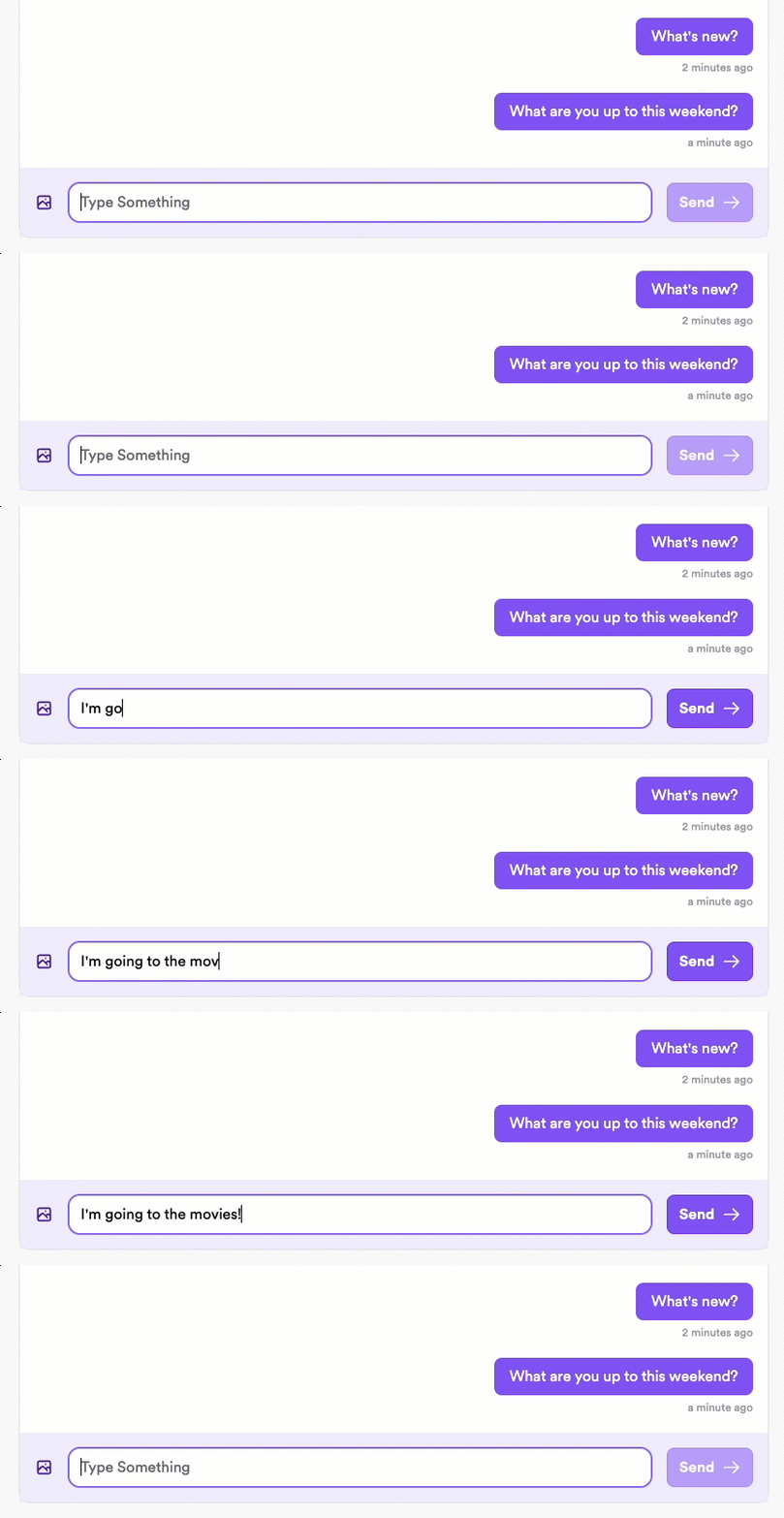
Note the slight delay after clicking **Send**.
Implement optimistic sending to be able to immediately display the sent message in the sender's UI while processing the message in the background. This provides the user with immediate feedback and enables them to continue messaging without waiting for their previous message to finish processing.
Messaging with optimistic sending:
The message displays immediately for the sender, with a checkmark indicator displaying once the message has been successfully sent.
#### How it works
There are two steps to optimistically send a message:
1. Send the message to the local database so you can display it immediately in the sender's UI.
2. Publish the message to the XMTP network so it can be delivered to the recipient.
:::tip
If you want finer control over when the prepared message gets published, you can use the `noSend` parameter. To learn more, see [Control publication of optimistic messages](#control-publication-of-optimistic-messages).
:::
#### 1. Optimistically send a message locally
Send the message to the local database. This ensures that the message will be there when you query for messages and can immediately display the message in the sender's UI.
:::code-group
```tsx [Browser]
// Optimistically send the message to the local database
await conversation.sendText('Hello world', true);
```
```tsx [Node]
// Optimistically send the message to the local database
await conversation.sendText('Hello world', true);
```
```tsx [React Native]
// Optimistically send the message to the local database
await conversation.prepareMessage('Hello world');
// For custom content types, specify the content type
const customContent = { foo: 'bar' };
const contentType = new ContentTypeId({
authorityId: 'example',
typeId: 'test',
versionMajor: 1,
versionMinor: 0,
});
await conversation.prepareMessage(customContent, { contentType });
```
```kotlin [Kotlin]
// Optimistically send the message to the local database
conversation.prepareMessage("Hello world")
// For custom content types, specify the content type
val customContent = mapOf("foo" to "bar")
val contentType = ContentTypeId(
authorityId = "example",
typeId = "test",
versionMajor = 1,
versionMinor = 0
)
conversation.prepareMessage(customContent, contentType)
```
```swift [Swift]
// Optimistically send the message to the local database
try await conversation.prepareMessage("Hello world")
// For custom content types, specify the content type
let customContent = ["foo": "bar"]
let contentType = ContentTypeId(
authorityId: "example",
typeId: "test",
versionMajor: 1,
versionMinor: 0
)
try await conversation.prepareMessage(customContent, contentType: contentType)
```
:::
#### 2. Publish an optimistically sent message to the network
After optimistically sending a message, use `publishMessages` to publish the message to the XMTP network so it can be delivered to recipients.
:::code-group
```tsx [Browser]
// Publish all pending optimistically sent messages to the network
// Call this only after using the optimistic parameter to send a message locally
async function sendMessageWithOptimisticUI(conversation, messageText) {
try {
// Add message to UI immediately (optimistic = true)
await conversation.sendText(messageText, true);
// Actually send the message to the network
await conversation.publishMessages();
return true;
} catch (error) {
console.error('Failed to send message:', error);
return false;
}
}
```
```tsx [Node]
// Publish all pending optimistically sent messages to the network
// Call this only after using the optimistic parameter to send a message locally
async function sendMessageWithOptimisticUI(conversation, messageText) {
try {
// Add message to UI immediately (optimistic = true)
await conversation.sendText(messageText, true);
// Actually send the message to the network
await conversation.publishMessages();
return true;
} catch (error) {
console.error('Failed to send message:', error);
return false;
}
}
```
```tsx [React Native]
// Publish all pending optimistically sent messages to the network
// Call this only after using prepareMessage to send a message locally
async function sendMessageWithOptimisticUI(
conversation: Conversation,
messageText: string
): Promise
To enable the user of the identity with address 0xd0e4...DCe8 to log into inbox ID 2 again, you can use the recovery identity for inbox ID 2 to add a different identity to inbox ID 2 and have the user use that identity access it.
If you are interested in providing this functionality in your app and want some guidance, post to the [XMTP Technical Forums](https://community.xmtp.org).
## Observe rate limits
XMTP enforces separate rate limits for read and write operations per client per rolling 5-minute window:
* **Read operations**: 20,000 requests per 5-minute window
* **Write operations**: 3,000 messages published per 5-minute window
When you reach either rate limit, your API calls will be rejected with a 429 (Too Many Requests) error.
**Read operations** include actions like:
* Fetching conversations
* Retrieving messages
* Getting inbox state
* Listing installations
**Write operations** include actions like:
* Sending chat messages
* Adding and removing wallets
* Adding and revoking installations
* Adding and removing group members
* Updating group metadata
## Send messages
Once you have the group chat or DM conversation, you can send messages in the conversation.
:::code-group
```tsx [Browser]
// For a DM conversation
await dm.sendText('Hello world');
// OR for a group chat
await group.sendText('Hello everyone');
```
```tsx [Node]
// For a DM conversation
await dm.sendText('Hello world');
// OR for a group chat
await group.sendText('Hello everyone');
```
```tsx [React Native]
// For a DM conversation
const dm = await client.conversations.findOrCreateDm(recipientInboxId);
await dm.send('Hello world');
// OR for a group chat
const group = await client.conversations.newGroup([
recipientInboxId1,
recipientInboxId2,
]);
await group.send('Hello everyone');
```
```kotlin [Kotlin]
// For a DM conversation
val dm = client.conversations.findOrCreateDm(recipientInboxId)
dm.send(text = "Hello world")
// OR for a group chat
val group = client.conversations.newGroup(listOf(recipientInboxId1, recipientInboxId2))
group.send(text = "Hello everyone")
```
```swift [Swift]
// For a DM conversation
let dm = try await client.conversations.findOrCreateDm(with: recipientInboxId)
try await dm.send(content: "Hello world")
// OR for a group chat
let group = try await client.conversations.newGroup([recipientInboxId1, recipientInboxId2])
try await group.send(content: "Hello everyone")
```
:::
### Control message visibility and push notifications
Use `MessageVisibilityOptions` to override the default `shouldPush` value for a message. This controls whether the message triggers push notifications on recipient devices. This is useful for messages that shouldn't interrupt the recipient, such as typing indicators or background updates.
To learn more about how `shouldPush` is used in the push notification filtering flow, see [Understand message filtering](/chat-apps/push-notifs/understand-push-notifs#understand-message-filtering).
:::code-group
```kotlin [Kotlin]
// Send a message without triggering a push notification
val visibilityOptions = MessageVisibilityOptions(
shouldPush = false
)
conversation.send(
text = "Typing...",
visibilityOptions = visibilityOptions
)
// Using with prepareMessage
conversation.prepareMessage(
content = "Background update",
visibilityOptions = MessageVisibilityOptions(shouldPush = false)
)
```
```swift [Swift]
// Send a message without triggering a push notification
// First encode the content, then send with visibility options
let (encodedContent, _) = try await conversation.encodeContent(
content: "Typing...",
options: nil
)
let visibilityOptions = MessageVisibilityOptions(shouldPush: false)
try await conversation.send(
encodedContent: encodedContent,
visibilityOptions: visibilityOptions
)
// Using with prepareMessage
let (encoded, _) = try await conversation.encodeContent(
content: "Background update",
options: nil
)
try await conversation.prepareMessage(
encodedContent: encoded,
visibilityOptions: MessageVisibilityOptions(shouldPush: false)
)
```
:::
| Option | Description |
| ------------ | ---------------------------------------------------------------------------------------------------- |
| `shouldPush` | When `false`, the message won't trigger push notifications on recipient devices. Defaults to `true`. |
### Optimistically send messages
When a user sends a message with XMTP, they might experience a slight delay between sending the message and seeing their sent message display in their app UI.
Typically, the slight delay is caused by the app needing to wait for the XMTP network to finish processing the message before the app can display the message in its UI.
Messaging without optimistic sending:

Note the slight delay after clicking **Send**.
Implement optimistic sending to be able to immediately display the sent message in the sender's UI while processing the message in the background. This provides the user with immediate feedback and enables them to continue messaging without waiting for their previous message to finish processing.
Messaging with optimistic sending:

The message displays immediately for the sender, with a checkmark indicator displaying once the message has been successfully sent.
#### How it works
There are two steps to optimistically send a message:
1. Send the message to the local database so you can display it immediately in the sender's UI.
2. Publish the message to the XMTP network so it can be delivered to the recipient.
:::tip
If you want finer control over when the prepared message gets published, you can use the `noSend` parameter. To learn more, see [Control publication of optimistic messages](#control-publication-of-optimistic-messages).
:::
#### 1. Optimistically send a message locally
Send the message to the local database. This ensures that the message will be there when you query for messages and can immediately display the message in the sender's UI.
:::code-group
```tsx [Browser]
// Optimistically send the message to the local database
await conversation.sendText('Hello world', true);
```
```tsx [Node]
// Optimistically send the message to the local database
await conversation.sendText('Hello world', true);
```
```tsx [React Native]
// Optimistically send the message to the local database
await conversation.prepareMessage('Hello world');
// For custom content types, specify the content type
const customContent = { foo: 'bar' };
const contentType = new ContentTypeId({
authorityId: 'example',
typeId: 'test',
versionMajor: 1,
versionMinor: 0,
});
await conversation.prepareMessage(customContent, { contentType });
```
```kotlin [Kotlin]
// Optimistically send the message to the local database
conversation.prepareMessage("Hello world")
// For custom content types, specify the content type
val customContent = mapOf("foo" to "bar")
val contentType = ContentTypeId(
authorityId = "example",
typeId = "test",
versionMajor = 1,
versionMinor = 0
)
conversation.prepareMessage(customContent, contentType)
```
```swift [Swift]
// Optimistically send the message to the local database
try await conversation.prepareMessage("Hello world")
// For custom content types, specify the content type
let customContent = ["foo": "bar"]
let contentType = ContentTypeId(
authorityId: "example",
typeId: "test",
versionMajor: 1,
versionMinor: 0
)
try await conversation.prepareMessage(customContent, contentType: contentType)
```
:::
#### 2. Publish an optimistically sent message to the network
After optimistically sending a message, use `publishMessages` to publish the message to the XMTP network so it can be delivered to recipients.
:::code-group
```tsx [Browser]
// Publish all pending optimistically sent messages to the network
// Call this only after using the optimistic parameter to send a message locally
async function sendMessageWithOptimisticUI(conversation, messageText) {
try {
// Add message to UI immediately (optimistic = true)
await conversation.sendText(messageText, true);
// Actually send the message to the network
await conversation.publishMessages();
return true;
} catch (error) {
console.error('Failed to send message:', error);
return false;
}
}
```
```tsx [Node]
// Publish all pending optimistically sent messages to the network
// Call this only after using the optimistic parameter to send a message locally
async function sendMessageWithOptimisticUI(conversation, messageText) {
try {
// Add message to UI immediately (optimistic = true)
await conversation.sendText(messageText, true);
// Actually send the message to the network
await conversation.publishMessages();
return true;
} catch (error) {
console.error('Failed to send message:', error);
return false;
}
}
```
```tsx [React Native]
// Publish all pending optimistically sent messages to the network
// Call this only after using prepareMessage to send a message locally
async function sendMessageWithOptimisticUI(
conversation: Conversation,
messageText: string
): Promise {
try {
// Add message to UI immediately
await conversation.prepareMessage(messageText);
// Actually send the message to the network
await conversation.publishPreparedMessages();
return true;
} catch (error) {
console.error('Failed to send message:', error);
return false;
}
}
```
```kotlin [Kotlin]
// Publish all pending optimistically sent messages to the network
// Call this only after using prepareMessage to send a message locally
suspend fun sendMessageWithOptimisticUI(conversation: Conversation, messageText: String): Boolean {
return try {
// Add message to UI immediately
conversation.prepareMessage(messageText)
// Actually send the message to the network
conversation.publishMessages()
true
} catch (error: Exception) {
Log.e("XMTP", "Failed to send message: ${error.message}", error)
false
}
}
```
```swift [Swift]
// Publish all pending optimistically sent messages to the network
// Call this only after using prepareMessage to send a message locally
func sendMessageWithOptimisticUI(conversation: Conversation, messageText: String) async throws -> Bool {
do {
// Add message to UI immediately
try await conversation.prepareMessage(messageText)
// Actually send the message to the network
try await conversation.publishMessages()
return true
} catch {
print("Failed to send message: \(error)")
return false
}
}
```
:::
#### Key UX considerations for optimistically sent messages
* After optimistically sending a message, show the user an indicator that the message is still being processed. After successfully sending the message, show the user a success indicator.
* An optimistically sent message initially has an `unpublished` status. Once published to the network, it has a `published` status. You can use this status to determine which indicator to display in the UI.
* If an optimistically sent message fails to send it will have a `failed` status. In this case, be sure to give the user an option to retry sending the message or cancel sending. Use a try/catch block to intercept errors and allow the user to retry or cancel.
#### Control publication of optimistic messages
By default, `publishMessages()` publishes all prepared messages. For more control, use the `noSend` parameter when preparing a message. The message won't be published until you explicitly call `publishMessage(messageId)`.
This is useful when sending [remote attachments](/chat-apps/content-types/attachments). You can validate that the attachment upload succeeded before publishing. If the upload failed, you can choose to delete the local prepared message instead of publishing it.
:::code-group
```tsx [React Native]
// Prepare message without auto-publishing
const messageId = await conversation.prepareMessage('Hello world', {}, true);
// Publish the specific message when ready
await conversation.publishMessage(messageId);
// Local deletion functionality is not yet available in React Native
```
```kotlin [Kotlin]
// Prepare message without auto-publishing
val messageId = conversation.prepareMessage(content = content, noSend = true)
// Publish the specific message when ready
conversation.publishMessage(messageId)
// Or delete it locally if needed
conversation.deleteMessageLocally(messageId)
```
```swift [Swift]
// Prepare message without auto-publishing
let messageId = try await conversation.prepareMessage(content: content, noSend: true)
// Publish the specific message when ready
try await conversation.publishMessage(messageId: messageId)
// Or delete it locally if needed
try await conversation.deleteMessageLocally(messageId: messageId)
```
:::
## Support group chat invite links
This document provides suggested paths you might take to provide XMTP group chat invite links in your app. These are just proposals and the actual implementation direction and details are specific to your app and your goals.
### Possible user experience flows
1. A group member with permission to add group members [creates an invite link](#create-a-group-invite-link).
2. An non-member clicks the invite link to [request to join the group](#generate-an-invite-landing-page).
3. The non-member is granted access to the group in one of the following ways:
* [Automatic join via silent push notification to the link creator](#automatic-join-via-silent-push-notification-to-link-creator)
* [Automatic join via silent push notification to all group members](#automatic-join-via-silent-push-notification-to-all-group-members)
* [Manual join via push notification to the link creator](#manual-join-via-push-notification-to-link-creator)
4. [Add the invitee to the group](#add-the-member-to-the-group)
5. [Check and manage the invite status](#check-the-invite-status)
#### Sequence diagrams
These diagrams help illustrate the sequence of interactions between users and participating systems for the suggested options for granting group access to an invitee.
##### Option 1: Automatic join via silent push notification to the link creator
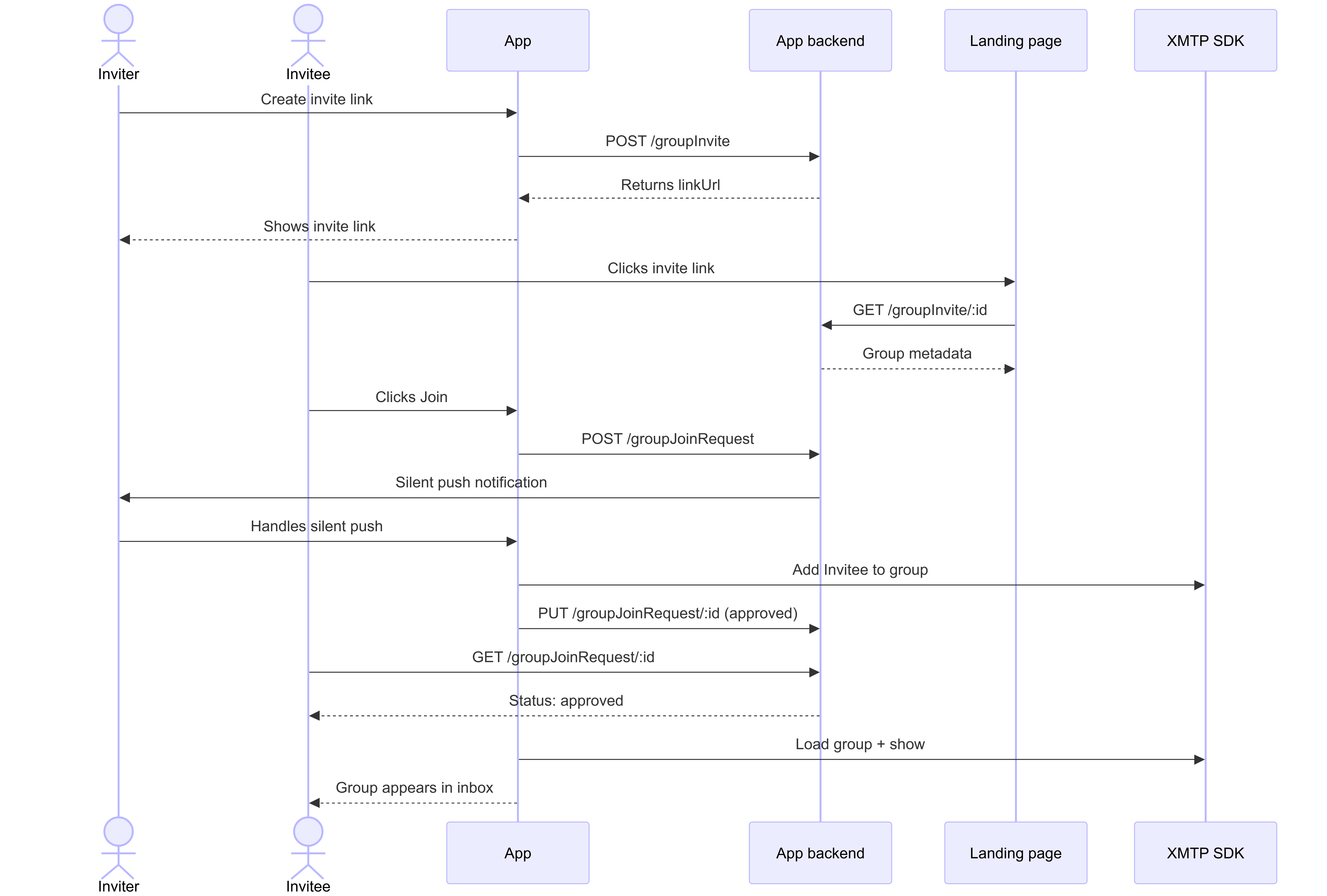 ##### Option 2: Automatic join via silent push notification to all group members
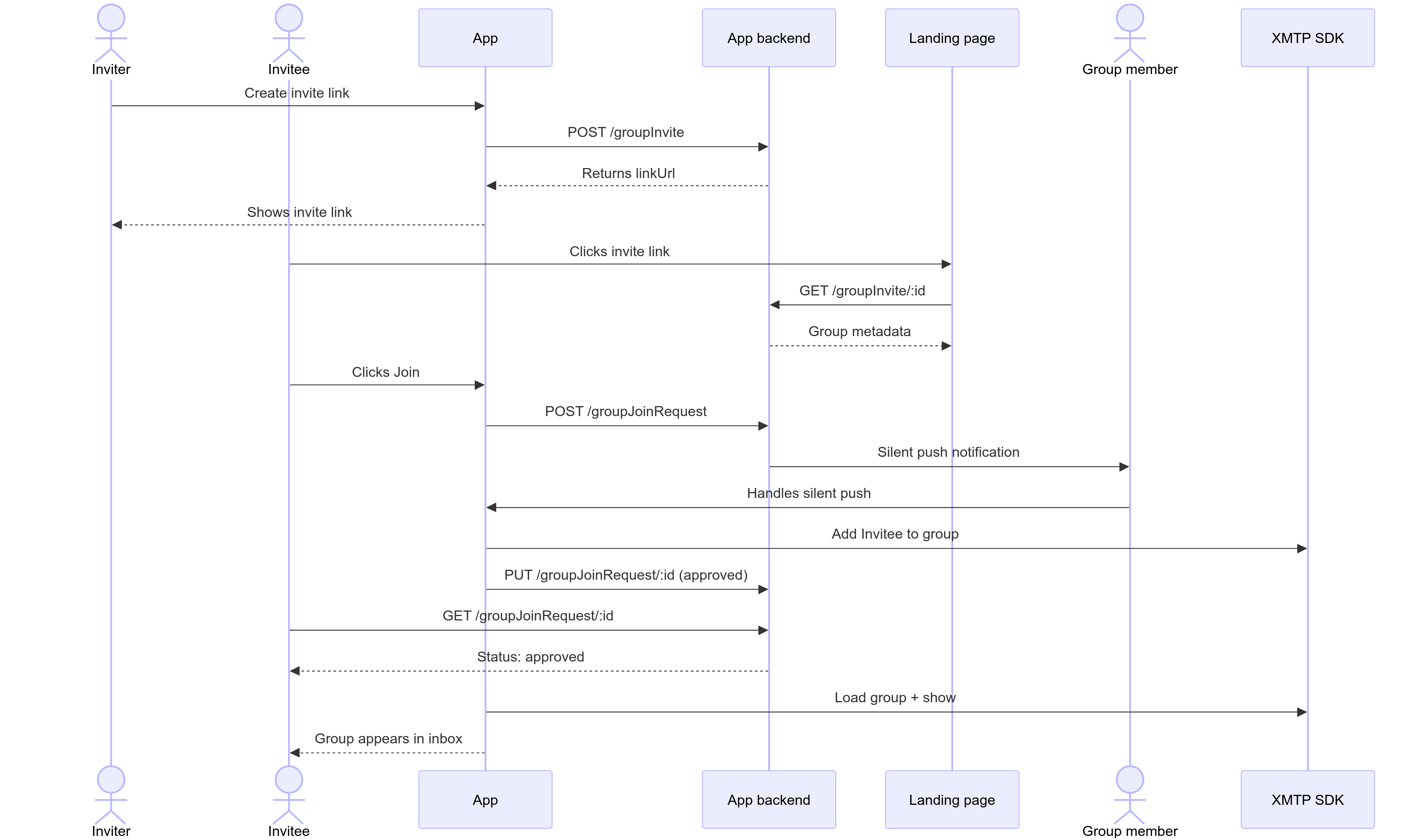 ##### Option 3: Manual join via push notification to the link creator
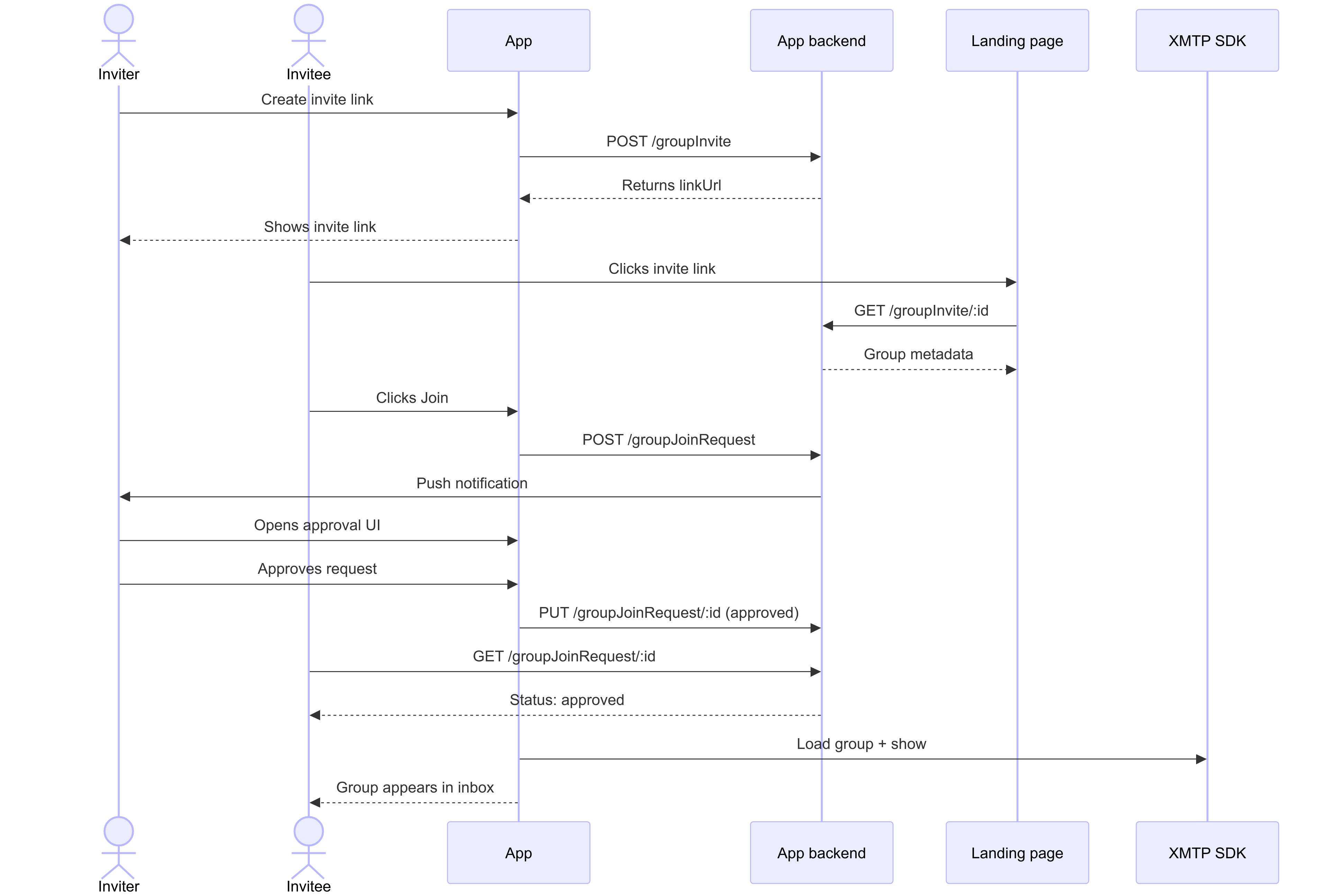 ### Create a group invite link
You can provide a UI that enables a group member with permission to add members to create an invite link.
Create the group invite by making a `POST` to a `/groupInvite` endpoint with any metadata your app wants to show on an invite landing page that will be displayed when an invitee clicks the invite link.
#### `POST /groupInvite`
##### Example request
```json
{
"groupName": "XMTP Builders",
"groupImage": "https://..."
// Inviter can be inferred from the request auth token.
// Backend doesn't need the actual group ID, since the client can keep track in their DB
}
```
##### Example response
The backend returns a new invite link with a unique URL.
Save the `linkUrl` to the client's local database (alongside the XMTP `group_id`) so the link can be surfaced in the UI for copy/paste later and used in push notification handlers.
```json
{
"id": "abcdefg",
"linkUrl": "https://converse.xyz/invite/abcdefg"
}
```
### Generate an invite landing page
When a user clicks the invite link, the link can display a group invite landing page at `app.xyz`, for example.
To get the information to generate the invite landing page, you can make a `GET` to a `/groupInvite/:id` endpoint.
For example, the invite landing page can display the group name, the invite link creator's profile, any other group metadata the app wants to show, and a Join button.
When a user clicks the Join button on the invite landing page:
* If the user doesn't have the app installed, the link can take them to an app store where they can be prompted to install the app. Once installed, the user can be returned to the invite landing page, where they can click Join again.
* If the user does have the app installed, the link can open the app. The app can display the conversation list view with the new group grayed out to indicate a pending status.
#### `GET /groupInvite/:id`
##### Example request
```html
GET /groupInvite/abcdefg
```
##### Example response
```json
{
id: "abcdefg",
linkUrl: "https://app.xyz/invite/abcdefg",
groupName: "XMTP Builders",
groupImage: "https://...",
createdBy:
### Create a group invite link
You can provide a UI that enables a group member with permission to add members to create an invite link.
Create the group invite by making a `POST` to a `/groupInvite` endpoint with any metadata your app wants to show on an invite landing page that will be displayed when an invitee clicks the invite link.
#### `POST /groupInvite`
##### Example request
```json
{
"groupName": "XMTP Builders",
"groupImage": "https://..."
// Inviter can be inferred from the request auth token.
// Backend doesn't need the actual group ID, since the client can keep track in their DB
}
```
##### Example response
The backend returns a new invite link with a unique URL.
Save the `linkUrl` to the client's local database (alongside the XMTP `group_id`) so the link can be surfaced in the UI for copy/paste later and used in push notification handlers.
```json
{
"id": "abcdefg",
"linkUrl": "https://converse.xyz/invite/abcdefg"
}
```
### Generate an invite landing page
When a user clicks the invite link, the link can display a group invite landing page at `app.xyz`, for example.
To get the information to generate the invite landing page, you can make a `GET` to a `/groupInvite/:id` endpoint.
For example, the invite landing page can display the group name, the invite link creator's profile, any other group metadata the app wants to show, and a Join button.
When a user clicks the Join button on the invite landing page:
* If the user doesn't have the app installed, the link can take them to an app store where they can be prompted to install the app. Once installed, the user can be returned to the invite landing page, where they can click Join again.
* If the user does have the app installed, the link can open the app. The app can display the conversation list view with the new group grayed out to indicate a pending status.
#### `GET /groupInvite/:id`
##### Example request
```html
GET /groupInvite/abcdefg
```
##### Example response
```json
{
id: "abcdefg",
linkUrl: "https://app.xyz/invite/abcdefg",
groupName: "XMTP Builders",
groupImage: "https://...",
createdBy:
}
```
#### `POST /groupJoinRequest`
Can be used by the invitee to request to join the group.
##### Example request
```json
{
"inviteId": "abcdefg" // User info implied from auth token
}
```
##### Example response
```json
{
"id": "hijklmn", // The id of the join request
"status": "pending"
}
```
### Handle the request to join the group
When the invitee clicks the invite link to request to join the group, consider granting them access to the group in one of the following ways.
#### Automatic join via silent push notification to link creator
As soon as the link creator is detected as being online, they can receive a silent push notification that automatically adds the invitee to the group. This can make the join appear automatic.
##### Example request
```json
{
"inviteId": "abcdefg",
"joinRequestId": "hijklmn",
"recipientId": "user123",
"groupName": "XMTP Builders",
"type": "auto_join_creator"
}
```
##### Example response
```json
{
"success": true,
"status": "processing",
"message": "Silent push notification sent to link creator"
}
```
#### Automatic join via silent push notification to all group members
If the group permits all members to add members, consider sending a silent background push notification to all group members.
The first member detected as being online can receive a silent push notification that automatically adds the invitee to the group. This can make the join appear automatic.
This setup can take the dependency off the sole link creator being online and spreads it across the group, which can allow the group join to happen faster.
##### Example request
```json
{
"inviteId": "abcdefg",
"joinRequestId": "hijklmn",
"recipientId": "user123",
"groupName": "XMTP Builders",
"type": "auto_join_members",
"groupMembers": ["member1", "member2", "member3"]
}
```
##### Example response
```json
{
"success": true,
"status": "processing",
"message": "Silent push notifications sent to all group members",
"notificationsSent": 3
}
```
#### Manual join via push notification to link creator
Consider having the link creator receive a push notification about a specific invitee requesting to join the group using their invite link. Enable the link creator to approve or reject the request.
For example, you can send a push notification to the invite link creator saying, "User X has requested to join Group Y through your invite link." Give the link creator a way to approve or reject the request.
##### Example request
```json
{
"inviteId": "abcdefg",
"joinRequestId": "hijklmn",
"recipientId": "user123",
"groupName": "XMTP Builders",
"type": "manual_approval",
"requesterName": "Alix A",
"requesterAvatar": "https://example.com/avatar.jpg"
}
```
##### Example response
```json
{
"success": true,
"status": "pending_approval",
"message": "Push notification sent to link creator for manual approval"
}
```
#### Handle push notification delivery failure
To handle cases where the push notification fails to deliver (maybe the user is offline for a while), XMTP can provide an API that enables clients to check for any pending joins.
Want XMTP to build this API? [Open an issue](https://github.com/xmtp/libxmtp/issues) in the LibXMTP repo to request it.
##### Example request
```json
{
"userId": "user123",
"lastCheckTimestamp": "2024-03-20T10:00:00Z"
}
```
##### Example response
```json
{
"pendingJoins": [
{
"inviteId": "abcdefg",
"joinRequestId": "hijklmn",
"groupName": "XMTP Builders",
"status": "pending",
"requestedAt": "2024-03-20T09:30:00Z"
}
],
"lastCheckTimestamp": "2024-03-20T10:00:00Z"
}
```
### Add the member to the group
If the invite link creator approves the request, in the background, you can call LibXMTP to load the group and add the member.
#### Example request
```json
{
"inviteId": "abcdefg" // User info implied from auth token
}
```
#### Example response
```json
{
id: "hijklmn" // id of the join request
status: 'pending'
}
```
### Check the invite status
#### `/groups/joinFromInvite`
You can poll a `/groups/joinFromInvite` endpoint to check the invite status and know when the invite link creator has marked it as approved or rejected.
#### `GET /groupJoinRequest/:id`
You can provide this endpoint as a way for an invitee to check the status of their request to join a group.
##### Example request
```html
GET /groupJoinRequest/hijklmn
```
##### Example response
```json
{
id: "hijklmn",
status: "approved"// Possible statuses ("approved", "rejected", "pending")
reason: null // Allow the system to pass a reason back to the client
}
```
### Mark the invite request as complete
Once the invite link creator has approved or rejected the request, you can make a `PUT` to a `/groupJoinRequest/:id` endpoint to mark the request as completed.
#### `PUT /groupJoinRequest/:id`
##### Example request
You can have the invite link creator mark an invite as approved or rejected. For basic invite links, approval can happen as soon as the push notification has been received.
```json
{
"status": "approved"
}
```
##### Example response
```json
{
"id": "hijklmn",
"status": "approved",
"reason": null // Allow the system to pass a reason back to the client
}
```
## Support actions in your app built with XMTP
Use the actions content type to send interactive messages with selectable options. Actions enable users to choose from a list of predefined options, making it easy to build interactive experiences like polls, confirmations, or multi-step workflows.
### How actions work
An action message displays a prompt with options. Recipients can respond by selecting one of the options, which sends an [intent](/chat-apps/content-types/intents) back to indicate their selection.
### Send actions
Actions are represented as objects with the following keys:
* `id`: Unique identifier for the action set
* `description`: Prompt text displayed to users
* `actions`: Array of action options (1-10 maximum)
* `expiresAt`: Optional expiration timestamp (ISO 8601 format)
Each action in the `actions` array has:
* `id`: Unique identifier for the action (must be unique within the set)
* `label`: Display text for the option
* `imageUrl`: Optional URL for an image
* `style`: Optional styling (`primary`, `secondary`, or `danger`)
* `expiresAt`: Optional individual expiration timestamp
:::code-group
```tsx [Browser]
import { type Actions, ActionStyle } from "@xmtp/browser-sdk";
const actions: Actions = {
id: "action-123",
description: "Would you like to proceed with the transaction?",
actions: [
{
id: "confirm",
label: "Confirm",
style: ActionStyle.Primary,
},
{
id: "cancel",
label: "Cancel",
style: ActionStyle.Secondary,
},
],
};
await conversation.sendActions(actions);
```
```tsx [Node]
import { type Actions, ActionStyle } from "@xmtp/node-sdk";
const actions: Actions = {
id: "action-123",
description: "Would you like to proceed with the transaction?",
actions: [
{
id: "confirm",
label: "Confirm",
style: ActionStyle.Primary,
},
{
id: "cancel",
label: "Cancel",
style: ActionStyle.Secondary,
},
],
};
await conversation.sendActions(actions);
```
:::
### Receive actions
When receiving an actions message, you can access its content to display the options to the user.
:::code-group
```tsx [Browser]
import { isActions } from "@xmtp/browser-sdk";
const messages = await conversation.messages();
for (const message of messages) {
if (isActions(message)) {
const actions = message.content;
console.log(actions.description);
for (const action of actions.actions) {
console.log(`[${action.id}] ${action.label}`);
}
}
}
```
```tsx [Node]
import { isActions } from "@xmtp/node-sdk";
const messages = await conversation.messages();
for (const message of messages) {
if (isActions(message)) {
const actions = message.content;
console.log(actions.description);
for (const action of actions.actions) {
console.log(`[${action.id}] ${action.label}`);
}
}
}
```
:::
### Handle action expiration
Actions can have expiration timestamps at both the message level and individual action level. Check the `expiresAt` field before displaying options to users.
:::code-group
```tsx [Browser]
const actions = message.content;
// Check if the entire action set has expired
if (actions.expiresAt && new Date(actions.expiresAt) < new Date()) {
console.log("This action has expired");
return;
}
// Filter out expired individual actions
const validActions = actions.actions.filter((action) => {
if (!action.expiresAt) return true;
return new Date(action.expiresAt) > new Date();
});
```
```tsx [Node]
const actions = message.content;
// Check if the entire action set has expired
if (actions.expiresAt && new Date(actions.expiresAt) < new Date()) {
console.log("This action has expired");
return;
}
// Filter out expired individual actions
const validActions = actions.actions.filter((action) => {
if (!action.expiresAt) return true;
return new Date(action.expiresAt) > new Date();
});
```
:::
### Respond to actions
When a user selects an action, send an [intent](/chat-apps/content-types/intents) to indicate their choice.
## Support attachments in your app built with XMTP
Use the remote attachment, multiple remote attachments, or attachment content type to support attachments in your app.
* Use the [remote attachment content type](#support-remote-attachments-of-any-size) to send one remote attachment of any size.
* Use the [multiple remote attachments content type](#support-multiple-remote-attachments-of-any-size) to send multiple remote attachments of any size.
* Use the [attachment content type](#support-attachments-smaller-than-1mb) to send attachments smaller than 1MB.
### Support remote attachments of any size
One remote attachment of any size can be sent in a message using the `RemoteAttachmentCodec` and a storage provider.
To send multiple remote attachments of any size in a single message, see [Support multiple remote attachments of any size](#support-multiple-remote-attachments-of-any-size).
#### Configure the content type
For Browser SDK (v6.0.0+) and Node SDK (v5.0.0+), attachments and remote attachments are built-in and do not require codec registration. Skip this step for these SDKs.
For other SDKs, register the codec:
:::code-group
```ts [React Native]
const client = await Client.create(signer, {
env: 'production',
codecs: [new RemoteAttachmentCodec(), new StaticAttachmentCodec()],
});
```
```kotlin [Kotlin]
import org.xmtp.android.library.codecs.Attachment
import org.xmtp.android.library.codecs.AttachmentCodec
import org.xmtp.android.library.codecs.ContentTypeAttachment
Client.register(codec = AttachmentCodec())
Client.register(codec = RemoteAttachmentCodec())
```
```swift [Swift]
Client.register(AttachmentCodec());
Client.register(RemoteAttachmentCodec());
```
:::
#### Send a remote attachment
:::code-group
= ArrayList()
for (attachment: Attachment in listOf(attachment1, attachment2)) {
// 1) Encode the attachment to raw bytes
val encodedBytes = attachmentCodec.encode(attachment).toByteArray()
// 2) Encrypt the bytes locally
val encryptedAttachment = MultiRemoteAttachmentCodec.encryptBytesForLocalAttachment(encodedBytes, attachment.filename)
// 3) "Upload" it, and get a url string back
// (Integrator must supply upload from local uri and return url functionality!)
val url = uploadEncryptedPayload(encryptedAttachment.payload.toByteArray())
// 4) Build a RemoteAttachmentInfo for that URL and encryptedAttachment
val remoteAttachmentInfo = MultiRemoteAttachmentCodec.buildRemoteAttachmentInfo(encryptedAttachment, URL(url))
remoteAttachmentInfos.add(remoteAttachmentInfo)
}
```
```swift [Swift]
var remoteAttachmentInfos: [MultiRemoteAttachment.RemoteAttachmentInfo] = []
for att in [attachment1, attachment2] {
// 1) Encode the attachment to raw bytes
let encodedBytes = try AttachmentCodec().encode(content: att).serializedData()
// 2) Encrypt the bytes locally
let encrypted = try MultiRemoteAttachmentCodec.encryptBytesForLocalAttachment(encodedBytes, filename: att.filename)
// 3) "Upload" it, and get a url string back
// (Integrator must supply upload from local uri and return url functionality!)
let urlString = fakeUpload(encrypted.payload)
// 4) Build a RemoteAttachmentInfo for that URL and encryptedAttachment
let info = try MultiRemoteAttachmentCodec.buildRemoteAttachmentInfo(
encryptedAttachment: encrypted,
remoteUrl: URL(string: urlString)!
)
remoteAttachmentInfos.append(info)
}
```
:::
#### Send a message with multiple remote attachments
:::code-group
```tsx [Browser]
await conversation.sendMultiRemoteAttachment({
attachments: remoteAttachments,
});
```
```tsx [Node]
await conversation.sendMultiRemoteAttachment({
attachments: remoteAttachments,
});
```
```ts [React Native]
await convo.send({
multiRemoteAttachment: {
attachments: remoteAttachments,
},
});
```
```kotlin [Kotlin]
val multiRemoteAttachment = MultiRemoteAttachment(remoteAttachments = remoteAttachmentInfos.toList())
runBlocking {
aliceConversation.send(
content = multiRemoteAttachment,
options = SendOptions(contentType = ContentTypeMultiRemoteAttachment),
)
}
```
```swift [Swift]
let multiRemoteAttachment = MultiRemoteAttachment(remoteAttachments: remoteAttachmentInfos)
let encodedContent = try MultiRemoteAttachmentCodec().encode(content: multiRemoteAttachment)
try await alixConversation.send(encodedContent: encodedContent)
```
:::
#### Recognize and decode a multi remote attachment
:::code-group
```tsx [Browser]
import { contentTypesAreEqual } from '@xmtp/content-type-primitives';
import { contentTypeMultiRemoteAttachment } from '@xmtp/browser-sdk';
const messages = await conversation.messages();
const message = messages[0];
if (
contentTypesAreEqual(
message.contentType,
await contentTypeMultiRemoteAttachment()
)
) {
// Decode the raw content back into a MultiRemoteAttachment
const multiRemoteAttachment = message.content;
// See next section to download and decrypt the attachments
}
```
```tsx [Node]
import { contentTypesAreEqual } from '@xmtp/content-type-primitives';
import { contentTypeMultiRemoteAttachment } from '@xmtp/node-sdk';
const messages = await conversation.messages();
const message = messages[0];
if (
contentTypesAreEqual(message.contentType, contentTypeMultiRemoteAttachment())
) {
// Decode the raw content back into a MultiRemoteAttachment
const multiRemoteAttachment = message.content;
// See next section to download and decrypt the attachments
}
```
```ts [React Native]
const messages = await conversation.messages();
if (
messages.size > 0 &&
messages[0].contentTypeId == 'xmtp.org/multiRemoteStaticContent:1.0'
) {
// Decode the raw content back into a MultiRemoteAttachment
const multiRemoteAttachment: MultiRemoteAttachment = messages[0].content();
// See next section for download, and decrypt the attachments
}
```
```kotlin [Kotlin]
val messages = runBlocking { conversation.messages() }
if (messages.size > 0 && messages[0].encodedContent.type.id.equals(ContentTypeMultiRemoteAttachment)) {
// Decode the raw content back into a MultiRemoteAttachment
val multiRemoteAttachment: FfiMultiRemoteAttachment = messages[0].content()!!
// See next section for download, and decrypt the attachments
}
```
```swift [Swift]
let messages = try await conversation.messages()
if messages.size > 0 && messages[0].encodedContent.type.id.equals(ContentTypeMultiRemoteAttachment.id) {
// Decode the raw content back into a MultiRemoteAttachment
let multiRemoteAttachment: MultiRemoteAttachment = try messages[0].content()
// See next section for download, and decrypt the attachments
}
```
:::
#### Decode, download, and decrypt the attachments
:::code-group
```tsx [Browser]
import { decryptAttachment, type Attachment } from '@xmtp/browser-sdk';
const decryptedAttachments: Attachment[] = [];
for (const attachment of multiRemoteAttachment.attachments) {
// Download the encrypted payload from the URL
// (Integrator must supply download from URL functionality!)
const encryptedPayload = await downloadFromUrl(attachment.url);
// Decrypt the attachment
const decryptedAttachment = await decryptAttachment(
encryptedPayload,
attachment
);
decryptedAttachments.push(decryptedAttachment);
}
// Now you have the original attachments
// decryptedAttachments[0].filename, decryptedAttachments[0].data, etc.
```
```tsx [Node]
import { decryptAttachment, type Attachment } from '@xmtp/node-sdk';
const decryptedAttachments: Attachment[] = [];
for (const attachment of multiRemoteAttachment.attachments) {
// Download the encrypted payload from the URL
// (Integrator must supply download from URL functionality!)
const encryptedPayload = await downloadFromUrl(attachment.url);
// Decrypt the attachment
const decryptedAttachment = decryptAttachment(
encryptedPayload,
attachment
);
decryptedAttachments.push(decryptedAttachment);
}
// Now you have the original attachments
// decryptedAttachments[0].filename, decryptedAttachments[0].data, etc.
```
```ts [React Native]
const decryptedAttachments: DecryptedLocalAttachment[] = [];
for (const attachment of multiRemoteAttachment.attachments) {
// Downloading the encrypted payload from the attachment URL and save the local file
// (Integrator must supply download from url and save to local Uri functionality!)
const encryptedFileLocalURIAfterDownload: string = downloadFromUrl(
attachment.url
);
// Decrypt the local file
const decryptedLocalAttachment = await alix.decryptAttachment({
encryptedLocalFileUri: encryptedFileLocalURIAfterDownload,
metadata: {
secret: attachment.secret,
salt: attachment.salt,
nonce: attachment.nonce,
contentDigest: attachment.contentDigest,
filename: attachment.filename,
} as RemoteAttachmentContent,
});
decryptedAttachments.push(decryptedLocalAttachment);
}
```
```kotlin [Kotlin]
val decryptedAttachments: MutableList = ArrayList()
for (remoteAttachmentInfo: FfiRemoteAttachmentInfo in multiRemoteAttachment.attachments) {
// convert to FfiRemoteAttachmentInfo to RemoteAttachment
val remoteAttachment = RemoteAttachment(
url = URL(remoteAttachmentInfo.url),
filename = remoteAttachmentInfo.filename,
contentDigest = remoteAttachmentInfo.contentDigest,
nonce = remoteAttachmentInfo.nonce.toByteString(),
scheme = remoteAttachmentInfo.scheme,
salt = remoteAttachmentInfo.salt.toByteString(),
secret = remoteAttachmentInfo.secret.toByteString(),
contentLength = remoteAttachmentInfo.contentLength?.toInt(),
)
// Download the encrypted payload (Integrator must supply download from url functionality!)
val url = remoteAttachment.url.toString()
val encryptedPayload: ByteArray = downloadFromUrl(url)
// Combine encrypted payload with RemoteAttachment to create an EncryptedEncodedContent Object
val encryptedAttachment: EncryptedEncodedContent = MultiRemoteAttachmentCodec.buildEncryptAttachmentResult(remoteAttachment, encryptedPayload)
// Decrypt payload
val encodedContent: EncodedContent = MultiRemoteAttachmentCodec.decryptAttachment(encryptedAttachment)
// Convert EncodedContent to Attachment
val attachment = attachmentCodec.decode(encodedContent)
decryptedAttachments.add(attachment)
}
```
```swift [Swift]
var decryptedAttachments: [Attachment] = []
for remoteAttachmentInfo in multiRemoteAttachment.remoteAttachments {
// convert to RemoteAttachmentInfo to RemoteAttachment
let remoteAttachment = try RemoteAttachment(
url: remoteAttachmentInfo.url,
contentDigest: remoteAttachmentInfo.contentDigest,
secret: remoteAttachmentInfo.secret,
salt: remoteAttachmentInfo.salt,
nonce: remoteAttachmentInfo.nonce,
scheme: RemoteAttachment.Scheme(rawValue: remoteAttachmentInfo.scheme) ?? .https,
contentLength: Int(remoteAttachmentInfo.contentLength),
filename: remoteAttachmentInfo.filename
)
// Download the encrypted payload (Integrator must supply download from url functionality!)
guard let encryptedPayload = downloadFromUrl(remoteAttachment.url)
// Combine encrypted payload with RemoteAttachment to create an EncryptedEncodedContent Object
let encryptedAttachment = MultiRemoteAttachmentCodec.buildEncryptAttachmentResult(
remoteAttachment: remoteAttachment,
encryptedPayload: downloadedPayload
)
// Decrypt payload
let encodedContent = try MultiRemoteAttachmentCodec.decryptAttachment(encryptedAttachment)
// Convert EncodedContent to Attachment
let attachment: Attachment = try encodedContent.decoded()
decryptedAttachments.append(attachment)
}
```
:::
#### Accessing the unencrypted attachments
Use the decrypted attachments to access the original file data.
:::code-group
```tsx [Browser]
// Example showing how to display decrypted attachments
const attachment1 = decryptedAttachments[0];
const attachment2 = decryptedAttachments[1];
// Create object URLs for display (e.g., for images)
const url1 = URL.createObjectURL(
new Blob([attachment1.data], { type: attachment1.mimeType })
);
const url2 = URL.createObjectURL(
new Blob([attachment2.data], { type: attachment2.mimeType })
);
// Use in img tags
//  //
//  ```
```tsx [Node]
// Example showing how to save decrypted attachments to files
import { writeFileSync } from 'fs';
const attachment1 = decryptedAttachments[0];
const attachment2 = decryptedAttachments[1];
// Save to disk
writeFileSync(`downloads/${attachment1.filename}`, attachment1.data);
writeFileSync(`downloads/${attachment2.filename}`, attachment2.data);
console.log(`Saved ${attachment1.filename} and ${attachment2.filename}`);
```
```ts [React Native]
// Example showing displaying attachments if they represent images
const attachment1 = decryptedAttachments[0]
const attachment2 = decryptedAttachments[1]
```
```tsx [Node]
// Example showing how to save decrypted attachments to files
import { writeFileSync } from 'fs';
const attachment1 = decryptedAttachments[0];
const attachment2 = decryptedAttachments[1];
// Save to disk
writeFileSync(`downloads/${attachment1.filename}`, attachment1.data);
writeFileSync(`downloads/${attachment2.filename}`, attachment2.data);
console.log(`Saved ${attachment1.filename} and ${attachment2.filename}`);
```
```ts [React Native]
// Example showing displaying attachments if they represent images
const attachment1 = decryptedAttachments[0]
const attachment2 = decryptedAttachments[1]
 }
```
```ts [Node]
import { contentTypesAreEqual } from '@xmtp/content-type-primitives';
import { contentTypeAttachment } from '@xmtp/node-sdk';
import { writeFileSync } from 'fs';
if (contentTypesAreEqual(message.contentType, contentTypeAttachment())) {
const attachment = message.content;
// Save to disk
writeFileSync(`downloads/${attachment.filename}`, attachment.data);
console.log(`Saved ${attachment.filename}`);
}
```
```kotlin [Kotlin]
import org.xmtp.android.library.codecs.Attachment
import org.xmtp.android.library.codecs.ContentTypeAttachment
if (message.encodedContent.type == ContentTypeAttachment) {
val attachment: Attachment? = message.content()
// Access attachment properties
val filename = attachment?.filename
val mimeType = attachment?.mimeType
val data = attachment?.data
}
```
```swift [Swift]
if message.encodedContent.type == ContentTypeAttachment {
let attachment: Attachment = try message.content()
// Access attachment properties
let filename = attachment.filename
let mimeType = attachment.mimeType
let data = attachment.data
}
```
:::
## Understand content types with XMTP
When you build an app with XMTP, all messages are encoded with a content type to ensure that an XMTP client knows how to encode and decode messages, ensuring interoperability and consistent display of messages across apps.
In addition, message payloads are transported as a set of bytes. This means that payloads can carry any content type that a client supports, such as plain text, JSON, or even non-text binary or media content.
At a high level, there are two categories of content types with XMTP:
* [Standard](#standard-content-types)
* [Custom](/chat-apps/content-types/custom)
### Standard content types
A standard content type is one that has undergone the XMTP Request for Comment (XRC) process and has been adopted as an [XMTP Improvement Proposal](https://github.com/xmtp/XIPs#readme) (XIP).
Once adopted, a standard content type is bundled in XMTP client SDKs. You can then import the standard content type from an SDK for use in your app.
Here are the current standard content types:
* Text content type: An app built with XMTP uses the `TextCodec` (plain text) standard content type by default. This means that if your app is sending plain text messages only, you don't need to perform any additional steps related to content types.
* [Attachment content type](/chat-apps/content-types/attachments/#support-attachments-smaller-than-1mb): Use to send attachments smaller than 1MB.
* [Remote attachment content type](/chat-apps/content-types/attachments): Use to send attachments of any size.
* [Multiple remote attachments content type](/chat-apps/content-types/attachments#support-multiple-remote-attachments-of-any-size): Use to send attachments of any size.
* [Read receipt content type](/chat-apps/content-types/read-receipts): Use to send a read receipt, which is a `timestamp` that indicates when a message was read.
* [Reaction content type](/chat-apps/content-types/reactions): Use a reaction to send a quick and often emoji-based way to respond to a message.
* [Reply content type](/chat-apps/content-types/replies): Use a reply to send a direct response to a specific message in a conversation. Users can select and reply to a particular message instead of sending a new one.
* [Onchain transaction reference content type](/chat-apps/content-types/transaction-refs): Use to send references to onchain transactions, such as crypto payments.
* [Onchain transaction content type](/chat-apps/content-types/transactions): Use to support sending transactions to a wallet for execution.
## Build custom content types
Any developer building with XMTP can create a custom content type and immediately start using it in their app. Unlike a standard content type, use of a custom content type doesn't require prerequisite formal adoption through the XRC and XIP processes.
Building a custom content type enables you to manage data in a way that's more personalized or specialized to the needs of your app.
For example, if you need a content type that isn't covered by a [standard](/chat-apps/content-types/content-types#standard-content-types) content type, you can create a custom content type and begin using it immediately in your app.
:::warning[warning]
Be aware that your custom content type may not be automatically recognized or supported by other apps, which could result in the other apps overlooking or only displaying the fallback text for your custom content type.
:::
Fallback plain text is "alt text"-like description text that you can associate with a custom content type if you are concerned that a receiving app might not be able to handle the content. If the receiving app is unable to handle the custom content, it displays the fallback plain text instead.
If another app wants to display your custom content type, they must implement your custom content type in their code exactly as it's defined in your code.
For more common content types, you can usually find a [standard](/chat-apps/content-types/content-types#standard-content-types) content type to serve your needs.
If your custom content type generates interest within the developer community, consider proposing it as a standard content type through the [XIP process](/protocol/xips).
## Use fallback text for content type compatibility
When building with XMTP, you can't know in advance whether a recipient's app will support a given content type, especially a [custom one](/chat-apps/content-types/custom). Likewise, your own app might receive messages with content types it doesn't support.
To prevent a poor user experience or app crashes, you should use the `fallback` property.
**For sending:** When sending a message with a custom content type, always provide a `fallback` string. This string offers a human-readable representation of the content. If the recipient's app doesn't support your custom type, it can display the `fallback` text instead. To learn more, see [Build custom content types](/chat-apps/content-types/custom).
**For receiving:** When your app receives a message, check if it supports the message's `contentType`. If not, render the `fallback` text.
However, some content types, especially those not meant for display (like read receipts), won't have a `fallback`. In these `undefined` cases, you should generally ignore the message entirely. Displaying a generic "unsupported content" message for every silent background event would create a poor user experience and clutter the chat. The code examples below show how to handle both scenarios.
:::code-group
```js [Browser]
// if message content is undefined, it means the content type is not supported
// in this client
if (message.content === undefined) {
// return the fallback text, which may also be undefined
return message.fallback;
}
```
```js [Node]
// if message content is undefined, it means the content type is not supported
// in this client
if (message.content === undefined) {
// return the fallback text, which may also be undefined
return message.fallback;
}
```
```jsx [React Native]
//contentTypeID has the following structure `${contentType.authorityId}/${contentType.typeId}:${contentType.versionMajor}.${contentType.versionMinor}`;
const isRegistered = message.contentTypeID in client.codecRegistry;
if (!isRegistered) {
// Not supported content type
if (message?.fallback != null) {
return message?.fallback;
}
// Handle other types like ReadReceipts which are not meant to be displayed
}
```
```kotlin [Kotlin]
val codec = client.codecRegistry.find(options?.contentType)
if (!codec) {
/*Not supported content type*/
if (message.fallback != null) {
return message.fallback
}
// Handle other types like ReadReceipts which are not meant to be displayed
}
```
```swift [Swift]
let codec = client.codecRegistry.find(for: contentType)
if (!codec) {
/*Not supported content type*/
if (message.fallback != null) {
return message.fallback
}
// Handle other types like ReadReceipts which are not meant to be displayed
}
```
:::
## Support intents in your app built with XMTP
Use the intent content type to respond to [action messages](/chat-apps/content-types/actions). An intent represents a user's selection from an actions message, enabling interactive workflows within conversations.
### How intents work
When a user selects an option from an actions message, your app sends an intent to indicate their choice. The intent references the selected action by its ID and can include optional metadata.
### Send an intent
Intents are represented as objects with the following keys:
* `id`: Unique identifier for the intent
* `actionId`: ID of the selected action from the actions message
* `metadata`: Optional object containing additional data (maximum 10KB)
:::code-group
```tsx [Browser]
const intent = {
id: "intent-456",
actionId: "confirm", // ID of the action the user selected
metadata: {
timestamp: Date.now(),
source: "mobile",
},
};
await conversation.sendIntent(intent);
```
```tsx [Node]
const intent = {
id: "intent-456",
actionId: "confirm", // ID of the action the user selected
metadata: {
timestamp: Date.now(),
source: "server",
},
};
await conversation.sendIntent(intent);
```
:::
### Receive intents
When receiving an intent, you can determine which action the user selected and access any metadata.
:::code-group
```tsx [Browser]
import { isIntent } from "@xmtp/browser-sdk";
const messages = await conversation.messages();
for (const message of messages) {
if (isIntent(message)) {
const intent = message.content;
console.log("User selected action:", intent.actionId);
if (intent.metadata) {
console.log("Metadata:", intent.metadata);
}
}
}
```
```tsx [Node]
import { isIntent } from "@xmtp/node-sdk";
const messages = await conversation.messages();
for (const message of messages) {
if (isIntent(message)) {
const intent = message.content;
console.log("User selected action:", intent.actionId);
if (intent.metadata) {
console.log("Metadata:", intent.metadata);
}
}
}
```
:::
### Example workflow
Here's an example of a complete actions and intents workflow:
:::code-group
```tsx [Browser]
// 1. Send an actions message
const actions = {
id: "payment-confirmation",
description: "Confirm payment of 0.1 ETH?",
actions: [
{ id: "approve", label: "Approve", style: "primary" },
{ id: "reject", label: "Reject", style: "danger" },
],
};
await conversation.sendActions(actions);
// 2. When the recipient selects an option, they send an intent
const intent = {
id: "response-789",
actionId: "approve",
metadata: {
confirmedAt: new Date().toISOString(),
},
};
await conversation.sendIntent(intent);
// 3. The original sender receives the intent and processes it
const messages = await conversation.messages();
const intentMessage = messages.find((m) => isIntent(m));
if (intentMessage?.content.actionId === "approve") {
// Process the approved payment
}
```
```tsx [Node]
// 1. Send an actions message
const actions = {
id: "payment-confirmation",
description: "Confirm payment of 0.1 ETH?",
actions: [
{ id: "approve", label: "Approve", style: "primary" },
{ id: "reject", label: "Reject", style: "danger" },
],
};
await conversation.sendActions(actions);
// 2. When the recipient selects an option, they send an intent
const intent = {
id: "response-789",
actionId: "approve",
metadata: {
confirmedAt: new Date().toISOString(),
},
};
await conversation.sendIntent(intent);
// 3. The original sender receives the intent and processes it
const messages = await conversation.messages();
const intentMessage = messages.find((m) => isIntent(m));
if (intentMessage?.content.actionId === "approve") {
// Process the approved payment
}
```
:::
### Notifications and intents
Intents have `shouldPush` set to `true`, which means intents trigger push notifications.
## Support reactions in your app built with XMTP
Use the reaction content type to support reactions in your app. A reaction is a quick and often emoji-based way to respond to a message. Reactions are usually limited to a predefined set of emojis or symbols provided by the chat app.
### Use a local database for performance
Use a local database to store reactions. This enables your app to performantly display a reaction with its [referenced message](#send-a-reaction) when rendering message lists.
### Configure the content type
For Browser SDK (v6.0.0+) and Node SDK (v5.0.0+), reactions are built-in and do not require codec registration. Skip this step for these SDKs.
For other SDKs, register the codec:
:::code-group
```jsx [React Native]
const client = await Client.create(signer, {
env: 'production',
codecs: [new ReactionCodec()],
});
```
```kotlin [Kotlin]
import org.xmtp.android.library.codecs.ReactionCodec
Client.register(codec = ReactionCodec())
```
```swift [Swift]
Client.register(ReactionCodec());
```
:::
### Send a reaction
With XMTP, reactions are represented as objects with the following keys:
* `reference`: ID of the message being reacted to
* `referenceInboxId`: (Optional) Inbox ID of the sender of the message being reacted to. This helps with message attribution in group conversations.
* `action`: Action of the reaction (added or removed)
* `content`: String representation of the reaction (smile, for example) to be interpreted by clients
* `schema`: Schema of the reaction (Unicode, shortcode, or custom)
:::code-group
```tsx [Browser]
import { ReactionAction, ReactionSchema } from '@xmtp/browser-sdk';
const reaction = {
reference: someMessageID,
referenceInboxId: messageSenderInboxId, // Optional: Inbox ID of the message sender
action: ReactionAction.Added,
content: 'smile',
schema: ReactionSchema.Shortcode,
};
await conversation.sendReaction(reaction);
```
```tsx [Node]
import { ReactionAction, ReactionSchema } from '@xmtp/node-sdk';
const reaction = {
reference: someMessageID,
referenceInboxId: messageSenderInboxId, // Optional: Inbox ID of the message sender
action: ReactionAction.Added,
content: 'smile',
schema: ReactionSchema.Shortcode,
};
await conversation.sendReaction(reaction);
```
```jsx [React Native]
// Assuming you have a conversation object and the ID of the message you're reacting to
const reactionContent = {
reaction: {
reference: messageId, // ID of the message you're reacting to
referenceInboxId: messageSenderInboxId, // Optional: Inbox ID of the message sender
action: 'added', // Action can be 'added' or 'removed'
schema: 'unicode', // Schema can be 'unicode', 'shortcode', or 'custom'
content: '👍', // Content of the reaction
},
};
await conversation.send(reactionContent);
```
```kotlin [Kotlin]
import org.xmtp.android.library.codecs.Reaction
import org.xmtp.android.library.codecs.ReactionAction
import org.xmtp.android.library.codecs.ReactionSchema
import org.xmtp.android.library.codecs.ContentTypeReaction
import org.xmtp.android.library.SendOptions
val reaction = Reaction(
reference = messageToReact.id, // the ID of the message you're reacting to
referenceInboxId = messageSenderInboxId, // Optional: Inbox ID of the message sender
action = ReactionAction.Added, // the action of the reaction
content = "U+1F603", // the content of the reaction
schema = ReactionSchema.Unicode // the schema of the reaction
)
conversation.send(
content = reaction,
options = SendOptions(contentType = ContentTypeReaction)
)
```
```swift [Swift]
let reaction = Reaction(
reference: messageToReact.id,
referenceInboxId: messageSenderInboxId, // Optional: Inbox ID of the message sender
action: .added,
content: "U+1F603",
schema: .unicode
)
try await conversation.send(
content: reaction,
options: .init(contentType: ContentTypeReaction)
)
```
:::
### Receive a reaction
Now that you can send a reaction, you need a way to receive reactions. For Browser SDK and Node SDK, reactions are accessed via the `reactions` property on a message, which returns an array of `DecodedMessage
}
```
```ts [Node]
import { contentTypesAreEqual } from '@xmtp/content-type-primitives';
import { contentTypeAttachment } from '@xmtp/node-sdk';
import { writeFileSync } from 'fs';
if (contentTypesAreEqual(message.contentType, contentTypeAttachment())) {
const attachment = message.content;
// Save to disk
writeFileSync(`downloads/${attachment.filename}`, attachment.data);
console.log(`Saved ${attachment.filename}`);
}
```
```kotlin [Kotlin]
import org.xmtp.android.library.codecs.Attachment
import org.xmtp.android.library.codecs.ContentTypeAttachment
if (message.encodedContent.type == ContentTypeAttachment) {
val attachment: Attachment? = message.content()
// Access attachment properties
val filename = attachment?.filename
val mimeType = attachment?.mimeType
val data = attachment?.data
}
```
```swift [Swift]
if message.encodedContent.type == ContentTypeAttachment {
let attachment: Attachment = try message.content()
// Access attachment properties
let filename = attachment.filename
let mimeType = attachment.mimeType
let data = attachment.data
}
```
:::
## Understand content types with XMTP
When you build an app with XMTP, all messages are encoded with a content type to ensure that an XMTP client knows how to encode and decode messages, ensuring interoperability and consistent display of messages across apps.
In addition, message payloads are transported as a set of bytes. This means that payloads can carry any content type that a client supports, such as plain text, JSON, or even non-text binary or media content.
At a high level, there are two categories of content types with XMTP:
* [Standard](#standard-content-types)
* [Custom](/chat-apps/content-types/custom)
### Standard content types
A standard content type is one that has undergone the XMTP Request for Comment (XRC) process and has been adopted as an [XMTP Improvement Proposal](https://github.com/xmtp/XIPs#readme) (XIP).
Once adopted, a standard content type is bundled in XMTP client SDKs. You can then import the standard content type from an SDK for use in your app.
Here are the current standard content types:
* Text content type: An app built with XMTP uses the `TextCodec` (plain text) standard content type by default. This means that if your app is sending plain text messages only, you don't need to perform any additional steps related to content types.
* [Attachment content type](/chat-apps/content-types/attachments/#support-attachments-smaller-than-1mb): Use to send attachments smaller than 1MB.
* [Remote attachment content type](/chat-apps/content-types/attachments): Use to send attachments of any size.
* [Multiple remote attachments content type](/chat-apps/content-types/attachments#support-multiple-remote-attachments-of-any-size): Use to send attachments of any size.
* [Read receipt content type](/chat-apps/content-types/read-receipts): Use to send a read receipt, which is a `timestamp` that indicates when a message was read.
* [Reaction content type](/chat-apps/content-types/reactions): Use a reaction to send a quick and often emoji-based way to respond to a message.
* [Reply content type](/chat-apps/content-types/replies): Use a reply to send a direct response to a specific message in a conversation. Users can select and reply to a particular message instead of sending a new one.
* [Onchain transaction reference content type](/chat-apps/content-types/transaction-refs): Use to send references to onchain transactions, such as crypto payments.
* [Onchain transaction content type](/chat-apps/content-types/transactions): Use to support sending transactions to a wallet for execution.
## Build custom content types
Any developer building with XMTP can create a custom content type and immediately start using it in their app. Unlike a standard content type, use of a custom content type doesn't require prerequisite formal adoption through the XRC and XIP processes.
Building a custom content type enables you to manage data in a way that's more personalized or specialized to the needs of your app.
For example, if you need a content type that isn't covered by a [standard](/chat-apps/content-types/content-types#standard-content-types) content type, you can create a custom content type and begin using it immediately in your app.
:::warning[warning]
Be aware that your custom content type may not be automatically recognized or supported by other apps, which could result in the other apps overlooking or only displaying the fallback text for your custom content type.
:::
Fallback plain text is "alt text"-like description text that you can associate with a custom content type if you are concerned that a receiving app might not be able to handle the content. If the receiving app is unable to handle the custom content, it displays the fallback plain text instead.
If another app wants to display your custom content type, they must implement your custom content type in their code exactly as it's defined in your code.
For more common content types, you can usually find a [standard](/chat-apps/content-types/content-types#standard-content-types) content type to serve your needs.
If your custom content type generates interest within the developer community, consider proposing it as a standard content type through the [XIP process](/protocol/xips).
## Use fallback text for content type compatibility
When building with XMTP, you can't know in advance whether a recipient's app will support a given content type, especially a [custom one](/chat-apps/content-types/custom). Likewise, your own app might receive messages with content types it doesn't support.
To prevent a poor user experience or app crashes, you should use the `fallback` property.
**For sending:** When sending a message with a custom content type, always provide a `fallback` string. This string offers a human-readable representation of the content. If the recipient's app doesn't support your custom type, it can display the `fallback` text instead. To learn more, see [Build custom content types](/chat-apps/content-types/custom).
**For receiving:** When your app receives a message, check if it supports the message's `contentType`. If not, render the `fallback` text.
However, some content types, especially those not meant for display (like read receipts), won't have a `fallback`. In these `undefined` cases, you should generally ignore the message entirely. Displaying a generic "unsupported content" message for every silent background event would create a poor user experience and clutter the chat. The code examples below show how to handle both scenarios.
:::code-group
```js [Browser]
// if message content is undefined, it means the content type is not supported
// in this client
if (message.content === undefined) {
// return the fallback text, which may also be undefined
return message.fallback;
}
```
```js [Node]
// if message content is undefined, it means the content type is not supported
// in this client
if (message.content === undefined) {
// return the fallback text, which may also be undefined
return message.fallback;
}
```
```jsx [React Native]
//contentTypeID has the following structure `${contentType.authorityId}/${contentType.typeId}:${contentType.versionMajor}.${contentType.versionMinor}`;
const isRegistered = message.contentTypeID in client.codecRegistry;
if (!isRegistered) {
// Not supported content type
if (message?.fallback != null) {
return message?.fallback;
}
// Handle other types like ReadReceipts which are not meant to be displayed
}
```
```kotlin [Kotlin]
val codec = client.codecRegistry.find(options?.contentType)
if (!codec) {
/*Not supported content type*/
if (message.fallback != null) {
return message.fallback
}
// Handle other types like ReadReceipts which are not meant to be displayed
}
```
```swift [Swift]
let codec = client.codecRegistry.find(for: contentType)
if (!codec) {
/*Not supported content type*/
if (message.fallback != null) {
return message.fallback
}
// Handle other types like ReadReceipts which are not meant to be displayed
}
```
:::
## Support intents in your app built with XMTP
Use the intent content type to respond to [action messages](/chat-apps/content-types/actions). An intent represents a user's selection from an actions message, enabling interactive workflows within conversations.
### How intents work
When a user selects an option from an actions message, your app sends an intent to indicate their choice. The intent references the selected action by its ID and can include optional metadata.
### Send an intent
Intents are represented as objects with the following keys:
* `id`: Unique identifier for the intent
* `actionId`: ID of the selected action from the actions message
* `metadata`: Optional object containing additional data (maximum 10KB)
:::code-group
```tsx [Browser]
const intent = {
id: "intent-456",
actionId: "confirm", // ID of the action the user selected
metadata: {
timestamp: Date.now(),
source: "mobile",
},
};
await conversation.sendIntent(intent);
```
```tsx [Node]
const intent = {
id: "intent-456",
actionId: "confirm", // ID of the action the user selected
metadata: {
timestamp: Date.now(),
source: "server",
},
};
await conversation.sendIntent(intent);
```
:::
### Receive intents
When receiving an intent, you can determine which action the user selected and access any metadata.
:::code-group
```tsx [Browser]
import { isIntent } from "@xmtp/browser-sdk";
const messages = await conversation.messages();
for (const message of messages) {
if (isIntent(message)) {
const intent = message.content;
console.log("User selected action:", intent.actionId);
if (intent.metadata) {
console.log("Metadata:", intent.metadata);
}
}
}
```
```tsx [Node]
import { isIntent } from "@xmtp/node-sdk";
const messages = await conversation.messages();
for (const message of messages) {
if (isIntent(message)) {
const intent = message.content;
console.log("User selected action:", intent.actionId);
if (intent.metadata) {
console.log("Metadata:", intent.metadata);
}
}
}
```
:::
### Example workflow
Here's an example of a complete actions and intents workflow:
:::code-group
```tsx [Browser]
// 1. Send an actions message
const actions = {
id: "payment-confirmation",
description: "Confirm payment of 0.1 ETH?",
actions: [
{ id: "approve", label: "Approve", style: "primary" },
{ id: "reject", label: "Reject", style: "danger" },
],
};
await conversation.sendActions(actions);
// 2. When the recipient selects an option, they send an intent
const intent = {
id: "response-789",
actionId: "approve",
metadata: {
confirmedAt: new Date().toISOString(),
},
};
await conversation.sendIntent(intent);
// 3. The original sender receives the intent and processes it
const messages = await conversation.messages();
const intentMessage = messages.find((m) => isIntent(m));
if (intentMessage?.content.actionId === "approve") {
// Process the approved payment
}
```
```tsx [Node]
// 1. Send an actions message
const actions = {
id: "payment-confirmation",
description: "Confirm payment of 0.1 ETH?",
actions: [
{ id: "approve", label: "Approve", style: "primary" },
{ id: "reject", label: "Reject", style: "danger" },
],
};
await conversation.sendActions(actions);
// 2. When the recipient selects an option, they send an intent
const intent = {
id: "response-789",
actionId: "approve",
metadata: {
confirmedAt: new Date().toISOString(),
},
};
await conversation.sendIntent(intent);
// 3. The original sender receives the intent and processes it
const messages = await conversation.messages();
const intentMessage = messages.find((m) => isIntent(m));
if (intentMessage?.content.actionId === "approve") {
// Process the approved payment
}
```
:::
### Notifications and intents
Intents have `shouldPush` set to `true`, which means intents trigger push notifications.
## Support reactions in your app built with XMTP
Use the reaction content type to support reactions in your app. A reaction is a quick and often emoji-based way to respond to a message. Reactions are usually limited to a predefined set of emojis or symbols provided by the chat app.
### Use a local database for performance
Use a local database to store reactions. This enables your app to performantly display a reaction with its [referenced message](#send-a-reaction) when rendering message lists.
### Configure the content type
For Browser SDK (v6.0.0+) and Node SDK (v5.0.0+), reactions are built-in and do not require codec registration. Skip this step for these SDKs.
For other SDKs, register the codec:
:::code-group
```jsx [React Native]
const client = await Client.create(signer, {
env: 'production',
codecs: [new ReactionCodec()],
});
```
```kotlin [Kotlin]
import org.xmtp.android.library.codecs.ReactionCodec
Client.register(codec = ReactionCodec())
```
```swift [Swift]
Client.register(ReactionCodec());
```
:::
### Send a reaction
With XMTP, reactions are represented as objects with the following keys:
* `reference`: ID of the message being reacted to
* `referenceInboxId`: (Optional) Inbox ID of the sender of the message being reacted to. This helps with message attribution in group conversations.
* `action`: Action of the reaction (added or removed)
* `content`: String representation of the reaction (smile, for example) to be interpreted by clients
* `schema`: Schema of the reaction (Unicode, shortcode, or custom)
:::code-group
```tsx [Browser]
import { ReactionAction, ReactionSchema } from '@xmtp/browser-sdk';
const reaction = {
reference: someMessageID,
referenceInboxId: messageSenderInboxId, // Optional: Inbox ID of the message sender
action: ReactionAction.Added,
content: 'smile',
schema: ReactionSchema.Shortcode,
};
await conversation.sendReaction(reaction);
```
```tsx [Node]
import { ReactionAction, ReactionSchema } from '@xmtp/node-sdk';
const reaction = {
reference: someMessageID,
referenceInboxId: messageSenderInboxId, // Optional: Inbox ID of the message sender
action: ReactionAction.Added,
content: 'smile',
schema: ReactionSchema.Shortcode,
};
await conversation.sendReaction(reaction);
```
```jsx [React Native]
// Assuming you have a conversation object and the ID of the message you're reacting to
const reactionContent = {
reaction: {
reference: messageId, // ID of the message you're reacting to
referenceInboxId: messageSenderInboxId, // Optional: Inbox ID of the message sender
action: 'added', // Action can be 'added' or 'removed'
schema: 'unicode', // Schema can be 'unicode', 'shortcode', or 'custom'
content: '👍', // Content of the reaction
},
};
await conversation.send(reactionContent);
```
```kotlin [Kotlin]
import org.xmtp.android.library.codecs.Reaction
import org.xmtp.android.library.codecs.ReactionAction
import org.xmtp.android.library.codecs.ReactionSchema
import org.xmtp.android.library.codecs.ContentTypeReaction
import org.xmtp.android.library.SendOptions
val reaction = Reaction(
reference = messageToReact.id, // the ID of the message you're reacting to
referenceInboxId = messageSenderInboxId, // Optional: Inbox ID of the message sender
action = ReactionAction.Added, // the action of the reaction
content = "U+1F603", // the content of the reaction
schema = ReactionSchema.Unicode // the schema of the reaction
)
conversation.send(
content = reaction,
options = SendOptions(contentType = ContentTypeReaction)
)
```
```swift [Swift]
let reaction = Reaction(
reference: messageToReact.id,
referenceInboxId: messageSenderInboxId, // Optional: Inbox ID of the message sender
action: .added,
content: "U+1F603",
schema: .unicode
)
try await conversation.send(
content: reaction,
options: .init(contentType: ContentTypeReaction)
)
```
:::
### Receive a reaction
Now that you can send a reaction, you need a way to receive reactions. For Browser SDK and Node SDK, reactions are accessed via the `reactions` property on a message, which returns an array of `DecodedMessage` objects.
:::code-group
```tsx [Browser]
import { ReactionAction, ReactionSchema } from '@xmtp/browser-sdk';
const messages = await conversation.messages();
const message = messages[0];
// Access reactions on the message
const reactions = message.reactions;
for (const reactionMessage of reactions) {
const reaction = reactionMessage.content;
console.log(reaction.content); // e.g., "👍"
console.log(reaction.action); // ReactionAction.Added or ReactionAction.Removed
console.log(reaction.schema); // ReactionSchema.Unicode, ReactionSchema.Shortcode, or ReactionSchema.Custom
}
```
```tsx [Node]
import { ReactionAction, ReactionSchema } from '@xmtp/node-sdk';
const messages = await conversation.messages();
const message = messages[0];
// Access reactions on the message
const reactions = message.reactions;
for (const reactionMessage of reactions) {
const reaction = reactionMessage.content;
console.log(reaction.content); // e.g., "👍"
console.log(reaction.action); // ReactionAction.Added or ReactionAction.Removed
console.log(reaction.schema); // ReactionSchema.Unicode, ReactionSchema.Shortcode, or ReactionSchema.Custom
}
```
```jsx [React Native]
if (message.contentTypeId === 'xmtp.org/reaction:1.0') {
const reaction = message.content();
// Access reaction properties
console.log('Message being reacted to:', reaction.reference);
console.log('Sender of original message:', reaction.referenceInboxId); // Optional field
console.log('Reaction action:', reaction.action); // 'added' or 'removed'
console.log('Reaction schema:', reaction.schema); // 'unicode', 'shortcode', or 'custom'
console.log('Reaction content:', reaction.content); // '💖', 'smile', etc.
return reaction;
}
```
```kotlin [Kotlin]
if (message.contentType == ContentTypeReaction) {
// The message is a reaction
val reactionCodec = ReactionCodec()
val reaction: Reaction = reactionCodec.decode(message.content)
}
```
```swift [Swift]
let content: Reaction = try message.content()
```
To handle unsupported content types, refer to the [fallback](/chat-apps/content-types/fallback) section.
### Display the reaction
Generally, reactions should be interpreted as emoji. So, "smile" would translate to 😄 in UI clients. That being said, how you ultimately choose to render a reaction in your app is up to you.
### Notifications and reactions
Reactions have `shouldPush` set to `false`, which means that reactions do not trigger push notifications as long as the notification server respects this flag.
:::
## Support read receipts in your app built with XMTP
Use the read receipt content type to support read receipts in your app. A read receipt is a `timestamp` that indicates when a message was read. It is sent as a message and can be used to calculate the time since the last message was read.
### Provide an opt-out option
While this is a per-app decision, the best practice is to provide users with the option to opt out of sending read receipts. If a user opts out, when they read a message, a read receipt will not be sent to the sender of the message.
### Configure the content type
For Browser SDK (v6.0.0+) and Node SDK (v5.0.0+), read receipts are built-in and do not require codec registration. Skip this step for these SDKs.
For other SDKs, register the codec:
:::code-group
```js [React Native]
const client = await Client.create(signer, {
env: 'production',
codecs: [new ReadReceiptCodec()],
});
```
```kotlin [Kotlin]
import org.xmtp.android.library.Client
import org.xmtp.android.library.codecs.ReadReceiptCodec
Client.register(codec = ReadReceiptCodec())
```
```swift [Swift]
Client.register(codec: ReadReceiptCodec())
```
:::
### Send a read receipt
:::code-group
```js [Browser]
// Send a read receipt
await conversation.sendReadReceipt();
```
```js [Node]
// Send a read receipt
await conversation.sendReadReceipt();
```
```jsx [React Native]
await bobConversation.send({ readReceipt: {} });
```
```kotlin [Kotlin]
import org.xmtp.android.library.Client
import org.xmtp.android.library.codecs.ReadReceipt
import org.xmtp.android.library.codecs.ContentTypeReadReceipt
import org.xmtp.android.library.messages.SendOptions
// Create a ReadReceipt instance
val readReceipt = ReadReceipt
// Send the read receipt
aliceConversation.send(
content = readReceipt,
options = SendOptions(contentType = ContentTypeReadReceipt),
)
```
```swift [Swift]
let read = ReadReceipt(timestamp: "2019-09-26T07:58:30.996+0200")
try await conversation.send(
content: read,
options: .init(contentType: ContentTypeReadReceipt)
)
```
:::
### Receive a read receipt
Here's how you can receive a read receipt:
:::code-group
```js [Browser]
// the browser SDK does not return read receipts when reading messages
// to see the last read timestamp for inboxes in a conversation, use the `lastReadTimes` method
const lastReadTimes = await conversation.lastReadTimes();
lastReadTimes.get(recipientInboxId); // the last read timestamp in nanoseconds for the inbox
// note: if the last read timestamp is undefined, the inbox has not sent a read receipt yet
```
```js [Node]
// the node SDK does not return read receipts when reading messages
// to see the last read timestamp for inboxes in a conversation, use the `lastReadTimes` method
const lastReadTimes = await conversation.lastReadTimes();
lastReadTimes[recipientInboxId]; // the last read timestamp in nanoseconds for the inbox
// note: if the last read timestamp is undefined, the inbox has not sent a read receipt yet
```
```js [React Native]
if (message.contentTypeId === 'xmtp.org/readReceipt:1.0') {
return message.sent; //Date received
}
```
```kotlin [Kotlin]
// Get the last read times for all participants in the conversation
val lastReadTimes = conversation.getLastReadTimes()
// lastReadTimes is a Map where:
// - key is the inbox ID
// - value is the timestamp in nanoseconds when they last read the conversation
lastReadTimes.forEach { (inboxId, timestamp) ->
println("Inbox $inboxId last read at: $timestamp")
}
// Or check if a message was read by iterating through messages
val message: DecodedMessage = conversation.messages().first()
if (message.encodedContent.type == ContentTypeReadReceipt) {
// The message is a ReadReceipt
val readReceipt: ReadReceipt? = message.content()
if (readReceipt != null) {
println("Message read at: ${message.sent}")
}
}
```
```swift [Swift]
// Get the last read times for all participants in the conversation
let lastReadTimes = try conversation.getLastReadTimes()
// lastReadTimes is a [String: Int64] where:
// - key is the inbox ID
// - value is the timestamp in nanoseconds when they last read the conversation
for (inboxId, timestamp) in lastReadTimes {
print("Inbox \(inboxId) last read at: \(timestamp)")
}
// Or check if a message was read by iterating through messages
let content: ReadReceipt = try message.content()
content.timestamp // "2019-09-26T07:58:30.996+0200"
```
:::
### Get last read times
Get the timestamp of when each participant last read the conversation:
:::code-group
```tsx [React Native]
// React Native doesn't have a getLastReadTimes() convenience method.
// Track read receipts manually by filtering messages:
const messages = await conversation.messages();
const readReceipts = messages.filter(
(msg) => msg.contentTypeId === 'xmtp.org/readReceipt:1.0'
);
// Build a map of last read times by sender
const lastReadTimes = new Map();
readReceipts.forEach((receipt) => {
const existing = lastReadTimes.get(receipt.senderInboxId);
if (!existing || receipt.sent > existing) {
lastReadTimes.set(receipt.senderInboxId, receipt.sent);
}
});
```
```kotlin [Kotlin]
// Get last read times for a conversation
val lastReadTimes = conversation.getLastReadTimes()
// Returns Map where value is timestamp in nanoseconds
lastReadTimes.forEach { (inboxId, timestampNs) ->
println("$inboxId last read at $timestampNs")
}
```
```swift [Swift]
// Get last read times for a conversation
let lastReadTimes = try conversation.getLastReadTimes()
// Returns [String: Int64] where value is timestamp in nanoseconds
for (inboxId, timestampNs) in lastReadTimes {
print("\(inboxId) last read at \(timestampNs)")
}
```
:::
### Display a read receipt
`ReadReceipts` have an `undefined` or `nil` fallback, indicating the message is not expected to be displayed. To learn more, see [Handle unsupported content types](/chat-apps/content-types/fallback) section.
### Notifications and read receipts
Read receipts have `shouldPush` set to `false`, which means that read receipts do not trigger push notifications as long as the notification server respects this flag.
### Use a read receipt
Generally, a read receipt indicator should be displayed under the message it's associated with. The indicator can include a timestamp. Ultimately, how you choose to display a read receipt indicator is completely up to you.
The read receipt is provided as an **empty message** whose timestamp provides the data needed for the indicators. **Be sure to filter out read receipt empty messages and not display them to users.**
You can use a read receipt timestamp to calculate the time since the last message was read. While iterating through messages, you can be sure that the last message was read at the timestamp of the read receipt if the string of the timestamp is lower.
## Support replies in your app built with XMTP
Use the reply content type to support quote replies in your app. A reply is a method to directly respond to a specific message in a conversation. Users can select and reply to a particular message instead of sending a new one.
### Use a local database for performance
Use a local database to store replies. This will enable your app to performantly display a reply with its [referenced message](#send-a-reply) when rendering message lists.
### Configure the content type
For Browser SDK (v6.0.0+) and Node SDK (v5.0.0+), replies are built-in and do not require codec registration. Skip this step for these SDKs.
For other SDKs, register the codec:
:::code-group
```js [React Native]
const client = await Client.create(signer, {
env: 'production',
codecs: [new ReplyCodec()],
});
```
```kotlin [Kotlin]
import org.xmtp.android.library.codecs.ReplyCodec
Client.register(codec = ReplyCodec())
```
```swift [Swift]
Client.register(codec: ReplyCodec())
```
:::
### Send a reply
Once you've created a reply, you can send it. Replies are represented as objects with two keys:
* `reference`: ID of the message being replied to
* `content`: String representation of the reply
:::code-group
```ts [Browser]
import { encodeText } from '@xmtp/browser-sdk';
const reply = {
reference: someMessageID,
referenceInboxId: senderInboxId, // Inbox ID of the original message sender
content: await encodeText('I concur'),
};
await conversation.sendReply(reply);
```
```ts [Node]
import { encodeText } from '@xmtp/node-sdk';
const reply = {
reference: someMessageID,
referenceInboxId: senderInboxId, // Inbox ID of the original message sender
content: encodeText('I concur'),
};
await conversation.sendReply(reply);
```
```js [React Native]
// Assuming you have a conversation object and the ID of the message you're replying to
const replyContent = {
reply: {
reference: messageId, // ID of the message you're replying to
content: {
text: 'This is a reply', // Content of the reply
},
},
};
await conversation.send(replyContent);
```
```kotlin [Kotlin]
import org.xmtp.android.library.codecs.ContentTypeReply
import org.xmtp.android.library.codecs.ContentTypeText
import org.xmtp.android.library.codecs.Reply
// Assuming aliceConversation and messageToReact are already defined
val reply = Reply(
reference = messageToReact.id,
content = "Hello",
contentType = ContentTypeText
)
aliceConversation.send(
content = reply,
options = SendOptions(contentType = ContentTypeReply),
)
```
```swift [Swift]
let reply = Reply(
reference: messageToReply.id,
content: "Hello",
contentType: ContentTypeText
)
try await conversation.send(
content: reply,
options: .init(contentType: ContentTypeReply)
)
```
:::
### Receive the content type
:::code-group
```ts [Browser]
import { contentTypesAreEqual } from '@xmtp/content-type-primitives';
import { contentTypeReply } from '@xmtp/browser-sdk';
if (contentTypesAreEqual(message.contentType, await contentTypeReply())) {
const reply = message.content;
// Access the reply text
console.log('Reply:', reply.content);
}
```
```ts [Node]
import { contentTypesAreEqual } from '@xmtp/content-type-primitives';
import { contentTypeReply } from '@xmtp/node-sdk';
if (contentTypesAreEqual(message.contentType, contentTypeReply())) {
const reply = message.content;
// Access the reply text
console.log('Reply:', reply.content);
}
```
```jsx [React Native]
if (message.contentTypeId === "xmtp.org/reply:1.0") {
const reply = message.content();
if (reply) {
const replyContent: ReplyContent = reply;
const replyContentType = replyContent.contentType;
const codec = client.codecRegistry[replyContentType];
const actualReplyContent = codec.decode(replyContent.content);
}
}
```
```kotlin [Kotlin]
if (encodedContent.type == ContentTypeReply) {
// The message is a reply
val reply: Reply? = message.content()
println("Reply to: ${reply?.reference}")
println("Content: ${reply?.content}")
}
```
```swift [Swift]
let content: Reply = try message.content()
```
:::
To handle unsupported content types, refer to the [fallback](/chat-apps/content-types/fallback) section.
### Display the reply
How you choose to display replies in your app is up to you. It might be useful to look at the user experience for replies in popular apps such as Telegram and Discord.
For example, in Discord, users can reply to individual messages, and the reply provides a link to the original message.
Note that the user experience of replies in iMessage and Slack follows more of a threaded pattern, where messages display in logical groupings, or threads. This reply content type doesn't support the threaded pattern. If you'd like to request support for a threaded reply pattern, [post an XIP idea](https://community.xmtp.org/c/development/ideas/54).
## Support onchain transaction references in your app built with XMTP
This package provides an XMTP content type to support onchain transaction references. It is a reference to an onchain transaction sent as a message. This content type facilitates sharing transaction hashes or IDs, thereby providing a direct link to onchain activities. Transaction references serve to display transaction details, facilitating the sharing of onchain activities, such as token transfers, between users.
:::tip[Open for feedback]
You're welcome to provide feedback by commenting on [XIP-21: Onchain transaction reference content type](https://community.xmtp.org/t/xip-21-on-chain-transaction-reference-content-type/532).
:::
### Configure the content type
For Browser SDK (v6.0.0+) and Node SDK (v5.0.0+), transaction references are built-in and do not require codec registration. Skip this step for these SDKs.
For other SDKs, register the codec:
:::code-group
```kotlin [Kotlin]
import org.xmtp.android.library.Client
import org.xmtp.android.library.Signer
import org.xmtp.android.library.codecs.ContentTypeTransactionReference
import org.xmtp.android.library.codecs.TransactionReferenceCodec
Client.register(codec = TransactionReferenceCodec())
// Create the XMTP client (assume account is a Signer)
val xmtp = Client.create(account)
```
```swift [Swift]
import XMTP
import XMTPContentTypeTransactionReference
let codec = TransactionReferenceCodec()
Client.register(codec: codec)
// Create the XMTP client (assume account is a signer)
let xmtp = try await Client.create(account: account)
```
:::
### Send a transaction reference
With XMTP, a transaction reference is represented as an object with the following keys:
:::code-group
```ts [Browser]
const transactionReference = {
namespace: "eip155",
networkId: 1,
reference: "0x123...abc",
metadata: {
transactionType: "transfer",
currency: "USDC",
amount: 100000,
decimals: 6,
fromAddress: "0x456...def",
toAddress: "0x789...ghi"
}
};
```
```ts [Node]
const transactionReference = {
namespace: "eip155",
networkId: 1,
reference: "0x123...abc",
metadata: {
transactionType: "transfer",
currency: "USDC",
amount: 100000,
decimals: 6,
fromAddress: "0x456...def",
toAddress: "0x789...ghi"
}
};
```
```kotlin [Kotlin]
import org.xmtp.android.library.codecs.TransactionReference
val transactionReference = TransactionReference(
namespace = "eip155",
networkId = "1",
reference = "0x123...abc",
metadata = TransactionReference.Metadata(
transactionType = "transfer",
currency = "USDC",
amount = 100000.0,
decimals = 6u,
fromAddress = "0x456...def",
toAddress = "0x789...ghi"
)
)
```
```swift [Swift]
import XMTPContentTypeTransactionReference
let transactionReference = TransactionReference(
namespace: "eip155",
networkId: "1",
reference: "0x123...abc",
metadata: TransactionReference.Metadata(
transactionType: "transfer",
currency: "USDC",
amount: 100_000,
decimals: 6,
fromAddress: "0x456...def",
toAddress: "0x789...ghi"
)
)
```
:::
Once you have a transaction reference, you can send it as part of your conversation:
:::code-group
```js [Browser]
await conversation.sendTransactionReference(transactionReference);
```
```js [Node]
await conversation.sendTransactionReference(transactionReference);
```
```kotlin [Kotlin]
import kotlinx.coroutines.runBlocking
import org.xmtp.android.library.SendOptions
import org.xmtp.android.library.codecs.ContentTypeTransactionReference
runBlocking {
conversation.send(
content = transactionReference,
options = SendOptions(contentType = ContentTypeTransactionReference)
)
}
```
```swift [Swift]
try await conversation.send(
transactionReference,
options: SendOptions(contentType: ContentTypeTransactionReference)
)
```
:::
### Receive a transaction reference
To receive and process a transaction reference, you can use the following code samples.
To handle unsupported content types, refer to the [fallback](/chat-apps/content-types/fallback) section.
:::code-group
```ts [Browser]
import { contentTypesAreEqual } from '@xmtp/content-type-primitives';
import { contentTypeTransactionReference } from '@xmtp/browser-sdk';
const messages = await conversation.messages();
const message = messages[0];
if (contentTypesAreEqual(message.contentType, await contentTypeTransactionReference())) {
const transactionRef = message.content;
// Process the transaction reference here
console.log('Network:', transactionRef.networkId);
console.log('Transaction:', transactionRef.reference);
}
```
```ts [Node]
import { contentTypesAreEqual } from '@xmtp/content-type-primitives';
import { contentTypeTransactionReference } from '@xmtp/node-sdk';
const messages = await conversation.messages();
const message = messages[0];
if (contentTypesAreEqual(message.contentType, contentTypeTransactionReference())) {
const transactionRef = message.content;
// Process the transaction reference here
console.log('Network:', transactionRef.networkId);
console.log('Transaction:', transactionRef.reference);
}
```
```kotlin [Kotlin]
// Assume message is a DecodedMessage
if (message.type == ContentTypeTransactionReference) {
val transactionRef: TransactionReference? = message.content()
// Process the transaction reference here
}
```
```swift [Swift]
if message.contentType == ContentTypeTransactionReference {
if let transactionRef = message.content as? TransactionReference {
// Process the transaction reference here
}
}
```
:::
### Display the transaction reference
Displaying a transaction reference typically involves rendering details such as the transaction hash, network ID, and any relevant metadata. Because the exact UI representation can vary based on your app's design, you might want to fetch onchain data before showing it to the user.
## Support onchain transactions in your app built with XMTP
This content type supports sending transactions to a wallet for execution.
For Browser SDK (v6.0.0+) and Node SDK (v5.0.0+), the wallet send calls content type is built-in and does not require separate installation or codec registration.
For an example of an agent that implements the transaction content type, see [xmtp-transactions](https://github.com/xmtplabs/xmtp-agent-examples/tree/main/examples/xmtp-transactions).
:::tip[Open for feedback]
You are welcome to provide feedback on this implementation by commenting on [XIP-59: Trigger on-chain calls via wallet\_sendCalls](https://community.xmtp.org/t/xip-59-trigger-on-chain-calls-via-wallet-sendcalls/889).
:::
### Create a transaction request
With XMTP, a transaction request is represented using `wallet_sendCalls` with additional metadata for display.
:::code-group
```tsx [Browser]
const walletSendCalls = {
version: '1.0',
chainId: '1',
from: '0x1234567890',
calls: [
{
to: '0x456...def',
value: '0x5AF3107A4000',
data: '0x...',
metadata: {
description: 'Send 0.0001 ETH on base to 0x456...def',
transactionType: 'transfer',
currency: 'ETH',
amount: 100000000000000,
decimals: 18,
toAddress: '0x456...def',
},
},
{
to: '0x789...cba',
data: '0xdead...beef',
metadata: {
description: 'Lend 10 USDC on base with Morpho @ 8.5% APY',
transactionType: 'lend',
currency: 'USDC',
amount: 10000000,
decimals: 6,
platform: 'morpho',
apy: '8.5',
},
},
],
};
```
```tsx [Node]
const walletSendCalls = {
version: '1.0',
chainId: '1',
from: '0x1234567890',
calls: [
{
to: '0x456...def',
value: '0x5AF3107A4000',
data: '0x...',
metadata: {
description: 'Send 0.0001 ETH on base to 0x456...def',
transactionType: 'transfer',
currency: 'ETH',
amount: 100000000000000,
decimals: 18,
toAddress: '0x456...def',
},
},
{
to: '0x789...cba',
data: '0xdead...beef',
metadata: {
description: 'Lend 10 USDC on base with Morpho @ 8.5% APY',
transactionType: 'lend',
currency: 'USDC',
amount: 10000000,
decimals: 6,
platform: 'morpho',
apy: '8.5',
},
},
],
};
```
:::
### Send a transaction request
Once you have a transaction request, you can send it as part of your conversation:
:::code-group
```tsx [Browser]
await conversation.sendWalletSendCalls(walletSendCalls);
```
```tsx [Node]
await conversation.sendWalletSendCalls(walletSendCalls);
```
:::
### Receive a transaction request
To receive and process a transaction request:
:::code-group
```tsx [Browser]
import { contentTypesAreEqual } from '@xmtp/content-type-primitives';
import { contentTypeWalletSendCalls } from '@xmtp/browser-sdk';
const messages = await conversation.messages();
const message = messages[0];
if (contentTypesAreEqual(message.contentType, await contentTypeWalletSendCalls())) {
const walletSendCalls = message.content;
// Process the transaction request
console.log('Version:', walletSendCalls.version);
console.log('Chain ID:', walletSendCalls.chainId);
console.log('From:', walletSendCalls.from);
console.log('Calls:', walletSendCalls.calls);
}
```
```tsx [Node]
import { contentTypesAreEqual } from '@xmtp/content-type-primitives';
import { contentTypeWalletSendCalls } from '@xmtp/node-sdk';
const messages = await conversation.messages();
const message = messages[0];
if (contentTypesAreEqual(message.contentType, contentTypeWalletSendCalls())) {
const walletSendCalls = message.content;
// Process the transaction request
console.log('Version:', walletSendCalls.version);
console.log('Chain ID:', walletSendCalls.chainId);
console.log('From:', walletSendCalls.from);
console.log('Calls:', walletSendCalls.calls);
}
```
:::
import { KeyGenerator } from '../../../components/KeyGenerator';
## Build XMTP agents
Use the [XMTP Agent SDK](https://www.npmjs.com/package/@xmtp/agent-sdk) to build agents that interact with the XMTP network.
The following instructions walk you through setting up a project from scratch. If you'd prefer to skip the setup, you can start directly from the [agent-sdk-starter](https://github.com/xmtp/agent-sdk-starter) template.
### Prerequisites
Install a [Node.js LTS release](https://nodejs.org/) and run the following commands to get started:
```bash
# Create a folder for your agent code
mkdir my-agent
cd my-agent
# Initialize a new project with ES module support
npm init --init-type=module -y
# Install TypeScript as development dependency (-D)
npm i -D typescript
# Install tsx to run TypeScript files directly
# without a separate build step
npm i -D tsx
# Install Node.js type definitions
# to enable TypeScript support for built-in APIs
npm i -D @types/node
```
Once complete, you can run your TypeScript code using `tsx src/your-code.ts`.
### Installation
Install `@xmtp/agent-sdk` as a dependency in your project.
:::code-group
```bash [npm]
npm i @xmtp/agent-sdk
```
```bash [pnpm]
pnpm i @xmtp/agent-sdk
```
```bash [yarn]
yarn add @xmtp/agent-sdk
```
```bash [bun]
bun i @xmtp/agent-sdk
```
:::
### Environment variables
To run an example XMTP agent, you must create a `.env` file with the following [environment variables](https://nodejs.org/api/environment_variables.html):
```bash
XMTP_ENV=dev # the XMTP network: local, dev, production
XMTP_WALLET_KEY=0x # the private key of your wallet
XMTP_DB_ENCRYPTION_KEY=0x # encryption key for your local database
```
* **`XMTP_ENV`**: The XMTP network your agent connects to. Use `local` for running against a local XMTP backend (i.e. Docker container), `dev` for using the XMTP test network, or `production` for making your agent discoverable on production apps like [Base](https://base.app/) or [World](https://world.org/).
* **`XMTP_WALLET_KEY`**: The private key of your [EOA wallet address](/chat-apps/core-messaging/create-a-signer#create-a-signer). If you don't have a wallet or simply want one for testing, you can generate keys using the generator below.
* **`XMTP_DB_ENCRYPTION_KEY`**: A key used to encrypt your agent's local SQLite database. You can choose any value, but it must be exactly 64 hex characters (32 bytes).
#### Local key generator
The following keys are generated in your browser using the [Web Crypto API](https://developer.mozilla.org/docs/Web/API/Web_Crypto_API) and nothing is sent to any server. These keys work for both testing and production. For production agents, it's recommended to use an existing wallet, but for a quickstart these are perfectly fine.
{
const response = await anthropic.messages.create({
model: "claude-sonnet-4-20250514",
max_tokens: 1024,
system: SYSTEM_PROMPT,
messages: [{ role: "user", content: input }],
});
const block = response.content[0];
return block?.type === "text" ? block.text : "Sorry, I couldn't process that.";
}
```
That is the entire brain. It takes an input string, sends it to Claude with your system prompt, and returns the response. If something unexpected happens with the response format, it returns a fallback message.
### Step 3: Connect to XMTP
Now add the XMTP layer. This is the part that lets your agent send and receive messages. This section has nothing to do with AI. It is pure messaging infrastructure.
```tsx
import { Agent } from "@xmtp/agent-sdk";
// ---------------------------------------------------------------------------
// THE MESSAGING RAILS: XMTP Agent SDK
// ---------------------------------------------------------------------------
// createFromEnv() reads XMTP_WALLET_KEY, XMTP_DB_ENCRYPTION_KEY, and XMTP_ENV
// from process.env and handles all key format normalization automatically.
const agent = await Agent.createFromEnv();
```
That single line does a lot of work:
* Reads `XMTP_WALLET_KEY` from the environment and normalizes the hex format
* Reads `XMTP_DB_ENCRYPTION_KEY` for local database encryption
* Reads `XMTP_ENV` to know which XMTP network to connect to
* Creates the local database directory if needed
* Sets up the XMTP client with proper authentication
* **Registers the agent's identity on the XMTP network** if it doesn't already exist
That last point is important. Before an address can send or receive messages on XMTP, it must be registered on the network. For human users, this happens when they open an XMTP app and sign with their wallet. For agents, `createFromEnv()` handles this automatically — it uses the private key to sign programmatically, no human interaction needed.
This means you can't message your agent's address until the agent has started at least once. If you try to message a fresh address before starting the agent, the address won't be found on the network.
### Step 4: Wire them together (the glue)
This is the smallest section, and that is the point. When the brain and messaging rails are properly separated, the glue is trivial:
```tsx
// ---------------------------------------------------------------------------
// THE GLUE: Route messages between XMTP and the brain (i.e., AI API, rules engine)
// ---------------------------------------------------------------------------
agent.on("text", async (ctx) => {
const input = ctx.message.content;
console.log(`Received: "${input}"`);
const response = await think(input);
console.log(`Response: "${response}"`);
await ctx.conversation.sendText(response);
});
```
Three lines of actual logic:
1. Get the incoming message from the messaging rails via `ctx.message.content`
2. Pass it to the brain via `think()`
3. Send the brain's response back through the messaging rails via `ctx.conversation.sendText()`
The `agent.on("text", ...)` handler fires for every incoming text message. The SDK handles several things automatically so your brain doesn't have to deal with them:
* **Self-message filtering**: The agent will not respond to its own messages
* **Content type routing**: `"text"` only fires for text messages, not reactions or other types
* **Conversation lookup**: `ctx.conversation` is already resolved and ready to use
* **Decryption**: Messages arrive already decrypted
Finally, add event handlers for lifecycle events and start the agent:
```tsx
agent.on("start", () => {
console.log("Agent is online");
console.log(` Address: ${agent.address}`);
console.log(` Chat: http://xmtp.chat/dm/${agent.address}`);
});
agent.on("unhandledError", (error) => {
console.error("Error:", error);
});
await agent.start();
```
The `"start"` event fires once the agent is connected to the XMTP network and listening for messages. We log the agent's address and a direct link to chat with it. The `"unhandledError"` event catches any errors that are not handled elsewhere.
### The complete file
Here is the entire `src/index.ts`:
```tsx
import "dotenv/config";
import Anthropic from "@anthropic-ai/sdk";
import { Agent } from "@xmtp/agent-sdk";
// ---------------------------------------------------------------------------
// THE BRAIN -- Your AI logic
// ---------------------------------------------------------------------------
const anthropic = new Anthropic();
const SYSTEM_PROMPT = `[REPLACE: Your agent's personality and instructions go here.
For example:
- A customer service agent: "You are a helpful support agent for Acme Corp..."
- A language tutor: "You are a patient French tutor..."
- A trading advisor: "You are a cryptocurrency analyst..."
Be specific about the tone, constraints, and format of responses.]`;
async function think(input: string): Promise {
const response = await anthropic.messages.create({
model: "claude-sonnet-4-20250514",
max_tokens: 1024,
system: SYSTEM_PROMPT,
messages: [{ role: "user", content: input }],
});
const block = response.content[0];
return block?.type === "text" ? block.text : "Sorry, I couldn't process that.";
}
// ---------------------------------------------------------------------------
// THE MESSAGING RAILS -- XMTP Agent SDK (send/receive messages with users)
// ---------------------------------------------------------------------------
const agent = await Agent.createFromEnv();
// ---------------------------------------------------------------------------
// THE GLUE: Route messages between XMTP and the brain (i.e., AI API, rules engine)
// ---------------------------------------------------------------------------
agent.on("text", async (ctx) => {
const input = ctx.message.content;
console.log(`Received: "${input}"`);
const response = await think(input);
console.log(`Response: "${response}"`);
await ctx.conversation.sendText(response);
});
agent.on("start", () => {
console.log("Agent is online");
console.log(` Address: ${agent.address}`);
console.log(` Chat: http://xmtp.chat/dm/${agent.address}`);
});
agent.on("unhandledError", (error) => {
console.error("Error:", error);
});
await agent.start();
```
### Step 5: Test locally
Start the agent:
```bash
npx tsx src/index.ts
```
You should see output like:
```text
Agent is online
Address: 0x1234...abcd
Chat: http://xmtp.chat/dm/0x1234...abcd
```
Open the chat link in your browser (or use any XMTP-compatible app) and send a message. You should get a response based on your system prompt.
During development, you can use watch mode to auto-restart on changes:
```bash
npm run dev
```
### Step 6: Deploy to Railway
The agent is a long-running process (not a web server), so you need a platform that supports worker services. Railway is one option that works well for this.
#### Create the Dockerfile
```dockerfile
FROM node:22-slim
# Install CA certificates for TLS/gRPC connections
RUN apt-get update && apt-get install -y ca-certificates && rm -rf /var/lib/apt/lists/*
WORKDIR /app
# Copy package files and install dependencies
COPY package.json package-lock.json* ./
RUN npm install
# Copy source
COPY src ./src
COPY tsconfig.json ./
# The agent is a long-running process, not a web server
CMD ["npm", "start"]
```
The `ca-certificates` line is critical. See the troubleshooting section below for why.
#### Create .dockerignore
Keep the Docker build context clean:
```
node_modules
*.db3*
old_db_backup
.env
```
#### Create railway.json
```json
{
"$schema": "https://railway.app/railway.schema.json",
"build": {
"builder": "DOCKERFILE",
"dockerfilePath": "Dockerfile",
"buildCommand": null
},
"deploy": {
"startCommand": null,
"healthcheckPath": null,
"healthcheckTimeout": null,
"restartPolicyType": "ON_FAILURE",
"restartPolicyMaxRetries": 10
}
}
```
#### Deploy
```bash
# Install Railway CLI if you haven't
npm install -g @railway/cli
# Log in and initialize
railway login
railway init
# Deploy (this creates the service)
railway up
```
The first deploy creates the service but it will crash because there are no environment variables yet. That's expected. Now link to the service and configure it:
```bash
# Link to the service so you can set variables
railway link
# Set the environment variables
railway variables set XMTP_WALLET_KEY=0x...
railway variables set XMTP_DB_ENCRYPTION_KEY=0x...
railway variables set XMTP_ENV=production
railway variables set ANTHROPIC_API_KEY=sk-ant-...
# Add persistent storage (see below for why this matters)
railway volume add --mount-path /app/data
railway variables set XMTP_DB_DIRECTORY=/app/data
# Redeploy with the new configuration
railway up
```
:::tip
Use `XMTP_ENV=production` when you want the agent to be reachable from production XMTP apps (xmtp.chat, etc.). The `dev` network is a separate network for testing.
:::
#### Why persistent storage matters
Railway's filesystem is ephemeral by default. Without a volume, the XMTP database is lost on every redeploy, and each restart creates a new installation (you're limited to 10 per inbox).
Redeploy to pick up the changes:
```bash
railway up
```
### Tips and troubleshooting
#### Wallet key must have 0x prefix
`Agent.createFromEnv()` requires the wallet private key in hex format with the `0x` prefix. Without it, you will see:
```
AgentError: XMTP_WALLET_KEY env is not in hex (0x) format
```
Make sure the `XMTP_WALLET_KEY` looks like `0xabc123...`, not just `abc123...`.
#### Use createFromEnv(), not manual setup
The `Agent.createFromEnv()` factory method handles several things you would otherwise need to do yourself:
* Key format normalization (hex parsing, `0x` prefix handling)
* Encryption key parsing from environment variables
* Environment variable reading with proper defaults
* Database directory creation
Do not manually wire `Agent.create()` unless you have a specific reason. `createFromEnv()` is the happy path.
#### Delete old database files when upgrading SDK versions
If you upgrade from one major version of `@xmtp/agent-sdk` to another (e.g., v1.x to v2.x), the local database format may be incompatible. You will get errors on startup.
The fix: delete all `xmtp-*.db3*` files and start fresh:
```bash
rm -f xmtp-*.db3*
```
You won't lose messages. Message history lives on the XMTP network and will sync back down. However, deleting the database forces a new XMTP installation, which counts against the limit of 10 per inbox (see the next two tips). Only delete when necessary, like after a major SDK upgrade.
#### Switching between dev and production requires a fresh database
The dev and production XMTP networks have completely separate identity registries. A database created on dev won't work on production. If you switch `XMTP_ENV` without clearing the database, you'll see:
```
[Error: Association error: Missing identity update] { code: 'GenericFailure' }
```
The fix: use a separate database directory per environment, or delete the old database files before switching:
```bash
rm -f xmtp-*.db3*
```
If you're using `XMTP_DB_DIRECTORY` on a deployment platform, point it at a different path (e.g., `/app/data/production` vs `/app/data/dev`).
#### Docker needs ca-certificates
The `node:22-slim` Docker image does not include CA certificates. Without them, gRPC/TLS connections to the XMTP network fail with:
```
[Error: transport error] { code: 'GenericFailure' }
```
This means the container can't verify TLS certificates for the XMTP network. The fix is a single line in the Dockerfile:
```dockerfile
RUN apt-get update && apt-get install -y ca-certificates && rm -rf /var/lib/apt/lists/*
```
#### Persistent storage is critical
Every time the agent starts without its previous database files, it creates a new XMTP installation. You are limited to **10 installations per inbox**. If you exceed that limit by redeploying without persistence, the agent will stop working.
* **Railway**: Configure a volume and set `XMTP_DB_DIRECTORY` to the mount path (e.g., `/app/data`).
* **Fly.io**: Use a mounted volume and set `XMTP_DB_DIRECTORY` to the mount path (e.g., `/app/data`).
* **Other platforms**: Make sure the directory containing `xmtp-*.db3*` files survives restarts and redeploys.
Also make sure you keep the same `XMTP_DB_ENCRYPTION_KEY` across deploys. A new encryption key means the agent cannot read its existing database, which forces a new installation.
#### Installation limit warnings
If you see messages like "You have N installations" in the logs, it means the agent has been creating new XMTP installations instead of reusing its existing one. This happens when:
* Database files are deleted between deploys
* The encryption key changes
* You deploy to a new environment without migrating the database
Fix: Ensure the database directory and encryption key persist across deploys.
#### The system prompt is your agent
The most impactful change you can make is changing the system prompt. That is where your agent lives. The XMTP connection and Claude API calls stay identical regardless of what the agent does.
A customer service agent:
```tsx
const SYSTEM_PROMPT = `You are a helpful customer service representative for Acme Corp...`;
```
A trading advisor:
```tsx
const SYSTEM_PROMPT = `You are a cryptocurrency trading analyst. Given a token name, provide a brief risk assessment...`;
```
A language tutor:
```tsx
const SYSTEM_PROMPT = `You are a patient French tutor. Respond in French with English translations...`;
```
Same messaging rails, same glue, different brain.
### Next steps: Change the brain
The simplest customization is changing the system prompt. But you can also swap out the entire brain.
To use OpenAI instead of Claude, replace the `think` function:
```tsx
import OpenAI from "openai";
const openai = new OpenAI();
async function think(input: string): Promise {
const response = await openai.chat.completions.create({
model: "gpt-4o",
messages: [
{ role: "system", content: SYSTEM_PROMPT },
{ role: "user", content: input },
],
});
return response.choices[0].message.content ?? "Sorry, I couldn't process that.";
}
```
Or skip AI entirely and use simple rules:
```tsx
async function think(input: string): Promise {
const lower = input.toLowerCase();
if (lower.includes("hello") || lower.includes("hi")) {
return "Hello! How can I help you today?";
}
if (lower.includes("help")) {
return "I can answer questions about our product. What would you like to know?";
}
return "I'm not sure how to help with that. Try asking a specific question.";
}
```
The XMTP connection and glue stay the same. Only the brain changes. The Agent SDK is just the messaging layer.
### Debug and deploy
* [Debug an agent](/agents/deploy/debug-agents)
* [Deploy an agent](/agents/deploy/deploy-agent)
### Agent examples
Visit the [examples](https://github.com/xmtplabs/xmtp-agent-examples) repository for more agent examples.
## FAQ about XMTP agents
Get answers to frequently asked questions about building agents with XMTP.
### Platform and compatibility
#### What chains does XMTP support?
XMTP agents work with EOAs and SCWs on Ethereum and Ethereum L2s. Because messages are stored off-chain, agents are interoperable across EVM chains.
Supported chains: Ethereum, Base, Arbitrum, Optimism, Polygon, and other EVM-compatible networks.
#### What languages and libraries can I use?
* **SDKs**: XMTP SDKs are [available for multiple languages](https://docs.xmtp.org/#start-building)
* **Signing libraries**: The Agent SDK provides simplified abstractions. For custom integrations, use [ethers](https://ethers.org/) or another web3 library with [ethers Signer](https://docs.ethers.io/v5/api/signer/) support
### Development setup
#### Should I use `dbPath: null` for development?
**Not recommended.** Using `dbPath: null` creates a new installation on every restart, quickly hitting the 10-installation limit (within \~30 minutes of development).
**Recommended approach:**
* Use persistent database paths for development
* Ideal setup: 2 installations (local + production), leaving 8 for testing
* Only use `dbPath: null` for fire-and-forget or temporary agents
### Database management
#### What files need to be backed up?
Back up these SQLite files for persistent storage:
* `{env}-{description}.db3` - Main database
* `{env}-{description}.db3-shm` - Shared memory
* `{env}-{description}.db3-wal` - Write-ahead log
* `{env}-{description}.db3.sqlcipher_salt` - Encryption salt
Example for production: `production-xmtp.db3`, `production-xmtp.db3-shm`, etc.
#### How much storage should I provision?
Rough estimate: **1GB ≈ 15,000 conversations**. Plan based on your expected volume.
#### What data is stored in the database?
* All messages and conversations
* Conversation state and encryption keys
* Group membership and metadata
#### Can I clear database data without deleting files?
Not currently possible from SDKs. XMTP is developing database management tools ([XIP-70](https://community.xmtp.org/t/xip-70-local-database-management-tools/1116)).
#### What happens when I delete/wipe the database?
**File deletion:**
* Creates fresh database with new installation
* Messages continue streaming normally
* Works unless you've hit the 10-installation limit
**Database wipe (once XIP-70 tools are available):**
* Agent loses access to existing groups
* Regains group access when receiving new messages
* All local message history is lost
### Installation limits and troubleshooting
#### What is the installation limit?
Each inbox has a **maximum of 10 installations**. Creating a new installation beyond this limit will fail.
#### How do I recover from hitting the limit?
Currently:
* Use a different client/signer to create new agents
* No built-in method to revoke old installations
* Automatic revocation tools are planned for future releases
### Messages and content
#### What content types can agents send?
Text, reactions, replies, attachments, and transaction requests. See [Content types](/agents/content-types/content-types) for details.
#### Are there message size limits?
Yes, messages are limited to just under 1MB. For larger content, use [remote attachments](/agents/content-types/attachments).
#### Are there any messaging costs?
No messaging fees currently. Messages are stored off-chain on the XMTP network.
Mainnet of the decentralized XMTP Network is expected to launch in early 2026. Specifically, Mainnet launch will occur 60 days after the release of an SDK version that meets production standards for performance and reliability on Testnet.
With Mainnet launch, all message traffic will be automatically routed from the current production network to Mainnet. At this time, agents and apps will begin paying fees to send messages on Mainnet.
To learn more, see [Get started with funding an agent to send messages with XMTP](/fund-agents-apps/get-started).
### Domains
#### How do I register a domain for my agent?
##### 1. Register a new ENS domain
1. Go to [https://app.ens.domains](https://app.ens.domains/)
2. Search for your desired name (e.g., "myagent.eth")
3. If available, click "Request to register" → Complete registration (requires ETH for registration + gas fees)
4. Wait \~1 minute for registration to complete
##### 2. Create agent wallet in MetaMask
1. Open MetaMask → Account selector → "Add account or hardware wallet" → "Add a new account"
2. Name it (e.g., "Agent Wallet") → Create
3. Click three dots → "Account details" → "Show private key" → enter password → **copy and save private key**
4. Copy the wallet address
##### 3. Link ENS domain to agent wallet
1. Go to [https://app.ens.domains](https://app.ens.domains)`/yourdomain.eth`
2. Click "Edit profile" → Under "ETH Address" → paste agent wallet address → Save
3. Sign the transaction
##### 4. Set as primary name
1. Switch MetaMask to the agent wallet account
2. Go to [https://app.ens.domains](https://app.ens.domains/)
3. Click "My account" → Find your domain → Click "Set as primary name"
4. Sign the transaction
##### 5. Transfer ownership (optional)
1. Switch back to owner account in MetaMask
2. On the ENS page, click "Transfer" → paste agent address → sign transaction
3. Agent now owns the domain (can update records using private key)
**Result**: Your agent can now use the private key to control the wallet/domain, reverse resolution works (address → name), and people can send funds to yourdomain.eth
### Framework integration
#### Does XMTP work with ElizaOS?
Yes! XMTP has official ElizaOS support through the [`@elizaos/plugin-xmtp`](https://github.com/elizaos-plugins/plugin-xmtp) plugin, enabling secure, decentralized, and end-to-end encrypted messaging for ElizaOS agents.
##### Installation
```bash
pnpm add @elizaos/plugin-xmtp
# or
elizaos add plugins @elizaos/plugin-xmtp
```
##### Environment variables
* `WALLET_KEY` - Private key of the wallet
* `XMTP_SIGNER_TYPE` - Signer type (SCW or EOA)
* `XMTP_SCW_CHAIN_ID` - (Optional) Chain ID for smart contract wallet
* `XMTP_ENV` - (Optional) XMTP environment (dev, local, production)
##### Benefits of XMTP + ElizaOS
* End-to-end encrypted agent communication
* Decentralized messaging without single points of failure
* Multi-agent, multi-human confidential group chats
* Privacy and metadata protection
#### Can I contribute to XMTP integrations?
Absolutely! We welcome contributions to improve XMTP agent integrations:
* **ElizaOS plugin**: Contribute to the official [`plugin-xmtp`](https://github.com/elizaos-plugins/plugin-xmtp) repository
* **Agent SDK**: Help improve the core [XMTP Agent SDK](https://github.com/xmtp/xmtp-js/tree/main/sdks/agent-sdk)
* **Documentation**: Submit improvements to agent documentation and examples
* **Community**: Share your agent projects and help others in [XMTP Discord](https://discord.gg/xmtp)
### Identity and profile management
#### How do I create separate XMTP inboxes for multiple Lens profiles owned by the same address?
Each Lens profile needs its own XMTP identity to have a separate inbox. XMTP doesn't support linking multiple identities to a single owner address.
##### The challenge
* One wallet address can own multiple Lens profiles
* XMTP identity creation uses the profile owner's address
* You want each Lens profile to have its own unique inbox
##### The solution
* Each Lens profile must have its own XMTP identity
* This means each profile needs its own private key/wallet
* You cannot have multiple XMTP identities linked to one owner address
##### Example use case
If you have 3 Lens profiles on one address and want separate inboxes for each, you'll need 3 different XMTP identities (each with their own private key), not 3 profiles sharing one XMTP identity.
### Security
#### Has XMTP been audited?
Yes. [NCC Group](https://www.nccgroup.com/) completed a security assessment of [LibXMTP](https://github.com/xmtp/libxmtp) and its MLS implementation in December 2024. See: [Public Report: XMTP MLS Implementation Review](https://www.nccgroup.com/us/research-blog/public-report-xmtp-mls-implementation-review/)
import ProjectsTable from '../../../snippets/projects-table.mdx';
## Build XMTP agents
### Why build agents with XMTP?
XMTP agents are autonomous programs that can participate in secure, end-to-end encrypted conversations on the XMTP network. Build agents that interact with humans and other agents across any XMTP-powered app.
* **AI + Money + Secure Chat**: The only platform combining conversational AI, onchain transactions, and end-to-end encryption
* **Open-source & trustless**: Built on top of the MLS protocol, it replaces trust in centralized certificate authorities with cryptographic proofs.
* **Privacy & metadata protection**: Offers anonymous usage through SDKs and pseudonymous usage with nodes tracking minimum metadata.
* **Decentralized**: Operates on a peer-to-peer network, eliminating single points of failure and ensuring continued operation even if some nodes go offline.
* **Multi-agent**: Allows confidential communication between multiple agents and humans through MLS group chats.
### What can I build with XMTP?
",
script: "node_modules/.bin/tsx",
args: "src/index.ts",
cwd: projectRoot,
autorestart: true,
max_memory_restart: "1G",
error_file: "./logs/pm2--error.log",
out_file: "./logs/pm2--out.log",
restart_delay: 4000,
min_uptime: 1000,
unstable_restarts: 10000, // CRITICAL: Prevents PM2 from stopping restarts
env: {
NODE_ENV: "production",
},
},
],
};
```
#### Critical config settings
* **`unstable_restarts: 10000`** - REQUIRED. Without this, PM2 will stop restarting if it detects the process as "unstable" (crashing too quickly). This allows PM2 to keep restarting even during rapid crash cycles.
* **`min_uptime: 1000`** - Process must run at least 1 second to be considered stable
* **`restart_delay: 4000`** - Wait 4 seconds before restarting (prevents rapid restart loops)
### Agent code pattern
#### 1. Restart logging (FIRST THING)
Add restart logging as the very first line of code, before any async operations:
```tsx [Node]
// Immediate synchronous log - FIRST THING that runs
console.log(
`[RESTART] bot starting - PID: ${process.pid} at ${new Date().toISOString()}`,
);
```
This log appears immediately when PM2 restarts the process, making it easy to track restarts in logs.
#### 2. Error handlers
Add this error handler after agent creation but before `agent.start()`:
```tsx [Node]
// Handle agent-level unhandled errors
agent.on("unhandledError", (error) => {
console.error(" bot fatal error:", error);
if (error instanceof Error) {
console.error("Error stack:", error.stack);
}
console.error("Exiting process - PM2 will restart");
process.exit(1);
});
```
**Note**: Process-level handlers (`uncaughtException`, `unhandledRejection`) are typically commented out, as `agent.on("unhandledError")` handles most cases.
### Troubleshooting
#### PM2 shows "waiting restart" but never restarts
**Symptom**: PM2 status shows "waiting restart" but no new process spawns.
**Solution**: Add `unstable_restarts: 10000` to ecosystem config. PM2 is blocking restarts because it thinks the process is unstable.
#### No restart logs appearing
**Symptom**: Process crashes but `[RESTART]` logs never appear.
**Solution**:
1. Verify `[RESTART]` log is the very first line of code
2. Check PM2 config has `unstable_restarts: 10000`
3. Check PM2 logs: `pm2 logs --raw`
#### Process restarts too quickly
**Symptom**: Process restarts in a tight loop.
**Solution**: Increase `restart_delay` to give the process time to initialize before allowing another restart.
#### Application exits early
When PM2 runs in daemon mode, `pm2 start` exits right after launching the processes. In container or PaaS environments, this can make the platform think your app has finished and should shut down.
To keep PM2 in the foreground, use `pm2-runtime` instead of `pm2 start`:
```ts [Node]
pm2-runtime ecosystem.config.cjs
```
This keeps the PM2 process running in the foreground, which is typically required by PaaS platforms such as [Render](https://render.com/) or [Heroku](https://www.heroku.com/).
## Observe rate limits
XMTP enforces separate rate limits for read and write operations per client per rolling 5-minute window:
* **Read operations**: 20,000 requests per 5-minute window
* **Write operations**: 3,000 messages published per 5-minute window
When you reach either rate limit, your API calls will be rejected with a 429 (Too Many Requests) error.
**Read operations** include actions like:
* Fetching conversations
* Retrieving messages
* Getting inbox state
* Listing installations
**Write operations** include actions like:
* Sending chat messages
* Adding and removing wallets
* Adding and revoking installations
* Adding and removing group members
* Updating group metadata
## Send actions and handle intents
Actions let your agent send a message with tappable buttons. When the user picks one, the agent gets an intent event with the selected button's ID. This works well for confirmations, payment flows, menu navigation, and polls.
:::note
Buttons only render in apps that support this content type, such as the [Base](https://base.org) app. Other clients show a numbered text fallback.
:::
### Send actions
```ts [Node]
await ctx.conversation.sendActions({
id: `actions-${Date.now()}`,
description: 'Would you like to proceed?',
actions: [
{ id: 'action-yes', label: 'Yes', style: 'primary' },
{ id: 'action-no', label: 'No', style: 'secondary' },
],
});
```
Each action button has the following fields:
* `id`: Returned as `actionId` in the intent when tapped
* `label`: The button text
* `style` (optional): `"primary"`, `"secondary"`, or `"danger"`
* `imageUrl` (optional): An image to show alongside the button
* `expiresAt` (optional): ISO 8601 timestamp after which the button expires
Set a top-level `expiresAt` to expire the entire prompt.
#### Payment example
```ts [Node]
await ctx.conversation.sendActions({
id: 'payment_alice_123',
description: 'Choose amount to send',
actions: [
{ id: 'send_10', label: 'Send $10', style: 'primary' },
{ id: 'send_20', label: 'Send $20', style: 'primary' },
],
});
```
### Receive an intent
When a user taps a button, the SDK fires an `"intent"` event. Match on `actionId` to know which button was pressed.
```ts [Node]
agent.on('intent', async (ctx) => {
const { actionId } = ctx.message.content;
if (actionId === 'send_10') {
await ctx.conversation.sendText('Sending $10...');
} else if (actionId === 'send_20') {
await ctx.conversation.sendText('Sending $20...');
}
});
```
The intent payload has three fields:
* `id`: The ID of the original action prompt
* `actionId`: The ID of the button that was tapped
* `metadata` (optional): Key-value context sent by the client
## Support attachments with your agent built with XMTP
The Agent SDK package provides an XMTP content type (`RemoteAttachmentCodec`) to support sending file attachments through conversations.
:::tip[Quickstart]
To learn more, see the [Attachment example](https://github.com/xmtplabs/xmtp-agent-examples/tree/main/examples/xmtp-attachments) in the xmtp-agent-examples repo.
:::
### How remote attachments work
XMTP messages have a [maximum size limit](/chat-apps/intro/faq#does-xmtp-have-a-maximum-message-size). Files that exceed this limit can't be sent inline and are instead handled as **remote attachments**. For this, the file is encrypted, uploaded to an external storage provider, and a reference URL is sent in the message. The recipient then downloads and decrypts the file using the metadata from the message.
This approach keeps messages lightweight while supporting files of any size. To send an attachment, you need three things:
1. **A file** to attach (image, document, etc.)
2. **A storage provider** to host the encrypted file (any service that supports HTTPS GET requests)
3. **An upload callback** that tells the SDK how to upload the encrypted bytes and return a download URL
#### IPFS as a storage provider
[IPFS](https://en.wikipedia.org/wiki/InterPlanetary_File_System) (InterPlanetary File System) is a decentralized storage network that's a natural fit for XMTP attachments. Instead of relying on a single server, IPFS distributes files across a peer-to-peer network. In IPFS, every file receives a unique [content identifier](https://docs.pinata.cloud/ipfs-101/what-are-cids) (CID) derived from its contents. This ensures data integrity, enables decentralized serving across multiple nodes, and guarantees availability as long as at least one node pins the file.
In practice, most developers use an **IPFS pinning service** like [Pinata](https://pinata.cloud/) or [Filebase](https://filebase.com/) rather than running their own IPFS node. Pinning services provide a simple API to upload files and a reliable gateway to serve them over HTTPS, which is exactly what the XMTP remote attachment flow needs.
The good news is that the XMTP Agent SDK handles the encryption, metadata, and decryption for you. You just have to provide a callback that uploads the encrypted file and returns a download URL.
### Set up Pinata as your storage provider
All the examples below use [Pinata](https://pinata.cloud/) as the IPFS storage provider. First, install the [Pinata SDK](https://www.npmjs.com/package/pinata):
```bash
npm install pinata
```
You'll need two environment variables from your [Pinata dashboard](https://app.pinata.cloud/):
1. `PINATA_JWT` — your API authentication token
2. `PINATA_GATEWAY` — your dedicated gateway URL (e.g., `your-gateway.mypinata.cloud`)
### Create a file to send
You can send any file as an attachment. Here's an example that programmatically creates a PNG image using the [canvas](https://www.npmjs.com/package/canvas) library:
```bash
npm install canvas
```
```ts
import { createCanvas } from 'canvas';
const createImageFile = () => {
const canvas = createCanvas(400, 300);
const canvasCtx = canvas.getContext('2d');
canvasCtx.fillStyle = 'blue';
canvasCtx.fillRect(0, 0, 400, 300);
canvasCtx.fillStyle = 'white';
canvasCtx.font = '30px Arial';
canvasCtx.fillText('Hello XMTP!', 100, 150);
const buffer = canvas.toBuffer('image/png');
return new File([new Uint8Array(buffer)], 'hello-xmtp.png', {
type: 'image/png',
});
};
```
This produces a simple blue image with white text. In a real application, this would be any [File](https://developer.mozilla.org/docs/Web/API/File) object.
### Send a remote attachment
Use `ctx.sendRemoteAttachment` to send a file as an encrypted remote attachment. You provide the file and an upload callback that handles storing the encrypted bytes:
```ts
import { CommandRouter, type AttachmentUploadCallback } from '@xmtp/agent-sdk';
import { PinataSDK } from 'pinata';
const router = new CommandRouter();
router.command('/send-image', async (ctx) => {
const file = createImageFile();
const uploadCallback: AttachmentUploadCallback = async (attachment) => {
const pinata = new PinataSDK({
pinataJwt: `${process.env.PINATA_JWT}`,
pinataGateway: `${process.env.PINATA_GATEWAY}`,
});
const mimeType = 'application/octet-stream';
const encryptedBlob = new Blob([Buffer.from(attachment.payload)], {
type: mimeType,
});
const encryptedFile = new File(
[encryptedBlob],
attachment.filename || 'untitled',
{
type: mimeType,
}
);
const upload = await pinata.upload.public.file(encryptedFile);
return pinata.gateways.public.convert(`${upload.cid}`);
};
await ctx.sendRemoteAttachment(file, uploadCallback);
});
```
Here's what happens under the hood when you call `sendRemoteAttachment`:
1. The SDK encrypts the file contents
2. Your `uploadCallback` receives the encrypted payload and uploads it to Pinata's IPFS network
3. Pinata returns a CID, which is converted to a gateway URL
4. The SDK sends a message containing the URL and decryption metadata (salt, nonce, secret, content digest)
The `attachment.payload` contains the already-encrypted bytes, so what gets stored on IPFS is unreadable without the decryption keys, which are only shared within the XMTP message.
### Receive and decrypt a remote attachment
When your agent receives an attachment, use `downloadRemoteAttachment` to download and decrypt it in one step:
```ts
import { downloadRemoteAttachment } from '@xmtp/agent-sdk/util';
agent.on('attachment', async (ctx) => {
const receivedAttachment = await downloadRemoteAttachment(
ctx.message.content
);
console.log(`Received: ${receivedAttachment.filename}`);
console.log(`Type: ${receivedAttachment.mimeType}`);
// receivedAttachment.content contains the decrypted file bytes
});
```
The `downloadRemoteAttachment` utility handles fetching the encrypted bytes from the remote URL and decrypting them using the metadata from the message. You get back the original file with its filename, MIME type, and data.
## Understand content types with XMTP
When you build an agent with XMTP, all messages are encoded with a content type to ensure that an XMTP client knows how to encode and decode messages, ensuring interoperability and consistent display of messages across apps.
In addition, message payloads are transported as a set of bytes. This means that payloads can carry any content type that a client supports, such as plain text, JSON, or even non-text binary or media content.
At a high level, there are these categories of content types with XMTP:
* Standard
* Custom
### Standard content types
A standard content type is one that has undergone the XMTP Request for Comment (XRC) process and has been adopted as an [XMTP Improvement Proposal](https://github.com/xmtp/XIPs#readme) (XIP).
All [standard content types](/chat-apps/content-types/content-types#standard-content-types) are built into the Agent SDK and can be used with dedicated send methods:
* [Actions content type](/agents/content-types/actions): Use `sendActions()` to send interactive button prompts.
* [Group updates content type](/agents/content-types/group-updates): Use to send group updates, such as name, description, and members.
* [Remote attachment content type](/agents/content-types/attachments): Use `sendRemoteAttachment()` to send attachments of any size.
* [Markdown content type](/agents/content-types/markdown): Use `sendMarkdown()` to send rich formatted text messages with headers, lists, tables, and code blocks.
* [Reaction content type](/agents/content-types/reactions): Use `sendReaction()` to send a quick and often emoji-based way to respond to a message.
* [Reply content type](/agents/content-types/replies): Use `sendReply()` to send a direct response to a specific message in a conversation. Users can select and reply to a particular message instead of sending a new one.
* [Onchain transaction reference content type](/agents/content-types/transaction-refs): Use `sendTransactionReference()` to send references to onchain transactions, such as crypto payments.
* [Onchain transaction content type](/agents/content-types/transactions): Use `sendWalletSendCalls()` to support sending transactions to a wallet for execution.
### Custom content types
Custom content types allow you to define your own schemas for messages that go beyond what is covered by standard content types. These are useful for experiments, domain-specific features, or app-specific behaviors.
#### Writing custom codecs
A content type needs a codec which must satisfy the `ContentCodec` interface from `@xmtp/content-type-primitives`.
Example:
```ts
import type {
ContentCodec,
ContentTypeId,
EncodedContent,
} from '@xmtp/content-type-primitives';
// Define the content type identifier
export const CustomContentType: ContentTypeId = {
authorityId: 'your-domain.com',
typeId: 'your-custom-id',
versionMajor: 1,
versionMinor: 0,
};
// Implement the codec as a class
export class CustomCodec implements ContentCodec {
contentType = CustomContentType;
encode(content: string): EncodedContent {
return {
type: this.contentType,
parameters: {},
content: new TextEncoder().encode(content),
};
}
decode(content: EncodedContent): string {
return new TextDecoder().decode(content.content);
}
fallback(content: string): string | undefined {
return content;
}
shouldPush(): boolean {
return false;
}
}
```
#### Registering custom codecs
Pass codec instances to `Agent.create()`:
```ts
import { Agent } from '@xmtp/agent-sdk';
const client = await Agent.create(signer, {
codecs: [new CustomCodec()],
});
```
#### Sending custom content
Encode the content using your codec, then pass the encoded bytes to `send()`:
```ts
const codec = new CustomCodec();
await conversation.send(codec.encode('Hello from custom type'));
```
#### Receiving custom content
The SDK automatically decodes incoming messages using the registered codecs. Access the decoded content via `message.content`:
```ts
const messages = await conversation.messages();
for (const message of messages) {
if (message.type.sameAs(CustomContentType)) {
console.log(message.content); // decoded type
}
}
```
## Stream group updates with XMTP
Stream group metadata changes (name, description, members) in real-time using the `group_updated` native content type. Group updates allow you to monitor changes to group conversations including member additions/removals, name changes, and description updates.
:::tip[Quickstart]
The `group_updated` content type is a native XMTP content type, so no additional packages need to be installed. Simply listen for the `group-update` event to receive real-time updates.
:::
### Listen for group updates
```typescript
on('group-update', async (ctx) => {
// handle the group update
console.log(`Group updated: ${JSON.stringify(ctx.message.content)}`);
});
```
### Group update message structure
```typescript
{
conversationId: string,
contentType: { typeId: "group_updated" },
content: {
metadataFieldChanges?: Array<{
fieldName: string, // "group_name", "group_description", etc.
oldValue: string,
newValue: string
}>,
addedInboxes?: Array<{ // New members added
inboxId: string
}>,
initiatedByInboxId?: string // Who triggered the update
}
}
```
### Usage examples
#### Monitor group name changes
```tsx
on('group-update', async (ctx) => {
const content = ctx.message.content as any;
const nameChange = content.metadataFieldChanges?.find(
(change) => change.fieldName === 'group_name'
);
if (nameChange) {
console.log(
`Group renamed: ${nameChange.oldValue} → ${nameChange.newValue}`
);
}
});
```
#### Monitor member additions
```typescript
on('group-update', async (ctx) => {
const content = ctx.message.content as any;
if (content.addedInboxes?.length > 0) {
console.log(`New members added: ${JSON.stringify(content.addedInboxes)}`);
}
});
```
#### Monitor member removals
```typescript
on('group-update', async (ctx) => {
const content = ctx.message.content as any;
if (content.removedInboxes?.length > 0) {
console.log(`Members removed: ${JSON.stringify(content.removedInboxes)}`);
}
});
```
#### Filter by specific group
```typescript
const targetGroupId = 'your-group-conversation-id';
on('group-update', async (ctx) => {
if (ctx.message.conversationId === targetGroupId) {
console.log(`Target group updated: ${JSON.stringify(ctx.message.content)}`);
}
});
```
## Support markdown with your agent built with XMTP
Use the markdown content type to send rich formatted text messages with your agent. Markdown allows you to include headers, lists, tables, code blocks, and other formatting elements to create more engaging and structured messages.
The markdown content type is built into the Agent SDK. No installation is required.
### Send markdown content
With XMTP, markdown content is sent as a string containing markdown formatting:
```tsx [Node]
// Basic markdown message
const markdownContent = `## Welcome to XMTP
This is a **bold** message with *italic* text and \`inline code\`.
- Item 1
- Item 2
- Item 3`;
await ctx.conversation.sendMarkdown(markdownContent);
```
### Supported markdown patterns
The markdown content type supports the following formatting patterns:
#### Headers
* `#` H1 headers
* `##` H2 headers
* `###` H3 headers
* `####` H4 headers
* `#####` H5 headers
* `######` H6 headers
#### Text formatting
* `**bold text**` or `__bold text__`
* `*italic text*` or `_italic text_`
* `~~strikethrough text~~`
* \`inline code\`
* \`\`\`code block\`\`\`
* > block quote
* [link text](https://www.example.com)
#### Lists
* Unordered lists with `-`, `*`, or `+`
* Ordered lists with numbers
* Nested lists with proper indentation
#### Tables
* Standard markdown table syntax with `|` separators
* Header rows with `---` separators
#### Example usage
```tsx [Node]
const content = `## Results Summary
- **Total items:** ${count}
- *Status:* ${status}
- \`Processing time:\` ${duration}ms
### Next Steps
1. Review results
2. Update configuration
3. Deploy changes
| Metric | Value | Status |
|--------|-------|--------|
| Total | ${total} | ✅ |
| Active | ${active} | 🟡 |
| Errors | ${errors} | ❌ |
\`\`\`javascript
const agent = await Agent.create(signer, {
env: 'dev',
});
\`\`\``;
await ctx.conversation.sendMarkdown(content);
```
### Receive markdown content
```tsx [Node]
agent.on('markdown', async (ctx) => {
const markdownContent = ctx.message.content;
console.log('Received markdown:', markdownContent);
// Process the markdown content
// You can parse it, extract data, or display it formatted
});
```
### Filter for markdown content
```tsx [Node]
// Check if the message contains markdown
if (ctx.isMarkdown()) {
const markdown: string = ctx.message.content;
// Handle markdown content
}
```
## Support reactions with your agent built with XMTP
Use the reaction content type to support reactions with your agent. A reaction is a quick and often emoji-based way to respond to a message. Reactions are usually limited to a predefined set of emojis or symbols provided by the chat app.
:::tip[Quickstart]
To learn more, see the [Reaction example](https://github.com/xmtplabs/xmtp-agent-examples/tree/main/examples/xmtp-thinking-reaction) in the xmtp-agent-examples repo.
:::
The reaction content type is built into the Agent SDK. No installation is required.
### Send a reaction
With XMTP, reactions are represented as objects with the following keys:
* `reference`: ID of the message being reacted to
* `referenceInboxId`: (Optional) Inbox ID of the sender of the message being reacted to. This helps with message attribution in group conversations.
* `action`: Action of the reaction (added or removed)
* `content`: String representation of the reaction (smile, for example) to be interpreted by clients
* `schema`: Schema of the reaction (Unicode, shortcode, or custom)
```tsx [Node]
import { ReactionAction, ReactionSchema, type Reaction } from '@xmtp/agent-sdk';
// Simple
await ctx.sendReaction('❤️');
// With all fields
const reaction: Reaction = {
reference: ctx.message.id,
referenceInboxId: ctx.message.senderInboxId, // Optional: Inbox ID of the message sender
action: ReactionAction.Added,
content: '❤️',
schema: ReactionSchema.Unicode,
};
await ctx.conversation.sendReaction(reaction);
```
### Receive a reaction
```tsx [Node]
agent.on('reaction', async (ctx) => {
const message = ctx.message;
const reactionContent = message.content;
console.log(`New reaction: ${reactionContent.content}`);
});
```
### Filter a reaction
Now that you can send a reaction, you need a way to receive a reaction. For example:
```tsx [Node]
import type { Reaction } from '@xmtp/agent-sdk';
if (ctx.isReaction()) {
// We've got a reaction.
const reaction: Reaction = ctx.message.content;
}
```
## Support replies with your agent built with XMTP
Use the reply content type to support quote replies with your agent. A reply is a method to directly respond to a specific message in a conversation. Users can select and reply to a particular message instead of sending a new one.
The reply content type is built into the Agent SDK. No installation is required.
### Send a reply
Once you've created a reply, you can send it. Replies include the original message being replied to, allowing you to display the parent message context without an additional lookup.
```ts [Node]
import { encodeText } from '@xmtp/agent-sdk';
// Simple helper method
await ctx.sendTextReply('I concur');
// Full reply object with reference
await ctx.conversation.sendReply({
content: encodeText('I concur'),
reference: someMessageID,
referenceInboxId: ctx.message.senderInboxId,
});
```
### Receive a reply
Replies now include enriched information, including the original message being replied to:
```tsx [Node]
import type { EnrichedReply } from '@xmtp/agent-sdk';
agent.on('reply', async (ctx) => {
const reply: EnrichedReply = ctx.message.content;
console.log(`New reply: ${reply.content}`);
console.log(`Replying to message: ${reply.referenceId}`);
// Access the original message being replied to
if (reply.inReplyTo) {
console.log(`Original message: ${reply.inReplyTo.content}`);
}
});
```
### Filter a reply
Now that you can send a reply, you need a way to receive a reply. For example:
```tsx [Node]
import type { EnrichedReply } from '@xmtp/agent-sdk';
if (ctx.isReply()) {
// We've got a reply.
const reply: EnrichedReply = ctx.message.content;
}
```
## Support onchain transaction references with your agent built with XMTP
This package provides an XMTP content type to support onchain transaction references. It is a reference to an onchain transaction sent as a message. This content type facilitates sharing transaction hashes or IDs, thereby providing a direct link to onchain activities. Transaction references serve to display transaction details, facilitating the sharing of onchain activities, such as token transfers, between users.
:::tip[Quickstart]
To learn more, see the [Transaction reference example](https://github.com/xmtplabs/xmtp-agent-examples/tree/main/examples/xmtp-transactions) in the xmtp-agent-examples repo.
:::
The transaction reference content type is built into the Agent SDK. No installation is required.
### Send a transaction reference
With XMTP, a transaction reference is represented as an object with the following keys:
```ts [Node]
const transactionReference: TransactionReference = {
/**
* Optional namespace for the networkId
*/
namespace: 'eip155',
/**
* The networkId for the transaction, in decimal or hexadecimal format
*/
networkId: 1,
/**
* The transaction hash
*/
reference: '0x123...abc',
/**
* Optional metadata object
*/
metadata: {
transactionType: 'transfer',
currency: 'USDC',
amount: 100000, // In integer format, this represents 1 USDC (100000/10^6)
decimals: 6, // Specifies that the currency uses 6 decimal places
fromAddress: '0x456...def',
toAddress: '0x789...ghi',
},
};
```
Once you have a transaction reference, you can send it as part of your conversation:
```js [Node]
import type { TransactionReference } from '@xmtp/agent-sdk';
await ctx.conversation.sendTransactionReference(transactionReference);
```
> You are welcome to provide feedback on this implementation by commenting on [XIP-59: Trigger on-chain calls via wallet\_sendCalls](https://community.xmtp.org/t/xip-59-trigger-on-chain-calls-via-wallet-sendcalls/889).
## Support onchain transactions with your agent built with XMTP
This package provides an XMTP content type to support sending transactions to a wallet for execution.
:::tip[Quickstart]
To learn more, see the [Transactions example](https://github.com/xmtplabs/xmtp-agent-examples/tree/main/examples/xmtp-transactions) in the xmtp-agent-examples repo.
:::
The wallet send calls content type is built into the Agent SDK. No installation is required.
### How token transactions work
Before diving into the code, it helps to understand how token transactions work under the hood.
Tokens on EVM-compatible chains follow the [ERC-20 standard](https://eips.ethereum.org/EIPS/eip-20). Every token lives as its own smart contract on a specific chain. To work with a token, you'll need three pieces of information:
1. **The chain** your token lives on (e.g., [Base](https://www.base.org/))
2. **The token's contract address** on that chain (you can look these up on token trackers like [Basescan Tokens](https://basescan.org/tokens))
3. **The token's decimal places** which tell you how to convert between raw values and human-readable amounts
Take USDC on Base as an example: its contract address is [0x833589fcd6edb6e08f4c7c32d4f71b54bda02913](https://basescan.org/token/0x833589fcd6edb6e08f4c7c32d4f71b54bda02913) and it uses 6 decimals. So when you see a raw value of `1000000`, that's actually 1 USDC.
The [ERC-20 ABI](https://eips.ethereum.org/EIPS/eip-20#methods) gives you a few essential methods to interact with any token:
* `balanceOf` to check how many tokens a given address holds
* `decimals` to find out how many decimal places it uses
* `transfer` to move tokens from one address to another
The good news is that the XMTP Agent SDK handles most of this for you, so you don't need to deal with raw contract calls yourself.
### Set up your token configuration
All the examples below share the same setup. You define the chain you're working with, the token contract address, and query the token's decimals:
```ts
import { formatUnits, hexToNumber, parseUnits } from 'viem';
import { base } from 'viem/chains';
import {
Agent,
createERC20TransferCalls,
getERC20Balance,
getERC20Decimals,
validHex,
} from '@xmtp/agent-sdk';
const CHAIN = base;
const USDC_TOKEN_CONTRACT =
'0x833589fCD6eDb6E08f4c7C32D4f71b54bdA02913' as const;
const USDC_DECIMALS = await getERC20Decimals({
chain: CHAIN,
tokenAddress: USDC_TOKEN_CONTRACT,
});
```
### Check a token balance
Use `getERC20Balance` to look up how many tokens an address holds. Here's an example that checks the sender's USDC balance:
```ts
const senderAddress = await ctx.getSenderAddress();
const senderBalance = await getERC20Balance({
chain: CHAIN,
tokenAddress: USDC_TOKEN_CONTRACT,
address: validHex(senderAddress),
});
await ctx.conversation.sendText(
`Your USDC balance is: ${formatUnits(senderBalance, USDC_DECIMALS)}`
);
```
The `formatUnits` utility from [viem](https://viem.sh/) converts the raw token amount into a human-readable value.
### Create a transaction request
Use `createERC20TransferCalls` to build a transaction request for an ERC-20 token transfer:
```ts
const senderAddress = await ctx.getSenderAddress();
const receiverAddress = agent.address;
const amount = parseUnits('0.1', USDC_DECIMALS);
const walletSendCalls = createERC20TransferCalls({
chain: CHAIN,
tokenAddress: USDC_TOKEN_CONTRACT,
from: validHex(senderAddress),
to: validHex(receiverAddress),
amount,
description: `Transfer "0.1 USDC" on chain "${CHAIN.name}".`,
});
```
The `parseUnits` function does the opposite of `formatUnits`: it converts a human-readable amount (like `"0.1"`) into the raw token value (`100000`) based on the token's decimals.
### Send a transaction request
Once you've built the transaction request, send it to the conversation. The receiving wallet will be prompted to approve and execute it:
```ts
await ctx.conversation.sendWalletSendCalls(walletSendCalls);
```
### Handle transaction confirmations
After a transaction has been confirmed onchain, you'll receive a `transaction-reference` event. You can use it to notify the user with a link to the block explorer:
```ts
agent.on('transaction-reference', async (ctx) => {
const { networkId, reference } = ctx.message.content;
const networkIdDecimal = hexToNumber(validHex(networkId));
await ctx.conversation.sendMarkdown(
`Transaction confirmed!\n` +
`Chain ID: [${networkIdDecimal}](https://chainlist.org/chain/${networkIdDecimal})\n` +
`Transaction Hash: [${reference}](https://basescan.org/tx/${reference})`
);
});
```
You are welcome to provide feedback on this implementation by commenting on [XIP-59: Trigger on-chain calls via wallet\_sendCalls](https://community.xmtp.org/t/xip-59-trigger-on-chain-calls-via-wallet-sendcalls/889).
## Context and helpers
Every XMTP agent event handler receives a rich `MessageContext` object that provides access to the message, conversation, client, and powerful helper methods. This context makes it easy to build responsive agents without repetitive boilerplate code.
### Message context
#### Type-safe content access
Use type guards to safely access different content types:
```typescript
agent.on('message', async (ctx) => {
if (ctx.isText()) {
// ctx.message.content is now typed as string
console.log(`Text message: ${ctx.message.content}`);
} else if (ctx.isReply()) {
// ctx.message.content is now typed as Reply
console.log(`Reply to: ${ctx.message.content.reference}`);
console.log(`Reply content: ${ctx.message.content.content}`);
} else if (ctx.isReaction()) {
// ctx.message.content is now typed as Reaction
console.log(`Reaction: ${ctx.message.content.content}`);
console.log(`Reference: ${ctx.message.content.reference}`);
} else if (ctx.isRemoteAttachment()) {
// ctx.message.content is now typed as RemoteAttachment
console.log(`Attachment: ${ctx.message.content.filename}`);
}
});
```
#### Message metadata
Access message properties directly:
```typescript
agent.on('message', async (ctx) => {
const message = ctx.message;
console.log(`Message ID: ${message.id}`);
console.log(`Sender inbox ID: ${message.senderInboxId}`);
console.log(`Sent at: ${message.sentAt}`);
console.log(`Content type: ${message.contentType}`);
});
```
#### sendText() and sendTextReply()
Send messages and replies:
```typescript
agent.on('text', async (ctx) => {
// Send a regular message
await ctx.sendText('Hello!');
// Send a reply to the current message
await ctx.sendTextReply('Thanks for your message!');
});
```
#### sendReaction()
Add reactions to messages:
```typescript
agent.on('text', async (ctx) => {
const content = ctx.message.content.toLowerCase();
if (content.includes('good')) {
await ctx.sendReaction('👍');
} else if (content.includes('bad')) {
await ctx.sendReaction('👎');
}
});
```
#### Get inbox ID by identifier
```typescript
const inboxId = await ctx.client.fetchInboxIdByIdentifier({
identifier: targetAddress,
identifierKind: IdentifierKind.Ethereum,
});
```
#### getSenderAddress()
Get the Ethereum address of the message sender:
```typescript
agent.on('text', async (ctx) => {
const senderAddress = await ctx.getSenderAddress();
console.log(`Message from: ${senderAddress}`);
// Use for authorization
if (senderAddress === '0x1234...') {
await ctx.sendTextReply('Hello, admin!');
}
});
```
#### getClientAddress()
Get the Ethereum address of your agent:
```typescript
agent.on('text', async (ctx) => {
const agentAddress = ctx.getClientAddress();
console.log(`Agent address: ${agentAddress}`);
});
```
### Conversation context
#### Conversation operations
```typescript
agent.on('text', async (ctx) => {
const conversation = ctx.conversation;
// Get conversation members
const members = await conversation.members();
console.log(`Member count: ${members.length}`);
// Check conversation type
if (ctx.isDm()) {
const peerInboxId = await conversation.peerInboxId();
console.log(`DM with: ${peerInboxId}`);
} else if (ctx.isGroup()) {
console.log(`Group conversation: ${conversation.name}`);
}
});
```
#### Consent state
Check conversation consent states:
```typescript
agent.on('text', async (ctx) => {
if (ctx.isAllowed) {
console.log(`Messages allowed in this conversation`);
} else if (ctx.isDenied) {
console.log(`Messages denied in this conversation`);
} else if (ctx.isUnknown) {
console.log(`Consent state unknown`);
}
});
```
#### Member information
```typescript
agent.on('text', async (ctx) => {
const members = await ctx.conversation.members();
for (const member of members) {
console.log(`Member inbox ID: ${member.inboxId}`);
console.log(`Permission level: ${member.permissionLevel}`);
console.log(`Consent state: ${member.consentState}`);
// Get Ethereum address
const ethIdentifier = member.accountIdentifiers.find(
(id) => id.identifierKind === IdentifierKind.Ethereum
);
if (ethIdentifier) {
console.log(`Ethereum address: ${ethIdentifier.identifier}`);
}
}
});
```
#### Message history
```typescript
agent.on('text', async (ctx) => {
// Get all messages
const messages = await ctx.conversation.messages();
console.log(`Total messages: ${messages.length}`);
// Get recent messages
const recentMessages = messages.slice(-10);
for (const msg of recentMessages) {
console.log(`${msg.senderInboxId}: ${msg.content}`);
}
});
```
### Client context
#### address
```typescript
import { getTestUrl } from '@xmtp/agent-sdk';
agent.on('start', () => {
console.log(`Waiting for messages...`);
console.log(`Address: ${agent.address}`);
console.log(`🔗 ${getTestUrl(agent.client)}`);
});
```
## Event-driven architecture
Subscribe only to what you need using Node’s `EventEmitter` interface. Events you can listen for:
* **Message events**
* `attachment`: a new incoming remote attachment message
* `message`: all incoming messages (fires for every message regardless of type)
* `group-update`: group members have been added or removed or metadata has been updated
* `reaction`: a new incoming reaction message
* `reply`: a new incoming reply message
* `text`: a new incoming text message
* `unknownMessage`: a message that doesn't match any specific type
* **Conversation events**
* `conversation`: a new group or DM conversation
* `dm`: a new DM conversation
* `group`: a new group conversation
* **Lifecycle events**
* `start` / `stop`: agent lifecycle events
* `unhandledError`: unhandled errors
### Example
```ts
// Listen to specific message types
agent.on('text', async (ctx) => {
console.log(`Text message: ${ctx.message.content}`);
});
agent.on('reaction', async (ctx) => {
console.log(`Reaction: ${ctx.message.content}`);
});
agent.on('reply', async (ctx) => {
console.log(`Reply to: ${ctx.message.content.reference}`);
});
// Listen to new conversations
agent.on('dm', async (ctx) => {
await ctx.conversation.send('Welcome to our DM!');
});
agent.on('group', async (ctx) => {
await ctx.conversation.send('Hello group!');
});
// Listen to unhandled events
agent.on('unhandledError', (error) => {
console.error(`Agent error: ${error}`);
});
agent.on('unknownMessage', (ctx) => {
// handle the unknown message
});
```
:::warning
The `"message"` event fires for **every** incoming message, regardless of type. When using the `"message"` event, always filter message types to prevent infinite loops. Without proper filtering, your agent might respond to its own messages or react to system messages like read receipts.
:::
### Best practice example
```ts
import { filter } from '@xmtp/agent-sdk';
const agent = await Agent.createFromEnv();
agent.on('message', async (ctx) => {
// Filter for specific message types
if (filter.isText(ctx.message)) {
await ctx.sendText(`Echo: ${ctx.message.content}`);
}
});
```
### Next steps
* Learn about [middleware and routing](./middleware) to add cross-cutting behavior
* Explore [message filters](./filters) to process messages selectively
* Understand [context and helpers](./context) for rich message handling
## Built‑in filters
Instead of manually checking every incoming message, you can use the provided filters.
### Example
```ts
import { Agent, filter } from '@xmtp/agent-sdk';
const agent = await Agent.createFromEnv();
// Using filter in message handler
agent.on('text', async (ctx) => {
if (filter.isText(ctx.message)) {
await ctx.sendText('You sent a text message!');
}
});
// Combine multiple conditions
agent.on('text', async (ctx) => {
if (
filter.hasContent(ctx.message) &&
!filter.fromSelf(ctx.message, ctx.client) &&
filter.isText(ctx.message)
) {
await ctx.sendText('Valid text message received ✅');
}
});
```
For convenience, the `filter` object can also be imported as `f`:
```ts
// You can import either name:
import { filter, f } from '@xmtp/agent-sdk';
// Both work the same way:
if (f.isText(ctx.message)) {
// Handle message...
}
```
### Built-in content type filtering
For built-in content types, use type guard methods on the context:
```ts
import { Agent } from '@xmtp/agent-sdk';
const agent = await Agent.createFromEnv();
agent.on('message', async (ctx) => {
// Use type guard methods for built-in content types
if (ctx.isReaction()) {
// ctx.message.content is now typed as Reaction
console.log(`Reaction: ${ctx.message.content.content}`);
console.log(`Action: ${ctx.message.content.action}`);
}
if (ctx.isReply()) {
// ctx.message.content is now typed as EnrichedReply
console.log(`Reply: ${ctx.message.content.content}`);
}
});
```
### Custom content type filtering
Use the `usesCodec` filter to check for custom content types with full TypeScript type inference:
```ts
import { Agent, filter } from '@xmtp/agent-sdk';
import { MyCustomCodec } from './my-custom-codec';
const agent = await Agent.createFromEnv();
agent.on('message', async (ctx) => {
// Works with custom content types
if (filter.usesCodec(ctx.message, MyCustomCodec)) {
// ctx.message.content is now typed to MyCustomCodec's decoded type
console.log('Received custom content:', ctx.message.content);
}
});
```
This is particularly useful when you need to handle multiple custom content types or want precise type inference for your message content.
### Available filters
* `fromSelf`
* `hasContent`
* `isDM`
* `isGroup`
* `isGroupAdmin`
* `isGroupSuperAdmin`
* `isReaction`
* `isReply`
* `isRemoteAttachment`
* `isText`
* `isTextReply`
* `usesCodec`
To learn more about all available prebuilt filters, see [filter.ts](https://github.com/xmtp/xmtp-js/blob/main/sdks/agent-sdk/src/core/filter.ts).
## Create an XMTP client
Create an XMTP client that can use the signing capabilities provided by the [signer](/chat-apps/core-messaging/create-a-signer). This signer links the client to the appropriate Externally Owned Account (EOA) or Smart Contract Wallet (SCW).
### Understand creating and building a client
This video provides a walkthrough of creating and building a client.
### How it works
When you call `Agent.create()`, the following steps happen under the hood:
1. Extracts the `signer` and retrieves the wallet address from it.
2. Checks the XMTP identity ledger to find an inbox ID associated with the signer address. The inbox ID serves as the user's identity on the XMTP network.
1. If it doesn't find an existing inbox ID, it requests a wallet signature to register the identity and create an inbox ID.
2. If it finds an existing inbox ID, it uses the existing inbox ID.
3. Checks if a local SQLite database exists. This database contains the identity's installation state and message data.
1. If it doesn't find an existing local database, it creates one. On non-web platforms, it encrypts the database with the provided `dbEncryptionKey`.
2. If it finds an existing local database:
* **For the Node, React Native, Android, and iOS SDKs**: It checks if the provided `dbEncryptionKey` matches. If it matches, it uses the existing database. If not, it creates a new database encrypted with the provided key.
* **For the Browser SDK**: A `dbEncryptionKey` is not used for encryption due to technical limitations in web environments. Be aware that the database is not encrypted.
4. Returns the XMTP client, ready to send and receive messages.
### Keep the database encryption key safe
The `dbEncryptionKey` client option is used by the Node, React Native, Android, and Swift SDKs only.
The encryption key is used together with an auto-generated salt to encrypt the local database using [SQLCipher](https://www.zetetic.net/sqlcipher/). It encrypts the database created when you call `Agent.create()`.
This encryption key is not stored or persisted by the XMTP SDK, so it's your responsibility as the app developer to store it securely and consistently.
If the encryption key is lost, rotated, or passed incorrectly during a subsequent `Agent.create()` call (on non-web platforms), the app will be unable to access the local database. Likewise, if you initially provided the `dbPath` option, you must always provide it with every subsequent call or the client may be unable to access the database. The client will assume that the database can't be decrypted or doesn't exist, and will fall back to creating a new installation.
Creating a new installation requires a new identity registration and signature—and most importantly, **results in loss of access to all previously stored messages**.
To ensure seamless app experiences persist the `dbEncryptionKey` securely, and make sure it's available and correctly passed on each app launch
The `dbEncryptionKey` client option is not used by the Browser SDK for due to technical limitations in web environments. In this case, be aware that the database is not encrypted.
To learn more about database operations, see the [XMTP MLS protocol spec](https://github.com/xmtp/libxmtp/blob/main/xmtp_mls/README.md).
### View an encrypted database
For debugging, it can be useful to decrypt a locally stored database. When a `dbEncryptionKey` is used, the XMTP client creates a [SQLCipher database](https://www.zetetic.net/sqlcipher/) which applies transparent 256-bit AES encryption. A `.sqlitecipher_salt` file is also generated alongside the database.
To open this database, you need to construct the password by prefixing `0x` (to indicate hexadecimal numbers), then appending the encryption key (64 hex characters, 32 bytes) and the salt (32 hex characters, 16 bytes). For example, if your encryption key is `A` and your salt is `B`, the resulting password would be `0xAB`.
The database also uses a [plaintext header size](https://www.zetetic.net/sqlcipher/sqlcipher-api/#cipher_plaintext_header_size) of 32 bytes.
If you want to inspect the database visually, you can use [DB Browser for SQLite](https://sqlitebrowser.org/), an open source tool that supports SQLite and SQLCipher. In its **Custom** encryption settings, set the **Plaintext Header Size** to ***32***, and use the full **Password** as a **Raw key**:
### Common errors
> PRAGMA key or salt has incorrect value
[PRAGMA statements](https://sqlite.org/pragma.html) in SQLite are essential for encrypted databases because encryption is handled outside the core SQLite engine, making PRAGMAs the main mechanism for configuring and verifying encryption.
Example:
```sql
PRAGMA key = 'my_secret_key';
```
The error above commonly arises when attempting to decrypt the SQLite database with an incorrect encryption key. This typically happens when you're running an agent with an existing database but the `dbEncryptionKey` doesn't match the one originally used to encrypt it (for example, if environment variables were changed).
## Middleware support
Extend your agent with custom business logic using middleware. Compose cross-cutting behavior like routing, telemetry, rate limiting, analytics, and feature flags, or plug in your own.
### Standard middleware
Middleware can be registered with `agent.use` either one at a time or as an array. They are executed in the order they were added.
Middleware functions receive a `ctx` (context) object and a `next` function. Normally, middleware calls `next()` to hand off control to the next one in the chain. However, middleware can also alter the flow in the following ways:
1. Use `next()` to continue the chain and pass control to the next middleware
2. Use `return` to stop the chain and prevent events from firing
3. Use `throw` to trigger the error-handling middleware chain
#### Example
```ts
import { Agent, AgentMiddleware, filter } from '@xmtp/agent-sdk';
const onlyText: AgentMiddleware = async (ctx, next) => {
if (filter.isText(ctx.message)) {
// Continue to next middleware
await next();
}
// Break middleware chain
return;
};
const agent = await Agent.createFromEnv();
agent.use(onlyText);
```
### Error-handling middleware
Error middleware can be registered with `agent.errors.use` either one at a time or as an array. They are executed in the order they were added.
Error middleware receives the `error`, `ctx`, and a `next` function. Just like regular middleware, the flow in error middleware depends on how to use `next`:
1. Use `next()` to mark the error as handled and continue with the main middleware chain
2. Use `next(error)` to forward the original (or transformed) error to the next error handler
3. Use `return` to end error handling and stop the middleware chain
4. Use `throw` to raise a new error to be caught by the error chain
### Next steps
* Explore [message filters](./filters) to process messages selectively
* Understand [context and helpers](./context) for rich message handling
## Create an XMTP agent
Create an XMTP agent that can use the signing capabilities provided by the [signer](/chat-apps/core-messaging/create-a-signer). This signer links the agent to the appropriate EOA or SCW.
### Create an EOA signer
```tsx [Node]
import { Agent, createSigner, createUser } from '@xmtp/agent-sdk';
// Replace with your own wallet key and encryption key
const walletKey = '0xprivateKey';
const db_encryptionKey = '0xencryptionKey';
// Option 1: Create a local user + signer
const user = createUser(walletKey);
const dbEncryptionKey = Buffer.from(db_encryptionKey).toString('hex');
const agent = await Agent.create(signer, {
env: 'dev', // or 'production'
dbEncryptionKey, // save it for later
});
```
### Environment variables
The XMTP Agent SDK allows you to use environment variables (`process.env`) for easier configuration without modifying code.
**Available variables:**
| Variable | Purpose | Example |
| ------------------------ | -------------------------------------------------------------- | --------------------------------------- |
| `XMTP_WALLET_KEY` | Private key for wallet | `XMTP_WALLET_KEY=0x1234...abcd` |
| `XMTP_ENV` | XMTP network environment (`local`, `dev`, or `production`) | `XMTP_ENV=dev` or `XMTP_ENV=production` |
| `XMTP_DB_ENCRYPTION_KEY` | Database encryption key for the local database (32 bytes, hex) | `XMTP_DB_ENCRYPTION_KEY=0xabcd...1234` |
Using the environment variables, you can set up your agent in just a few lines of code:
### Generate random keys
```tsx [Node]
import { generatePrivateKey } from 'viem';
import { getRandomValues } from 'node:crypto';
const walletKey = generatePrivateKey();
const encryptionKeyHex = getRandomValues(new Uint8Array(32));
console.log(`Wallet key: ${walletKey}`);
console.log(`Encryption key: ${encryptionKeyHex}`);
```
Use this [script to generate](https://github.com/xmtplabs/xmtp-agent-examples) random XMTP keys:
```bash
yarn gen:keys
```
> Running the command will append keys to your existing .env file.
### Use environment variables
```tsx [Node]
// Load variables from .env file
process.loadEnvFile('.env');
// Create agent using environment variables
const agent = await Agent.createFromEnv();
```
### Configuration options
You can configure an XMTP client with these options passed to `Agent.create`:
```tsx [Node]
/**
* Specify which XMTP environment to connect to. (default: `dev`)
*/
env?: 'local' | 'dev' | 'production';
/**
* Add a client app version identifier that's included with API requests.
* Production apps are strongly encouraged to set this value.
*
* You can use the following format: `appVersion: 'AGENT_NAME/AGENT_VERSION'`.
* For example, `appVersion: 'alix/2.x'`
*
* If you have an agent and an app, it's best to distinguish them from each other by
* adding `-agent` and `-app` to the names. For example:
* - Agent: `appVersion: 'alix-agent/2.x'`
* - App: `appVersion: 'alix-app/3.x'`
*
* Setting this value provides telemetry that shows which agents are using the
* XMTP client SDK. This information can help XMTP core developers provide you with agent
* support, especially around communicating important SDK updates, including
* deprecations and required upgrades.
*/
appVersion?: string;
/**
* apiUrl can be used to override the `env` flag and connect to a
* specific endpoint
*/
apiUrl?: string;
/**
* Path to the local DB
*
* There are 4 value types that can be used to specify the database path:
*
* - `undefined` (or excluded from the client options)
* The database will be created in the current working directory and is based on
* the XMTP environment and client inbox ID.
* Example: `xmtp-dev-.db3`
*
* - `null`
* No database will be created and all data will be lost once the client disconnects.
*
* - `string`
* The given path will be used to create the database.
* Example: `./my-db.db3`
*
* - `function`
* A callback function that receives the inbox ID and returns a string path.
* Example: `(inboxId) => string`
*/
dbPath?: string | null | ((inboxId: string) => string);
/**
* Encryption key for the local DB
*/
dbEncryptionKey?: Uint8Array;
/**
* Allow configuring codecs for additional content types
*/
codecs?: ContentCodec[];
/**
* Enable structured JSON logging
*/
structuredLogging?: boolean;
/**
* Logging level
*/
loggingLevel?: LogLevel;
```
### Create a smart contract wallet (SCW) signer
When working with smart contract wallets, you can create an XMTP agent using the wallet's seed or private key:
```tsx [Node]
import { Agent, createSigner, createUser } from '@xmtp/agent-sdk';
const walletData = await initializeWallet('wallet.json');
/* Create the signer using viem and parse the encryption key for the local db */
const user = createUser(walletData.seed as `0x${string}`);
const signer = createSigner(user);
// Create agent with SCW signer
const agent = await Agent.create(signer);
/* Add your own business logic here */
```
## Create conversations
With your agent, you can create a new conversation, whether it's a group chat or direct message (DM).
### Create a new group chat
Once you have the verified identities, create a new group chat. The maximum group chat size is 250 members.
#### By Ethereum address
```js [Node]
const group = await agent.createGroupWithAddresses(
[bo.address, caro.address],
createGroupOptions /* optional */
);
```
#### By inbox ID
```js [Node]
const group = await agent.client.conversations.createGroup(
[bo.inboxId, caro.inboxId],
createGroupOptions /* optional */
);
```
### Create a new DM
Once you have the verified identity, get its inbox ID and create a new DM:
#### By Ethereum address
```js [Node]
// by Ethereum address
const dm = await agent.createDmWithAddress(bo.accountAddress);
```
#### By inbox ID
```js [Node]
const dm = await agent.client.conversations.createDm(bo.inboxId);
```
#### Get the address of the sender
```ts [Node]
import { getTestUrl } from '@xmtp/agent-sdk';
agent.on('text', async (ctx) => {
const senderAddress = ctx.getSenderAddress();
console.log(`Message from: ${senderAddress}`);
});
```
### Conversation helper methods
Use these helper methods to quickly locate and access specific conversations—whether by conversation ID, topic, group ID, or DM identity—returning the appropriate ConversationContainer, group, or DM object.
```js [Node]
// get a conversation by its ID
const conversationById =
await agent.client.conversations.getConversationById(conversationId);
// get a message by its ID
const messageById = await agent.client.conversations.getMessageById(messageId);
// get a 1:1 conversation by a peer's inbox ID
const dmByInboxId =
await agent.client.conversations.getDmByInboxId(peerInboxId);
```
### Check if an identity is reachable
The first step to creating a conversation is to verify that participants' identities are reachable on XMTP. The `canMessage` method checks each identity's compatibility, returning a response indicating whether each identity can receive messages.
```js [Node]
import { Agent, IdentifierKind } from '@xmtp/agent-sdk';
const agent = await Agent.createFromEnv();
// response is a Map of string (identifier) => boolean (is reachable)
const response = await agent.client.canMessage([
{
identifier: '0xcaroAddress',
identifierKind: IdentifierKind.Ethereum,
},
]);
```
### Last read times
For conversations with read receipts enabled, you can query when each participant last read the conversation. This enables features like showing which messages are unread or displaying "seen by" indicators.
```js [Node]
// Returns an object keyed by inbox ID
const lastReadTimes = await group.lastReadTimes();
// Get the last read time of an inbox in nanoseconds
const inboxLastReadTimeNs = lastReadTimes[inboxId];
```
## Understand group permissions
The group permissions system controls what actions different members can take in a group chat. This guide explains how the system works conceptually. For practical code examples of managing roles and permissions, see [Manage group chats](/agents/build-agents/groups).
### Member statuses
Member statuses are the roles that can be assigned to each participant (inbox ID) in a group chat:
* **Member** - Everyone in a group chat is a member. A member can be granted admin or super admin status. If a member's admin or super admin status is removed, they are still a member of the group.
* **Admin** - Members with elevated permissions
* **Super admin** - Highest permission level with full control over the group
### Options
Use options to assign a role to a permission. These are the available options:
* All members
* Admin only
* Includes super admins
* Super admin only
### Permissions
Permissions are the actions a group chat participant can be allowed to take. These are the available permissions:
* Grant admin status to a member
* Remove admin status from a member
* Add a member to the group
* Remove a member from the group
* Update group metadata, such as group name, description, and image
* Update group permissions on an item-by-item basis, such as calling `updateNamePermission` or `updateAddMemberPermission`. To learn more, see [Group.kt](https://github.com/xmtp/xmtp-android/blob/main/library/src/main/java/org/xmtp/android/library/Group.kt#L251-L313) in the xmtp-android SDK repo.
The following permissions can be assigned by super admins only. This helps ensure that a “regular” admin cannot remove the super admin or otherwise destroy a group.
* Grant super admin status to a member
* Remove super admin status from a member
* Update group permissions
### How the group permissions system works
When a group is created, all groups have the same initial member "roles" set:
* There is one super admin, and it is the group creator
* There are no admins
* Each user added to the group starts out as a member
The super admin has all of the [available permissions](#permissions) and can use them to adjust the group's permissions and options.
The app's developer can provide a UI that enables group participants to make further adjustments. For example, they can give the super admin the following permission options for group members when creating the group:
* Add members
* Update group metadata
You can use member statuses, options, and permissions to create a custom policy set. The following table represents the valid policy options for each of the permissions:
| Permission | Allow all | Deny all | Admin only | Super admin only |
| ------------------------ | --------- | -------- | ---------- | ---------------- |
| Add member | ✅ | ✅ | ✅ | ✅ |
| Remove member | ✅ | ✅ | ✅ | ✅ |
| Add admin | ❌ | ✅ | ✅ | ✅ |
| Remove admin | ❌ | ✅ | ✅ | ✅ |
| Update group permissions | ❌ | ❌ | ❌ | ✅ |
| Update group metadata | ✅ | ✅ | ✅ | ✅ |
If you aren't opinionated and don't set any permissions and options, groups will default to using the delivered `All_Members` policy set, which applies the following permissions and options:
* Add member - All members
* Remove member - Admin only
* Add admin - Super admin only
* Remove admin - Super admin only
* Update group permissions - Super admin only
* Update group metadata - All members
To learn more about the `All_Members` and `Admin_Only` policy sets, see [group\_permissions.rs](https://github.com/xmtp/libxmtp/blob/85dd6d36f46db1ed74fe98273eea6871fea2e078/xmtp_mls/src/groups/group_permissions.rs#L1192-L1226) in the LibXMTP repo.
### Next steps
Now that you understand how the permission system works, see [Manage group chats](/agents/build-agents/groups) for practical code examples of:
* Adding and removing members
* Assigning roles
* Managing group metadata
## Manage group chats
Group chats can have metadata like names, descriptions, and images to help users identify them. You can set metadata when [creating a group chat](/agents/build-agents/create-conversations) or update it later.
:::tip[Quickstart]
To learn more, see the [Gated group example](https://github.com/xmtplabs/xmtp-agent-examples/tree/main/examples/xmtp-gated-group) in the xmtp-agent-examples repo.
:::
### Group metadata
#### Available metadata fields
* `group_name`: The name of the group chat
* `description`: A description of the group chat
* `image_url`: A URL pointing to an image for the group chat
#### Get and update metadata
```js [Node]
// Get metadata
const groupName = group.name;
const groupDescription = group.description;
const groupImageUrl = group.imageUrl;
// Update metadata
await group.updateName('New Group Name');
await group.updateDescription('New Group Description');
await group.updateImageUrl('newurl.com');
```
### Group membership
The maximum group chat size is 250 members.
#### Add members
Add members directly by their Ethereum addresses or by their inbox IDs:
```js [Node]
// Add members by Ethereum address
await ctx.addMembersWithAddresses(group, [address1, address2]);
// Add members using inbox IDs
await group.addMembers([inboxId]);
```
#### Remove members
Remove members from the group by their Ethereum addresses or by their inbox IDs:
```js [Node]
// Remove members by address
await ctx.removeMembersWithAddresses(group, [address1, address2]);
// Remove members by inbox ID
await group.removeMembers([inboxId]);
```
#### Get member information
Retrieve and work with member data:
```js [Node]
// Sync group data to get latest member information
await group.sync();
// Get all members
const members = await group.members();
```
Get detailed information about group members:
```typescript
agent.on('text', async (ctx) => {
const members = await group.members();
for (const member of members) {
console.log(`Member inbox ID: ${member.inboxId}`);
console.log(`Permission level: ${member.permissionLevel}`);
console.log(`Consent state: ${member.consentState}`);
// Get Ethereum address
const ethIdentifier = member.accountIdentifiers.find(
(id) => id.identifierKind === IdentifierKind.Ethereum
);
if (ethIdentifier) {
console.log(`Ethereum address: ${ethIdentifier.identifier}`);
}
}
});
```
### Group roles
Members can be assigned different roles with varying permission levels. To learn more about how the permission system works, see [Understand group permissions](/agents/build-agents/group-permissions).
#### Available roles
* **Member** - Default role for all group participants
* **Admin** - Members with elevated permissions
* **Super admin** - Highest permission level (creator starts as super admin)
#### Manage roles
Check and assign roles to group members:
```js [Node]
// Check admin status
const isAdmin = group.isAdmin(inboxId);
const isSuperAdmin = group.isSuperAdmin(inboxId);
// List admins
const admins = group.listAdmins();
const superAdmins = group.listSuperAdmins();
// Add/remove admin status
await group.addAdmin(inboxId);
await group.addSuperAdmin(inboxId);
await group.removeAdmin(inboxId);
await group.removeSuperAdmin(inboxId);
```
## Manage agent local database files and installations
Each XMTP agent installation maintains its own local database containing message history, conversation state, and cryptographic material. When you delete this database (or use an in-memory database), you create a new installation that counts toward your [installation limits](/chat-apps/core-messaging/manage-inboxes#inbox-update-and-installation-limits).
:::danger[CRITICAL FOR PRODUCTION]
Each time you run your agent, XMTP creates local database files that must be **kept between restarts and between deployments**. Without persistent volumes, each restart creates a new installation and you're **limited to 10 installations per inbox**.
:::
### Installation limits and revocation rules
Understanding XMTP's installation and inbox limits is critical for production deployments:
* Installation limit per inbox: Each inbox supports up to 10 active installations. Once you reach this limit, you must [revoke an existing installation](/chat-apps/core-messaging/manage-inboxes#revoke-a-specific-installation) before adding a new one.
* Update limit per inbox: Every installation addition or revocation counts toward a cumulative limit of 256 [inbox updates](/chat-apps/core-messaging/manage-inboxes#inbox-update-limits). Exceeding this threshold requires [inbox rotation](/chat-apps/core-messaging/manage-inboxes#rotate-an-inbox-id), which permanently removes access to all historical conversations for that inbox.
These limits protect inbox integrity and prevent unbounded key state growth across devices. For production environments, always use persistent volumes to back up and preserve your database across agent restarts.
### Understand local database files
The Agent SDK creates database files in the `dbPath` directory (default is `'/'`). These files store your agent's identity and message history.
**Database file naming:**
Database files follow this pattern: `xmtp-{environment}-{inbox-id}.db3`
Example:
```bash
xmtp-production-62ff7c82fa2e8c9a0a0c9e58e7247704d102c41e5ceb4dc3573792d7d7a1c688.db3
```
* `xmtp-production`: Environment prefix
* `62ff7c82fa2e8c9a0a0c9e58e7247704d102c41e5ceb4dc3573792d7d7a1c688`: Inbox ID (Your xmtp identity)
* `.db3`: SQLite database file extension
### Understand installations
With XMTP, your agent has an inbox that you use to access its messages. An inbox can have multiple identities associated with it. Your agent's identity has a kind (such as EOA or SCW) and a string, which in the case of an EOA or SCW, is an Ethereum address. All messages associated with your agent's identity flow through the one inbox ID.
When you deploy your agent to a platform, you create an XMTP client for your agent. The client creates an inbox ID and installation ID associated with your agent's identity. Each time you deploy your agent to a new platform, it creates a new installation for the same inbox ID. The installation represents your agent running on that specific platform.
For example, consider deploying your agent to these platforms:
* Local development: Creates an installation
* Railway: Creates another installation
* Production server: Creates another installation
Your agent can have **up to 10 active installations** before you need to revoke one to add another. Installations only accumulate for agent deployments using the same XMTP network environment, such as `local`, `dev`, or `production`.
For example, if you deploy your agent across these network environments, you will have 3 inboxes, each with 1 installation:
* Local development: `local` network
* Railway: `dev` network
* Production server: `production` network
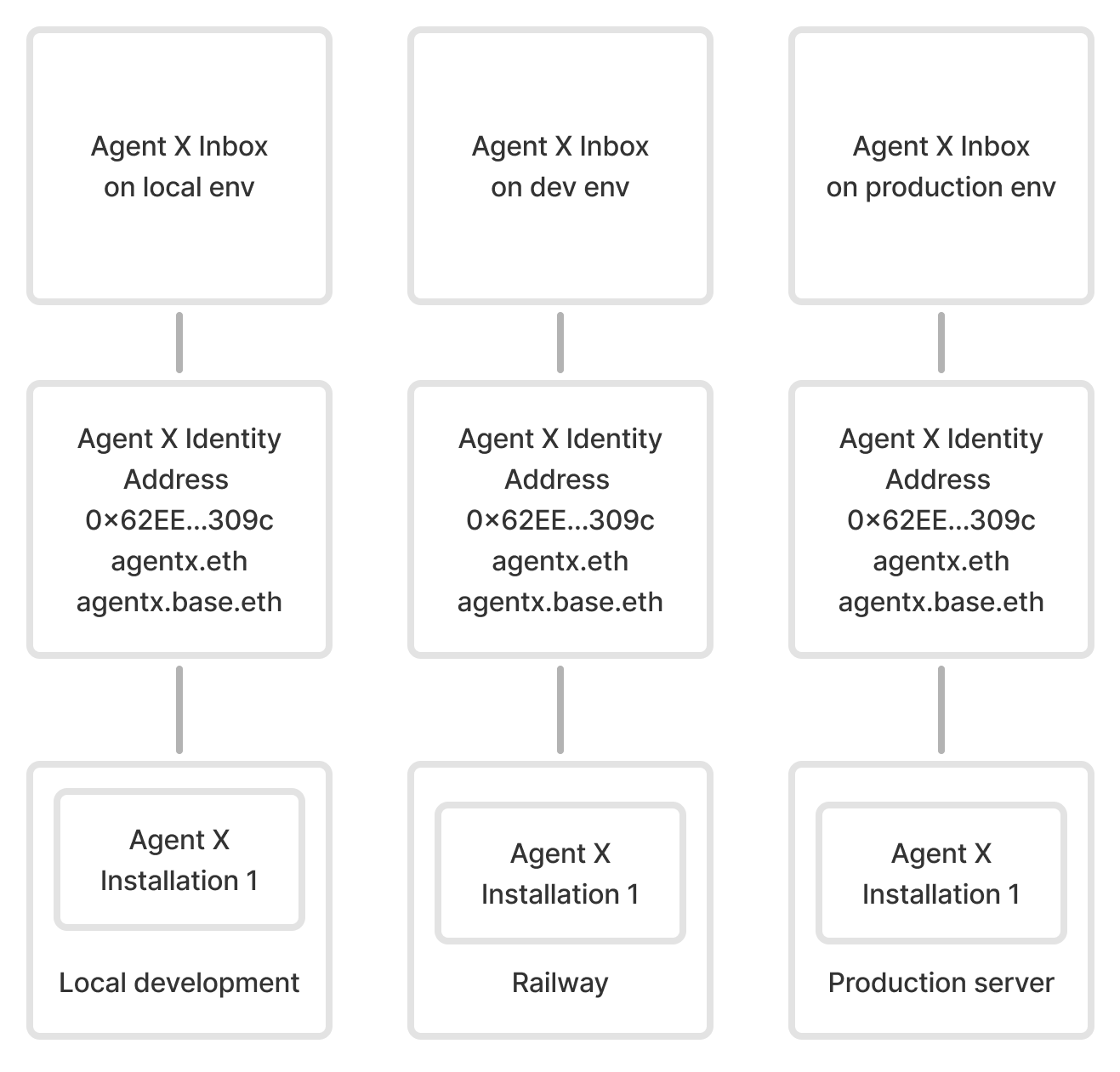 If you deploy your agent to this same network environment, you have 1 inbox with 3 installations:
* Local development: `production` network
* Railway: `production` network
* Production server: `production` network
If you deploy your agent to this same network environment, you have 1 inbox with 3 installations:
* Local development: `production` network
* Railway: `production` network
* Production server: `production` network
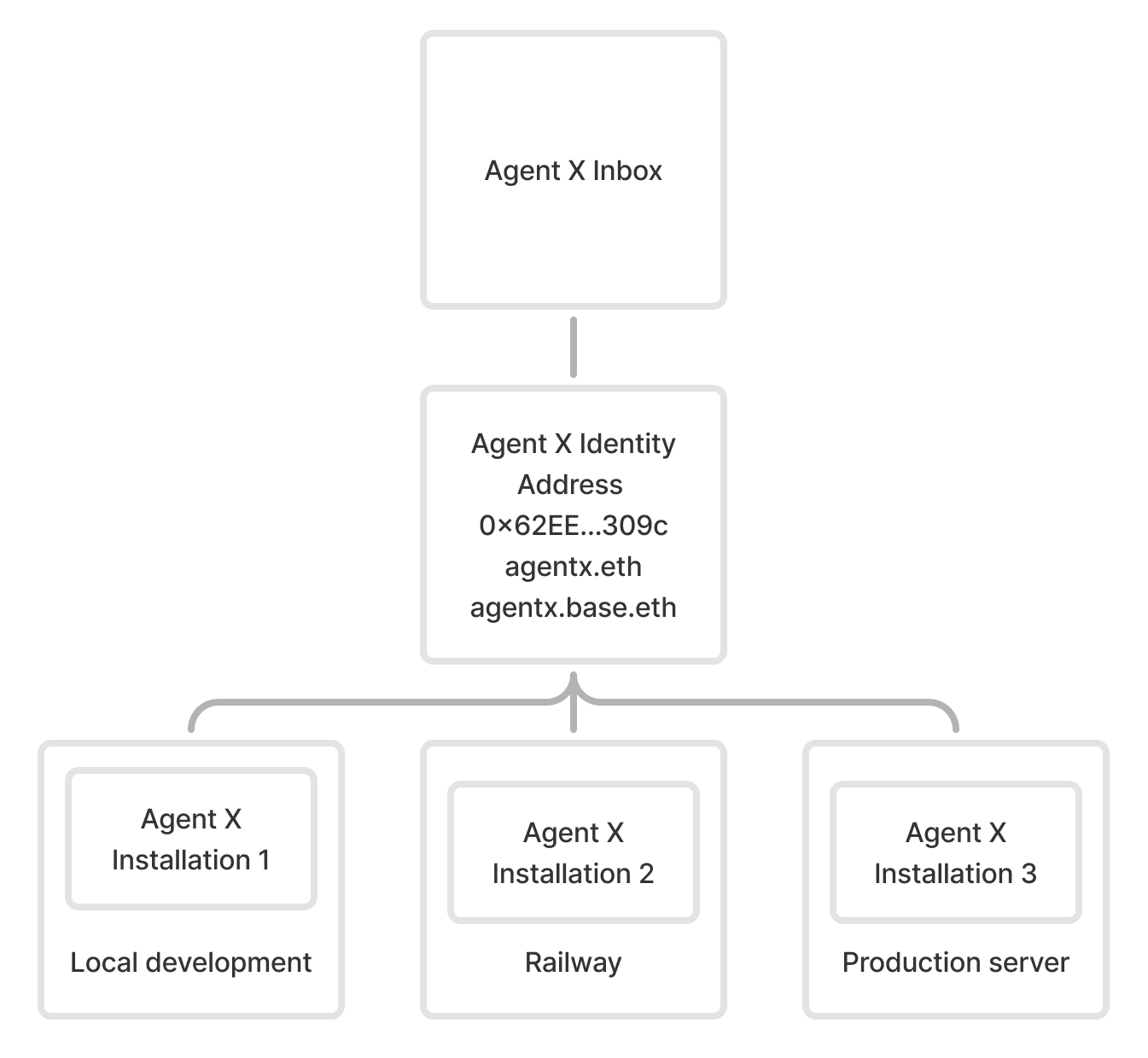 ### Revoke agent installations
When you revoke an agent installation, it can no longer send or receive messages. However, you can still access the local database. Your agent can still run from any active installations on other deployment platforms.
:::danger[Important]
Revoking an installation is permanent. You cannot recover access to a revoked installation.
:::
1. Web tool: [xmtp.chat/inbox-tools](https://xmtp.chat/inbox-tools)
2. CLI script: [revokeInstallations.ts](https://github.com/xmtplabs/xmtp-agent-examples/blob/eb1dc17e99570b77de906ba0d58094586a4af844/scripts/revokeInstallations.ts) in the xmtp-agent-examples repo
```bash
yarn revoke
### Revoke agent installations
When you revoke an agent installation, it can no longer send or receive messages. However, you can still access the local database. Your agent can still run from any active installations on other deployment platforms.
:::danger[Important]
Revoking an installation is permanent. You cannot recover access to a revoked installation.
:::
1. Web tool: [xmtp.chat/inbox-tools](https://xmtp.chat/inbox-tools)
2. CLI script: [revokeInstallations.ts](https://github.com/xmtplabs/xmtp-agent-examples/blob/eb1dc17e99570b77de906ba0d58094586a4af844/scripts/revokeInstallations.ts) in the xmtp-agent-examples repo
```bash
yarn revoke
```
## Stream conversations and messages
### Stream messages
With the agent-sdk, you can listen for different types of messages using event handlers. The agent automatically handles streaming and provides simple event-based APIs.
```js [Node]
// Listen for text messages
agent.on('text', async (ctx) => {
console.log(`New text message: ${ctx.message.content}`);
await ctx.sendText('Got your message!');
});
// Listen for reactions
agent.on('reaction', async (ctx) => {
console.log(`New reaction: ${ctx.message.content}`);
});
// Listen for replies
agent.on('reply', async (ctx) => {
console.log(`New reply: ${ctx.message.content}`);
});
```
### Stream all messages
```js [Node]
import { filter } from '@xmtp/agent-sdk';
const agent = await Agent.createFromEnv();
agent.on('message', async (ctx) => {
// Filter for specific message types
if (filter.isText(ctx.message)) {
await ctx.sendText(`Echo: ${ctx.message.content}`);
}
});
// Listen for unknown messages
agent.on('unknownMessage', (ctx) => {
// handle the unknown message
});
```
:::warning
The `message` event fires for every incoming message, regardless of type. When using the "message" event, always filter message types to prevent infinite loops. Without proper filtering, your agent might respond to its own messages or react to system messages like read receipts.
:::
### Stream conversations
You can listen to new conversations using the `dm` and `group` events.
```js [Node]
// Listen to new conversations
agent.on('dm', async (ctx) => {
// received when you create a new dm
console.log('New dm created:', ctx.conversation.id);
});
agent.on('group', async (ctx) => {
// received when you create a new group
console.log('Added to group:', ctx.conversation.id);
});
```
### Handle errors and failures
The agent-sdk automatically handles connection failures and reconnections. You can listen for errors using the error handler:
```js [Node]
// Handle uncaught errors
agent.on('unhandledError', (error) => {
console.error(`Agent error: ${error}`);
// Handle the error appropriately
});
```
##### Option 2: Automatic join via silent push notification to all group members
##### Option 3: Manual join via push notification to the link creator
### Create a group invite link
You can provide a UI that enables a group member with permission to add members to create an invite link.
Create the group invite by making a `POST` to a `/groupInvite` endpoint with any metadata your app wants to show on an invite landing page that will be displayed when an invitee clicks the invite link.
#### `POST /groupInvite`
##### Example request
```json
{
"groupName": "XMTP Builders",
"groupImage": "https://..."
// Inviter can be inferred from the request auth token.
// Backend doesn't need the actual group ID, since the client can keep track in their DB
}
```
##### Example response
The backend returns a new invite link with a unique URL.
Save the `linkUrl` to the client's local database (alongside the XMTP `group_id`) so the link can be surfaced in the UI for copy/paste later and used in push notification handlers.
```json
{
"id": "abcdefg",
"linkUrl": "https://converse.xyz/invite/abcdefg"
}
```
### Generate an invite landing page
When a user clicks the invite link, the link can display a group invite landing page at `app.xyz`, for example.
To get the information to generate the invite landing page, you can make a `GET` to a `/groupInvite/:id` endpoint.
For example, the invite landing page can display the group name, the invite link creator's profile, any other group metadata the app wants to show, and a Join button.
When a user clicks the Join button on the invite landing page:
* If the user doesn't have the app installed, the link can take them to an app store where they can be prompted to install the app. Once installed, the user can be returned to the invite landing page, where they can click Join again.
* If the user does have the app installed, the link can open the app. The app can display the conversation list view with the new group grayed out to indicate a pending status.
#### `GET /groupInvite/:id`
##### Example request
```html
GET /groupInvite/abcdefg
```
##### Example response
```json
{
id: "abcdefg",
linkUrl: "https://app.xyz/invite/abcdefg",
groupName: "XMTP Builders",
groupImage: "https://...",
createdBy:
```ts
import { encryptAttachment } from '@xmtp/node-sdk';
// create an attachment object
const attachment = {
filename: 'test.txt',
mimeType: 'text/plain',
content: new Uint8Array([1, 2, 3]),
};
// encrypt the attachment
const encryptedAttachment = encryptAttachment(attachment);
// encryptedAttachment.payload is the encrypted bytes
```
Upload an encrypted attachment to a location where it will be accessible via an HTTPS GET request. This location will depend on which storage provider you use based on your needs.
Now that you have a `url`, you can create a `RemoteAttachment`:
```ts // create remote attachment object const remoteAttachment = { contentDigest: encryptedAttachment.digest, contentLength: encryptedAttachment.contentLength, filename: encryptedAttachment.filename, nonce: encryptedAttachment.nonce, salt: encryptedAttachment.salt, scheme: 'https://', secret: encryptedAttachment.secret, url: url, }; // send the remote attachment await conversation.sendRemoteAttachment(remoteAttachment); ```
Load the file. This example uses a web browser to load the file:
```ts
import { encryptAttachment } from '@xmtp/browser-sdk';
// image is the uploaded event.target.files[0];
const data = await new Promise((resolve, reject) => {
const reader = new FileReader();
reader.onload = () => {
if (reader.result instanceof ArrayBuffer) {
resolve(reader.result);
} else {
reject(new Error('Not an ArrayBuffer'));
}
};
reader.readAsArrayBuffer(image);
});
// create an attachment object
const attachment = {
filename: image?.name,
mimeType: image?.type,
data: new Uint8Array(data),
};
// encrypt the attachment
const encryptedAttachment = await encryptAttachment(attachment);
// encryptedAttachment.payload is the encrypted bytes
// if necessary, convert the encrypted attachment to a File before uploading
const encryptedBlob = new Blob(
[encryptedAttachment.payload as Uint8Array],
{
type: 'application/octet-stream',
}
);
const encryptedFile = new File([encryptedBlob], encryptedAttachment.filename, {
type: 'application/octet-stream',
});
```
Upload an encrypted attachment to a location where it will be accessible via an HTTPS GET request. This location will depend on which storage provider you use based on your needs.
Now that you have a `url`, you can create a `RemoteAttachment`:
```ts // create remote attachment object const remoteAttachment = { contentDigest: encryptedAttachment.digest, contentLength: encryptedAttachment.contentLength, filename: encryptedAttachment.filename, nonce: encryptedAttachment.nonce, salt: encryptedAttachment.salt, scheme: 'https://', secret: encryptedAttachment.secret, url: url, }; // send the remote attachment await conversation.sendRemoteAttachment(remoteAttachment); ```
This method takes a `DecryptedLocalAttachment` object as an argument:
```tsx
const { encryptedLocalFileUri, metadata } = await alice.encryptAttachment({
fileUri: `file://${file}`,
mimeType: 'text/plain',
});
```
Upload an encrypted file to a remote server:
```tsx
let url = await uploadFile(encryptedLocalFileUri);
```
Send a remote attachment message:
```tsx
await convo.send({
remoteAttachment: {
...metadata,
scheme: 'https://',
url,
},
});
```
Create an attachment object:
```kotlin [Kotlin]
val attachment = Attachment(
filename = "test.txt",
mimeType = "text/plain",
data = "hello world".toByteStringUtf8(),
)
```
Encode and encrypt an attachment for transport:
```kotlin [Kotlin]
val encodedEncryptedContent = RemoteAttachment.encodeEncrypted(
content = attachment,
codec = AttachmentCodec(),
)
```
Create a remote attachment from an attachment:
```kotlin [Kotlin]
val remoteAttachment = RemoteAttachment.from(
encryptedEncodedContent = encodedEncryptedContent
)
remoteAttachment.contentLength = attachment.data.size()
remoteAttachment.filename = attachment.filename
```
Send a remote attachment and set the `contentType`:
```kotlin [Kotlin]
val newConversation = client.conversations.newConversation(inboxId)
newConversation.send(
content = remoteAttachment,
options = SendOptions(contentType = ContentTypeRemoteAttachment),
)
```
Create an attachment object:
```swift [Swift]
let attachment = Attachment(
filename: "screenshot.png",
mimeType: "image/png",
data: Data(somePNGData)
)
```
Encode and encrypt an attachment for transport:
```swift [Swift]
// Encode an attachment and encrypt the encoded content
const encryptedAttachment = try RemoteAttachment.encodeEncrypted(
content: attachment,
codec: AttachmentCodec()
)
```
Upload an encrypted attachment anywhere where it will be accessible via an HTTPS GET request. For example, you can use web3.storage:
```swift [Swift]
func upload(data: Data, token: String): String {
let url = URL(string: "https://api.web3.storage/upload")!
var request = URLRequest(url: url)
request.addValue("Bearer \(token)", forHTTPHeaderField: "Authorization")
request.addValue("XMTP", forHTTPHeaderField: "X-NAME")
request.httpMethod = "POST"
let responseData = try await URLSession.shared.upload(for: request, from: data).0
let response = try JSONDecoder().decode(Web3Storage.Response.self, from: responseData)
return "https://\(response.cid).ipfs.w3s.link"
}
let url = upload(data: encryptedAttachment.payload, token: YOUR_WEB3_STORAGE_TOKEN)
```
Create a remote attachment from an attachment:
```swift [Swift]
let remoteAttachment = try RemoteAttachment(
url: url,
encryptedEncodedContent: encryptedEncodedContent
)
```
Send a remote attachment and set the `contentType`:
```swift [Swift]
try await conversation.send(
content: remoteAttachment,
options: .init(
contentType: ContentTypeRemoteAttachment,
fallback: "a description of the image"
)
)
```
:::
#### Receive, decode, and decrypt a remote attachment
Now that you can send a remote attachment, you need a way to receive it. For example:
:::code-group
```ts [Node]
import { contentTypesAreEqual } from '@xmtp/content-type-primitives';
import { decryptAttachment, contentTypeRemoteAttachment } from '@xmtp/node-sdk';
if (contentTypesAreEqual(message.contentType, contentTypeRemoteAttachment())) {
const response = await fetch(message.content.url);
if (response.ok) {
const encryptedData = await response.arrayBuffer();
const attachment = decryptAttachment(encryptedData, message.content);
const filename = attachment.filename; // => "screenshot.png"
const mimeType = attachment.mimeType; // => "image/png",
const data = attachment.data; // => the image data
}
}
```
```ts
import { contentTypesAreEqual } from '@xmtp/content-type-primitives';
import {
decryptAttachment,
contentTypeRemoteAttachment,
} from '@xmtp/browser-sdk';
if (
contentTypesAreEqual(message.contentType, await contentTypeRemoteAttachment())
) {
const response = await fetch(message.content.url);
if (response.ok) {
const encryptedData = await response.arrayBuffer();
const attachment = await decryptAttachment(encryptedData, message.content);
const filename = attachment.filename; // => "screenshot.png"
const mimeType = attachment.mimeType; // => "image/png",
const data = attachment.data; // => the image data
}
}
```
Now, you can show it in the message feed:
```tsx
const objectURL = URL.createObjectURL(
new Blob([Buffer.from(attachment.data)], {
type: attachment.mimeType,
})
);
const img = document.createElement('img');
img.src = objectURL;
img.title = attachment.filename;
```
On the receiving end, you can use the `decryptAttachment` method to decrypt the downloaded file. This method takes an `EncryptedLocalAttachment` object as an argument and returns a `DecryptedLocalAttachment` object.
```tsx
if (message.contentTypeId === 'xmtp.org/remoteStaticAttachment:1.0') {
// Now we can decrypt the downloaded file using the message metadata.
const attached = await xmtp_client.decryptAttachment({
encryptedLocalFileUri: downloadedFileUri,
metadata: message.content() as RemoteAttachmentContent,
});
//attached.filename
//attached.mimeType
//attached.fileUri
}
```
Display the attachment:
```tsx
```kotlin [Kotlin]
val message = newConversation.messages().first()
val loadedRemoteAttachment: RemoteAttachment = messages.content()
loadedRemoteAttachment.fetcher = Fetcher()
runBlocking {
val attachment: Attachment = loadedRemoteAttachment.load()
}
```
```swift [Swift]
let attachment: Attachment = try await remoteAttachment.content()
```
You now have the original attachment:
```swift [Swift]
attachment.filename // => "screenshot.png"
attachment.mimeType // => "image/png",
attachment.data // => [the PNG data]
```
Once you've created the attachment object, you can create a preview to show in the message input field before sending:
```swift [Swift]
import UIKIt
import SwiftUI
struct ContentView: View {
var body: some View {
Image(uiImage: UIImage(data: attachment.data))
}
}
```
:::
To handle unsupported content types, refer to the [fallback](/chat-apps/content-types/fallback) section.
### Support multiple remote attachments of any size
Multiple remote attachments of any size can be sent in a single message using the `MultiRemoteAttachmentCodec` and a storage provider.
#### Register necessary codecs
**Note:** For Browser SDK (v6.0.0+) and Node SDK (v5.0.0+), multi remote attachments are built-in and do not require codec registration.
For other SDKs, register the codecs:
:::code-group
```tsx [React Native]
export const registerCodecs = () => {
Client.register(new AttachmentCodec());
Client.register(new RemoteAttachmentCodec());
Client.register(new MultiRemoteAttachmentCodec());
};
```
```kotlin [Kotlin]
Client.register(codec = AttachmentCodec())
Client.register(codec = RemoteAttachmentCodec())
Client.register(codec = MultiRemoteAttachmentCodec())
```
```swift [Swift]
Client.register(codec: AttachmentCodec())
Client.register(codec: RemoteAttachmentCodec())
Client.register(codec: MultiRemoteAttachmentCodec())
```
:::
#### Create multiple attachment objects
Each attachment in the attachments array contains a URL that points to an encrypted `EncodedContent` object. The content must be accessible by an HTTP `GET` request to the URL.
:::code-group
```tsx [Browser]
// Load files (example using browser File API)
const file1 = event.target.files[0]; // first file from input
const file2 = event.target.files[1]; // second file from input
const attachment1 = {
filename: file1.name,
mimeType: file1.type,
data: new Uint8Array(await file1.arrayBuffer()),
};
const attachment2 = {
filename: file2.name,
mimeType: file2.type,
data: new Uint8Array(await file2.arrayBuffer()),
};
```
```tsx [Node]
import { readFileSync } from 'fs';
const attachment1 = {
filename: 'image-1.png',
mimeType: 'image/png',
data: new Uint8Array(readFileSync('path/to/image-1.png')),
};
const attachment2 = {
filename: 'image-2.png',
mimeType: 'image/png',
data: new Uint8Array(readFileSync('path/to/image-2.png')),
};
```
```ts [React Native]
const attachment1: DecryptedLocalAttachment = {
fileUri: 'content://media/external/images/media/image-1.png',
mimeType: 'image/png',
filename: 'image-1.png',
};
const attachment2: DecryptedLocalAttachment = {
fileUri: 'content://media/external/images/media/image-2.png',
mimeType: 'image/png',
filename: 'image-2.png',
};
```
```kotlin [Kotlin]
val attachment1 = Attachment(
filename = "test1.txt",
mimeType = "text/plain",
data = "hello world".toByteStringUtf8(),
)
val attachment2 = Attachment(
filename = "test2.txt",
mimeType = "text/plain",
data = "hello world".toByteStringUtf8(),
)
```
```swift [Swift]
let attachment1 = Attachment(
filename: "test1.txt",
mimeType: "text/plain",
data: Data("hello world".utf8)
)
let attachment2 = Attachment(
filename: "test2.txt",
mimeType: "text/plain",
data: Data("hello world".utf8)
)
```
:::
#### Encrypt and upload multiple attachments to a remote server
:::code-group
```ts [Browser]
import {
encryptAttachment,
type RemoteAttachment,
} from '@xmtp/browser-sdk';
const remoteAttachments: RemoteAttachment[] = [];
for (const attachment of [attachment1, attachment2]) {
// Encrypt the attachment
const encryptedAttachment = await encryptAttachment(attachment);
// Upload encrypted payload to your storage provider
// (Integrator must supply upload functionality!)
const url = await uploadToStorage(encryptedAttachment.payload);
// Build the remote attachment info
remoteAttachments.push({
contentDigest: encryptedAttachment.digest,
contentLength: encryptedAttachment.contentLength,
filename: encryptedAttachment.filename,
nonce: encryptedAttachment.nonce,
salt: encryptedAttachment.salt,
scheme: 'https',
secret: encryptedAttachment.secret,
url,
});
}
```
```ts [Node]
import { encryptAttachment, type RemoteAttachment } from '@xmtp/node-sdk';
const remoteAttachments: RemoteAttachment[] = [];
for (const attachment of [attachment1, attachment2]) {
// Encrypt the attachment
const encryptedAttachment = encryptAttachment(attachment);
// Upload encrypted payload to your storage provider
// (Integrator must supply upload functionality!)
const url = await uploadToStorage(encryptedAttachment.payload);
// Build the remote attachment info
remoteAttachments.push({
contentDigest: encryptedAttachment.digest,
contentLength: encryptedAttachment.contentLength,
filename: encryptedAttachment.filename,
nonce: encryptedAttachment.nonce,
salt: encryptedAttachment.salt,
scheme: 'https',
secret: encryptedAttachment.secret,
url,
});
}
```
```ts [React Native]
const remoteAttachments: RemoteAttachmentInfo[] = [];
for (const attachment of [attachment1, attachment2]) {
// Encrypt the attachment and receive the local URI of the encrypted file
const { encryptedLocalFileUri, metadata } =
await alix.encryptAttachment(attachment);
// Upload the attachment to a remote server and receive the URL
// (Integrator must supply upload from local uri and return url functionality!)
const url = uploadAttachmentForUrl(encryptedLocalFileUri);
// Build the remote attachment info
const remoteAttachmentInfo =
MultiRemoteAttachmentCodec.buildMultiRemoteAttachmentInfo(url, metadata);
remoteAttachments.push(remoteAttachmentInfo);
}
```
```kotlin [Kotlin]
val attachmentCodec = AttachmentCodec()
val remoteAttachmentInfos: MutableList